
Can't Restore Down or Maximize | Community
Skip to main content
New Member
June 3, 2026
Question

Can't Restore Down or Maximize

  • June 3, 2026
  • 1 reply
  • 11 views

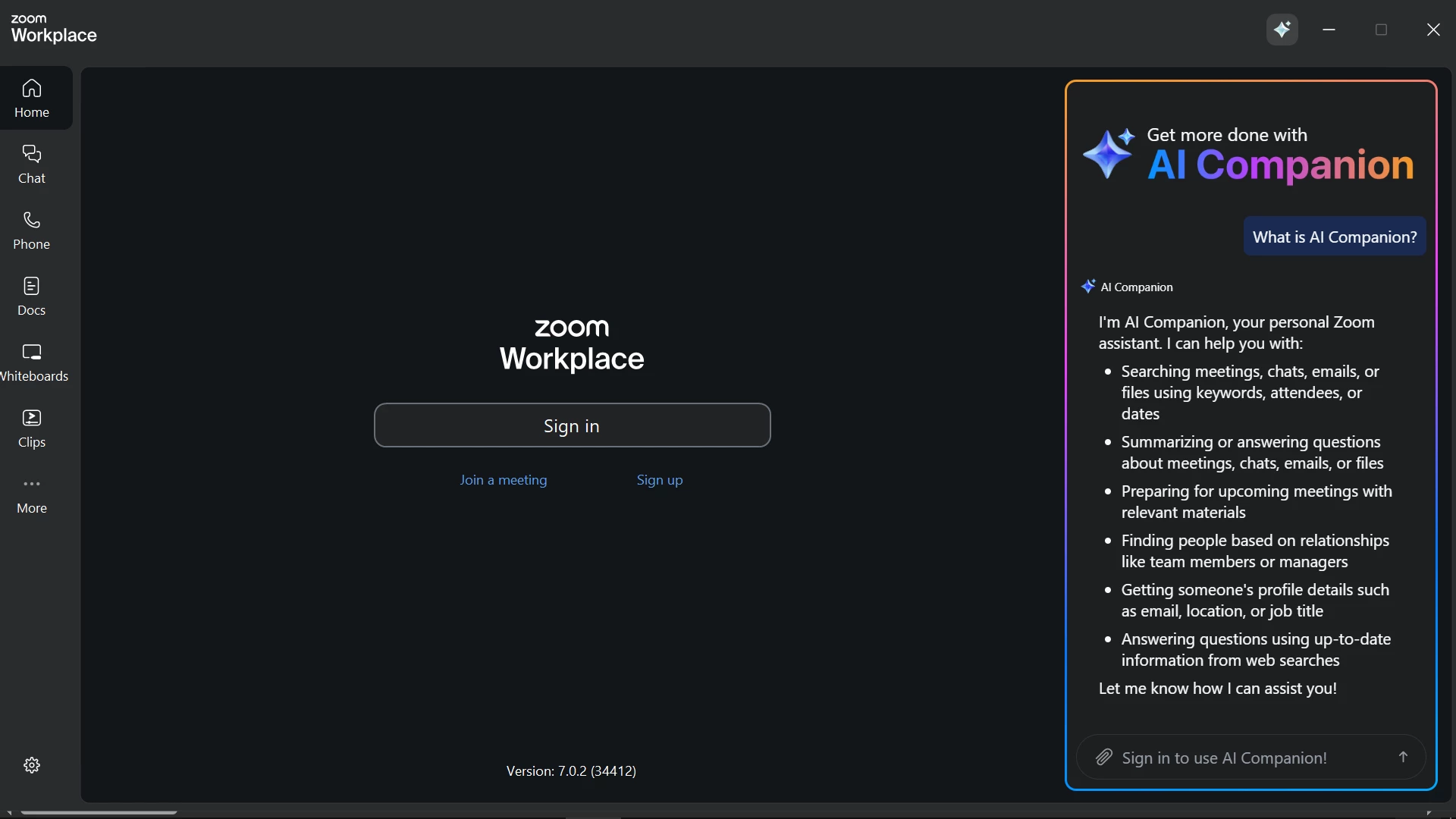
Can’t restore down or maximize zoom workplace home window. I can't adjust it the way I want. In fact, it's bigger than my desktop.

 

1 reply

TrishGallardo
Employee
Employee
June 3, 2026

Hi lahiru00,

Thank you for reaching out, and I’m sorry you’re having trouble resizing the Zoom Workplace window. Let’s try a few quick steps that usually resolve this:

  1. Check for updates
    Please make sure your Zoom Workplace desktop app is up to date. Outdated versions can sometimes cause window display issues. You can update directly from the Zoom Workplace menu under Check for Updates.

  2. Use keyboard shortcuts to resize

    • Click the Zoom Workplace window to make sure it’s active.
    • Press Alt + Spacebar, then choose Size (press the S key).
    • Use the arrow keys to resize the window manually, and press Enter when done.
    • You can also press Windows key + Down Arrow to restore a maximized window to a smaller size.
  3. Check your display settings
    If the window still appears larger than your screen, please check your Windows display scaling and resolution settings. Setting scaling to 100% or 125% often helps.

  4. Restart Zoom Workplace
    Close and reopen the app after making these changes. If the window remains oversized, try dragging the window borders to resize it manually before closing—Zoom should remember the new size next time.

  5. If the issue persists
    Please submit a problem report through Zoom Support and include a screenshot, your operating system version, and the Zoom Workplace version number. This will help our team investigate further.

Please let me know if these steps help.