

Can't get the required update to work from a meeting request | Community
Skip to main content
New Member
July 21, 2026
Question

Can't get the required update to work from a meeting request
  • July 21, 2026
  • 2 replies
  • 55 views

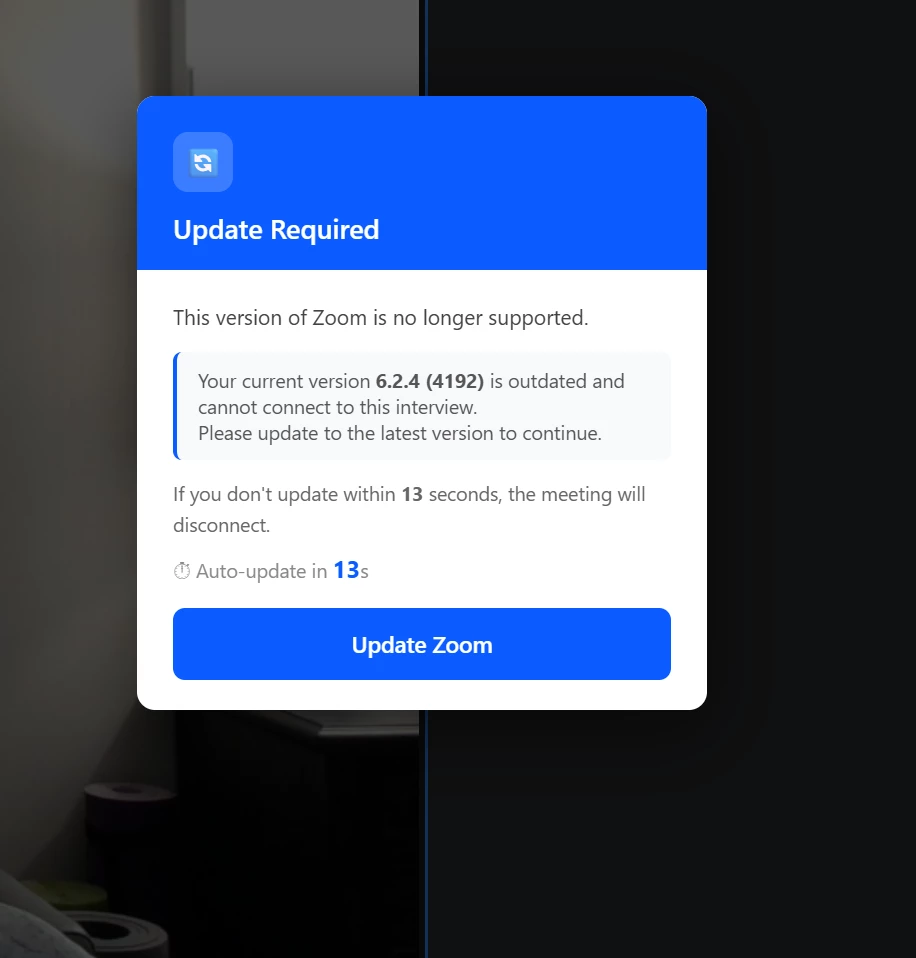
I have received this message from two different company recruiters when entering the zoom meeting. I have downloaded and updated the zoom, but still can’t get the zoom meeting connected without this popup?

    2 replies

    MGSR
    Community Manager
    Community Manager
    July 24, 2026

    Hello ​@Ray B,


    That message means the Zoom app installed on your device is too old for Zoom to allow it to connect. The fix is a clean reinstall:

    1. Uninstall Zoom
    1. Install the latest Zoom Workplace app

    After reinstalling, restart your device and try the meeting link again.

    jdott16
    Community Champion | Employee
    Community Champion | Employee
    August 6, 2026

    Hello ​@Ray B 

    In addition to what ​@MGSR noted, it would be beneficial to run a clean zoom if you have a windows device and uninstall zoom completely following the advice in the articles posted above.

    Thank you,

    Jake