Camera not working
Hi! My camera is not working. It was working just fine on this computer for the past 18 months but a few weeks ago it decided it didn't want to work anymore.
When I am in a zoom call, it refuses to let me turn on my camera on my laptop but it works just fine on my phone. My laptop camera is fine, I tried using the camera app and it works just fine.
Here are the things I have tried to do:
-updating my camera driver
-updating zoom
-uninstalling and reinstalling zoom
-allowed zoom in my computer privacy settings
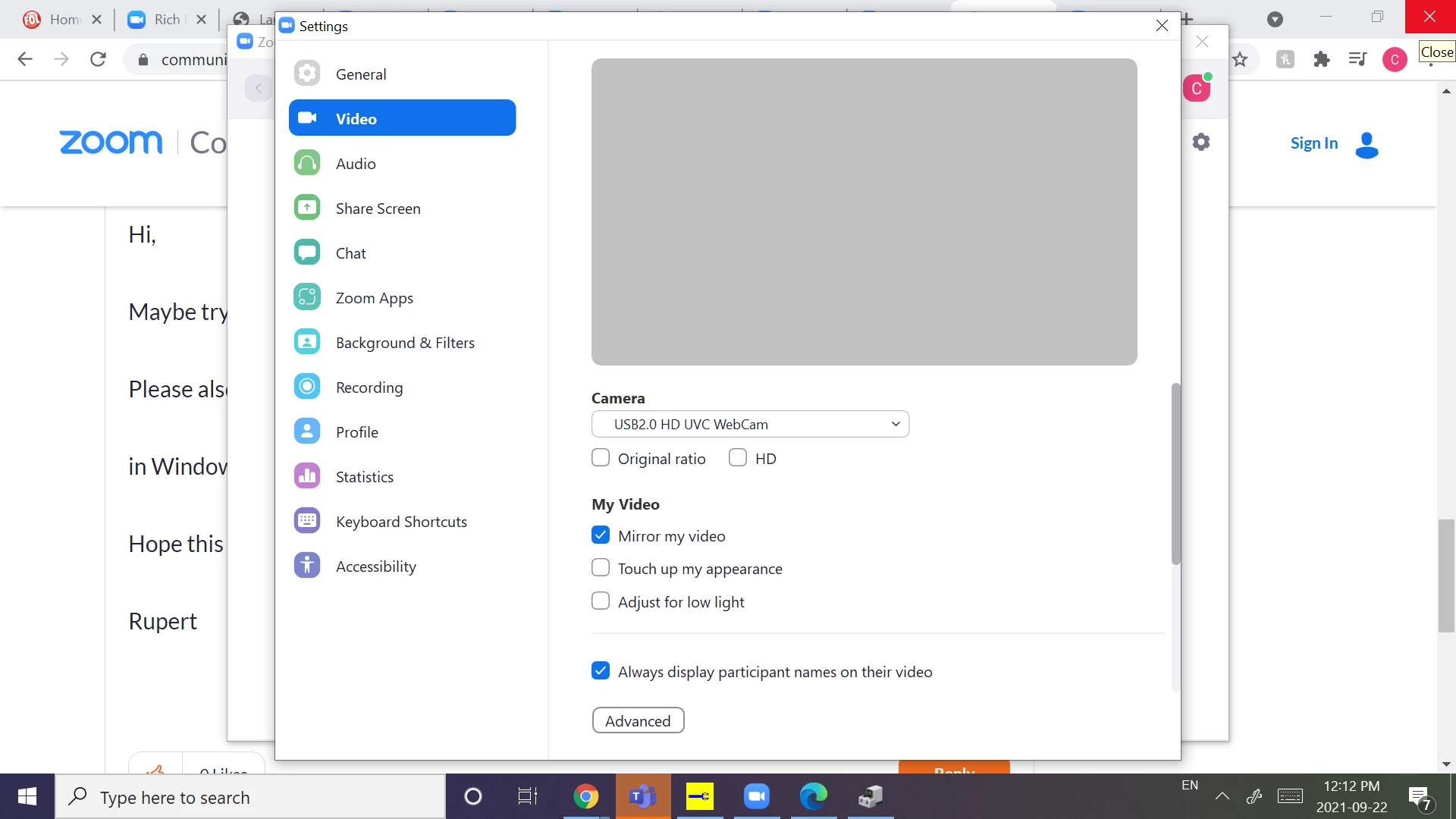
-turned every setting on and off again in the zoom camera settings
-restarting my laptop
-updating my laptop
-even contacted the chatbot help thing and nothing they suggested helped.
None of it worked, and I'm out of ideas on what to do. Could someone please help me?
Here is what it looks like to me: