Question
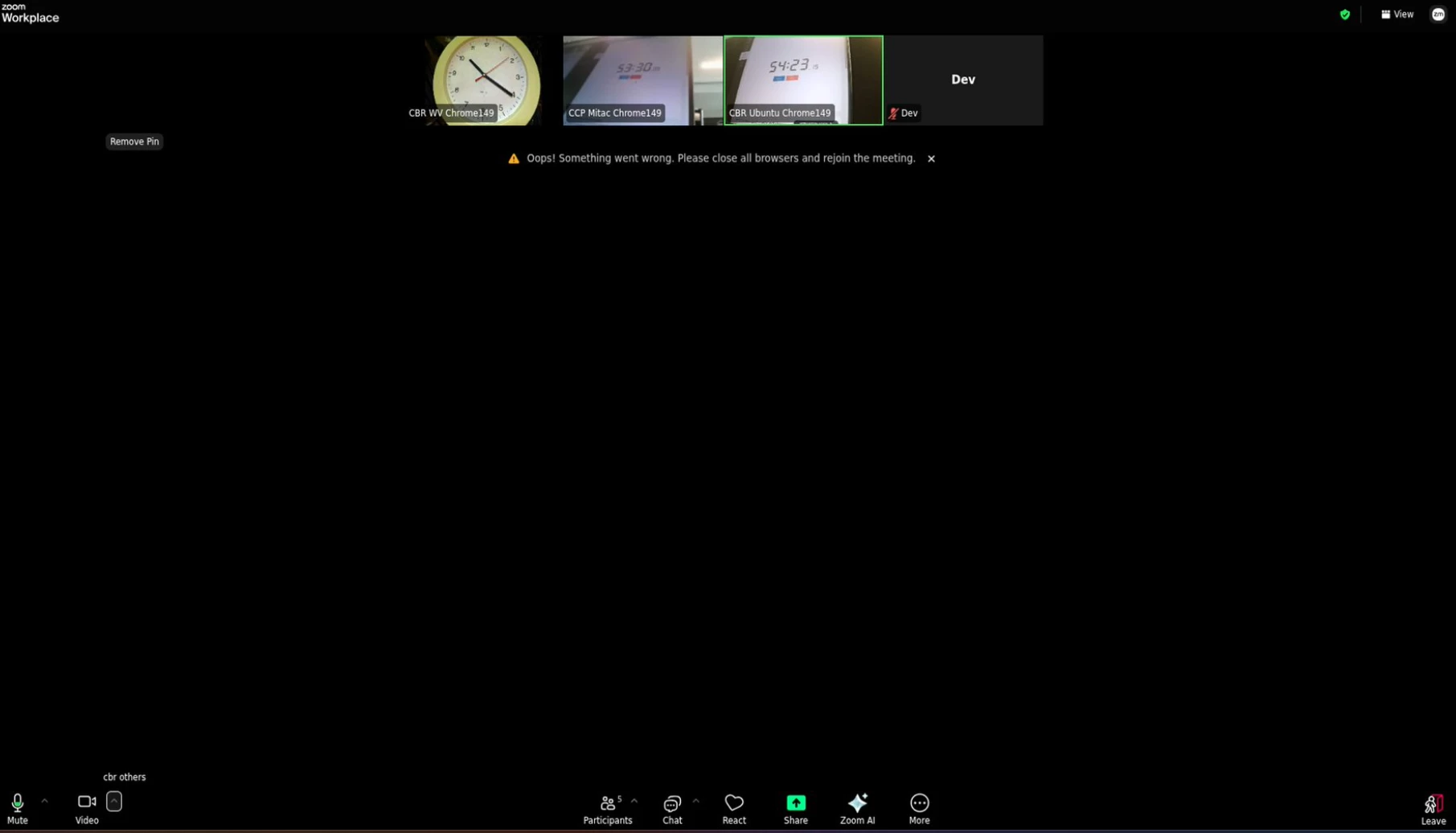
Camera goes black in Zoom web client
In the Zoom web client the own camera image goes black after some time and the error message “Oops! Something went wrong. Please close all browsers and rejoin the meeting.” is displayed. In this state the CPU usage increases significantly. A refresh of the page helps to recover from this state. We are only observing this issue since a couple of weeks.
System information:
Zoom Workplace Web Client: 7.0.10(12183.qggp1m9)
Operating System: Ubuntu 24.04.4 LTS
Browser: Chrome/149.0.7827.200
Camera: Standard USB webcam