Solved
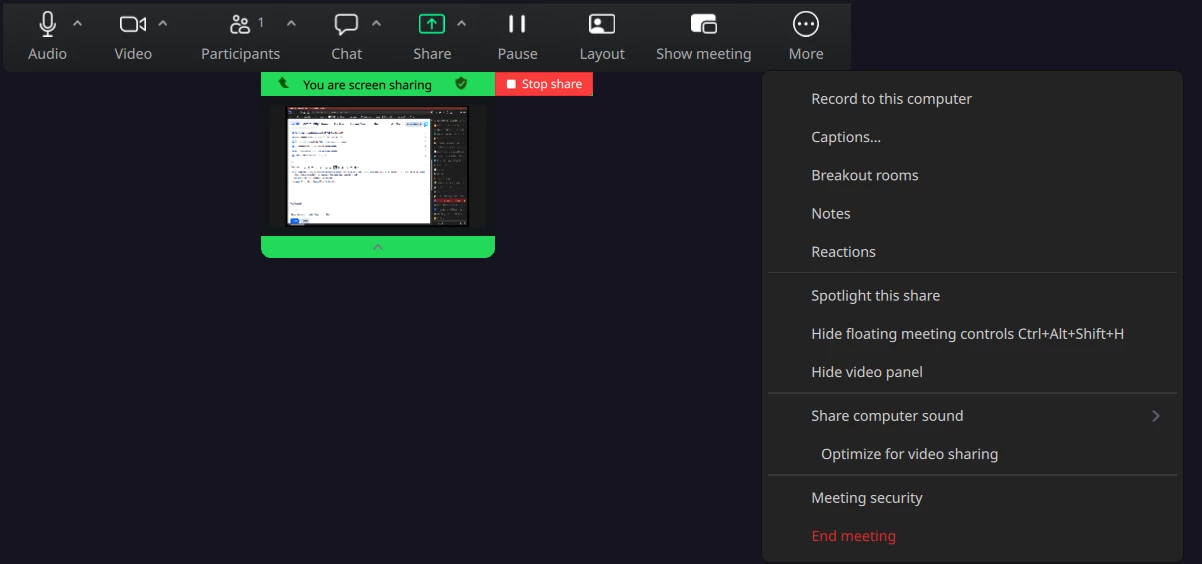
Annotation tools not available sharing a window (not screen) on Gnome 50/Wayland 1.24
When I share an application window there is normally an annotation icon in the bottom left corner of the shared screen or in the meeting controls. If I share my entire screen annotations are available. However, this is not ideal for my purposes as it takes over the participants screen and impacts their workflow during the meeting.
I have checked my account meeting settings and annotations are enabled. I checked my Zoom app settings and the “include annotation toolbar” is selected.
I’m running Zoom 7.0.5 (3034) on Fedora 44 with Gnome 50 and Wayland 1.24. Same problem with Zoom 7.0.0 (1666) and 6.7.5 (6891) so I suspect this is a Gnome 50 issue.