

Question
Allow on Other Devices message when logging in
We have a Zoom account that is used on several workstations at multiple locations by a user depending on where she is at a given time, and recently she's been getting the message shown below when trying to log in. The user doesn't always have access to other devices. Is there a different way for this user to log in or allow the current device? Maybe a one-time code instead? This doesn't work for our user's needs.
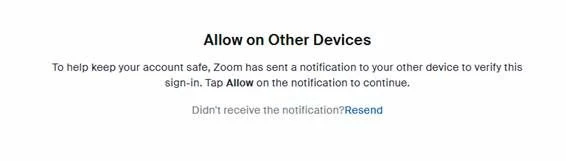
EDIT: This support page says "You will need to either approve the current sign-in attempt on a device you are already signed-in to or request a One Time Password to complete the current login process." Our user is not seeing the one-time password option. How do we enable that?