adding a permanent cohost | Community
Skip to main content
Newcomer
January 10, 2022
Solved

adding a permanent cohost

  • January 10, 2022
  • 4 replies
  • 23 views

How do I add a cohost permanently? I tried entering his email address in the edit area of the particular meeting.  Way at the bottom, under options, it says "alternative hosts"   When I entered the person's email address used on his zoom account, I get a message saying that email address could not be found. 


Verified this is his correct email address. What am I doing wrong?  Thanks.

    Best answer by Dan_ZoomSE

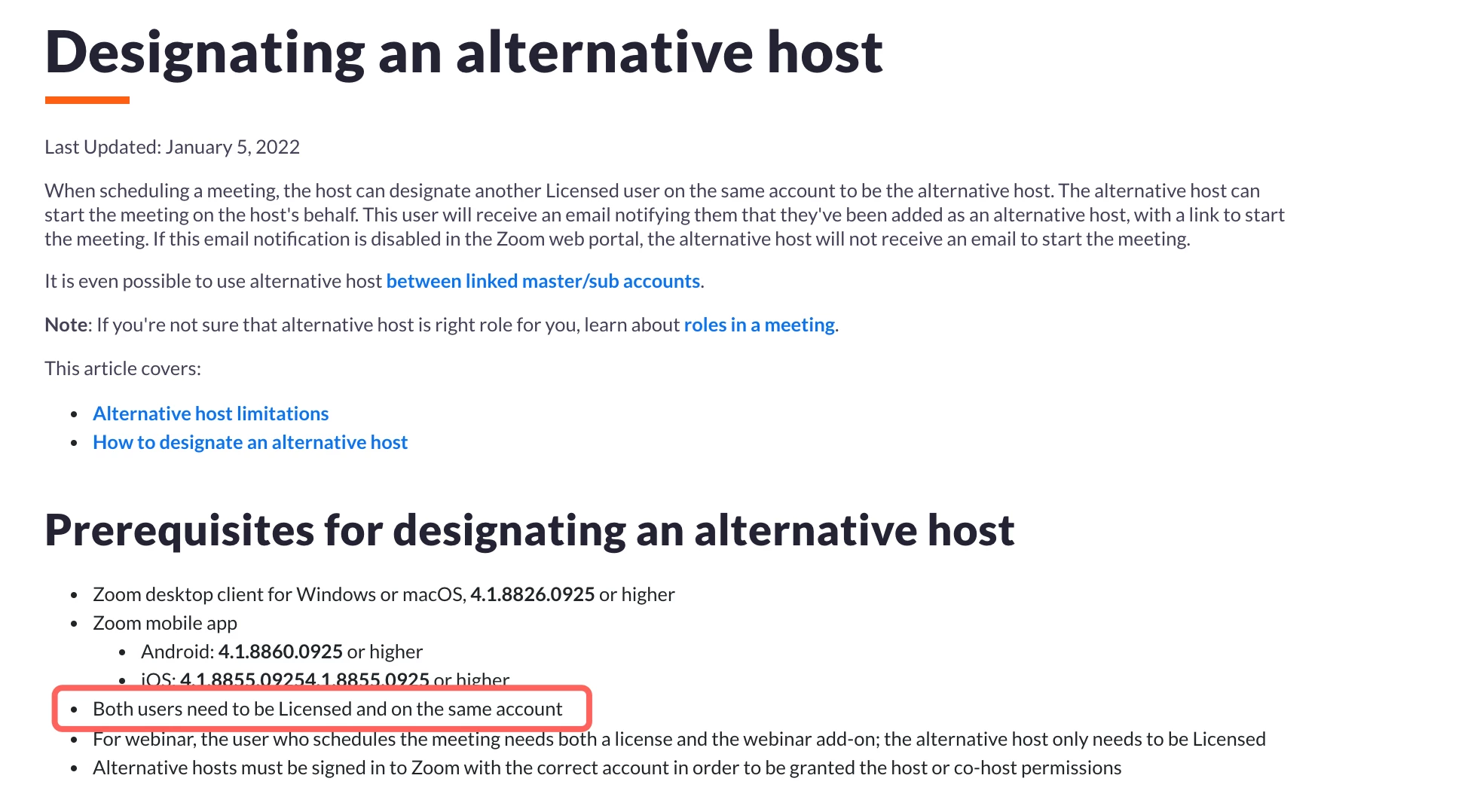
    That is why Alternative Host field does not resolve anything for you.  It is designed for business accounts with multiple users that are part of the same Zoom account.  They you can select one of your colleagues to be an alternate for your meetings.  


    As an individual stand along account you are not able to assign an alternate host role to anyone.


    https://support.zoom.us/hc/en-us/articles/208220166-Designating-an-alternative-host


    If this has answered your question, please click the Accept as Solution button below so that others in the Community may benefit as well.

    Thanks!

    4 replies

    Dan_ZoomSE
    Employee
    Employee
    January 10, 2022

    Hello @EllenDTC,


    You were on the right track, Alternative Host can be used to allow someone to start meetings on your behalf.  But it would not necessarily make them a co-host every time.   Co-Host is a dynamic setting that has to be enabled during each meeting.  However, you may find some benefit from using Alternate Host.


    One key thing to know in regards to Alternate Host is that the user you are trying to add must be a user in the same Zoom organization.  If you are getting a message that the email could not be found that means the user is not part of your Zoom Account.


    If this has answered your question, please click the Accept as Solution button below so that others in the Community may benefit as well.

    Thanks!

    EllenDTCAuthor
    Newcomer
    January 10, 2022

    How do I get him into my zoom "organization"? I didn't even realize I had one!  haha. 

    Thank you for your response. I do appreciate it.  Maybe you could help me understand the zoom organization.  I am just an individual hosting an online fellowship of friends.  Thank you!


    Dan_ZoomSE
    Employee
    Employee
    January 10, 2022

    @EllenDTC,


    Do you have your own single user Zoom account that you pay for or is your Zoom account part of a larger business or enterprise account through your work?


    EllenDTCAuthor
    Newcomer
    January 10, 2022

    Just an individual 

    Dan_ZoomSE
    Employee
    Employee
    January 10, 2022

    That is why Alternative Host field does not resolve anything for you.  It is designed for business accounts with multiple users that are part of the same Zoom account.  They you can select one of your colleagues to be an alternate for your meetings.  


    As an individual stand along account you are not able to assign an alternate host role to anyone.


    https://support.zoom.us/hc/en-us/articles/208220166-Designating-an-alternative-host


    If this has answered your question, please click the Accept as Solution button below so that others in the Community may benefit as well.

    Thanks!

    Newcomer
    June 12, 2024

    If I add more users to my business account (I have Pro with just one user, me) would I be able to make each on of those users an "alternate host" for the same meeting? To be precise, we have a meeting, say 12345, that we use over and over again, but I'm not always in it. But one of five of us always is. So were we to have 5 users, could all five always be an alternate host to meeting 12345, that is always open? Thanks