Hello, @Crescent9796!
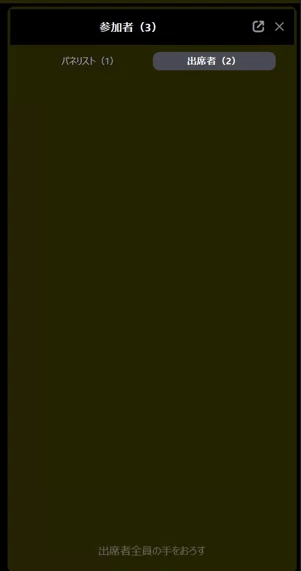
I’m sorry for the late response, In Zoom Webinars, attendee names can be hidden from other attendees, but hosts and panelists should still be able to view the attendee list in the Participants panel. Attendees generally cannot see who else is attending—only hosts and panelists can.
If you’re the host and only see the attendee count instead of attendee names, check the following:
- Open the webinar controls and click Participants.
- Make sure you’re viewing the Attendees tab, since panelists are listed separately.
If you need the attendee list after the webinar, you can access it through Zoom’s webinar reports. Depending on your registration settings and the information collected, you may be able to view or export attendee names and email addresses.
You check out these articles for further information:
Managing webinar attendees and panelists
Hiding the participant count in a webinar
I hope this helps.