Question
Timer display
I may have posted this question in the wrong group before. I am using Zoom ver. 5.14.0.0 on Lenovo ThinkPad running Windows 11 Pro Ver. 21H2. I have tried deleting app and re-installing and also have deleted ZOOM and re-installed.
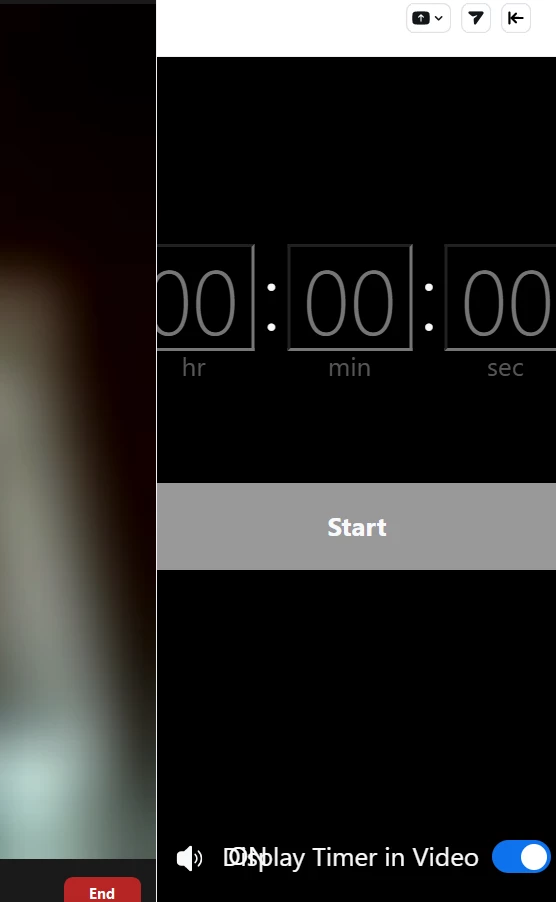
The format of timer app seems to change. I used to have buttons for pausing, resetting etc. Also there was history of time used before and some options (1 min. 3 min. 5 min.). Now display is a digital timer (00:00:00) and a START bar. Possibly this is a known issue being worked on? I wrote support a few days ago but so far no response. This is what I have for display. The timer had been working but now different.