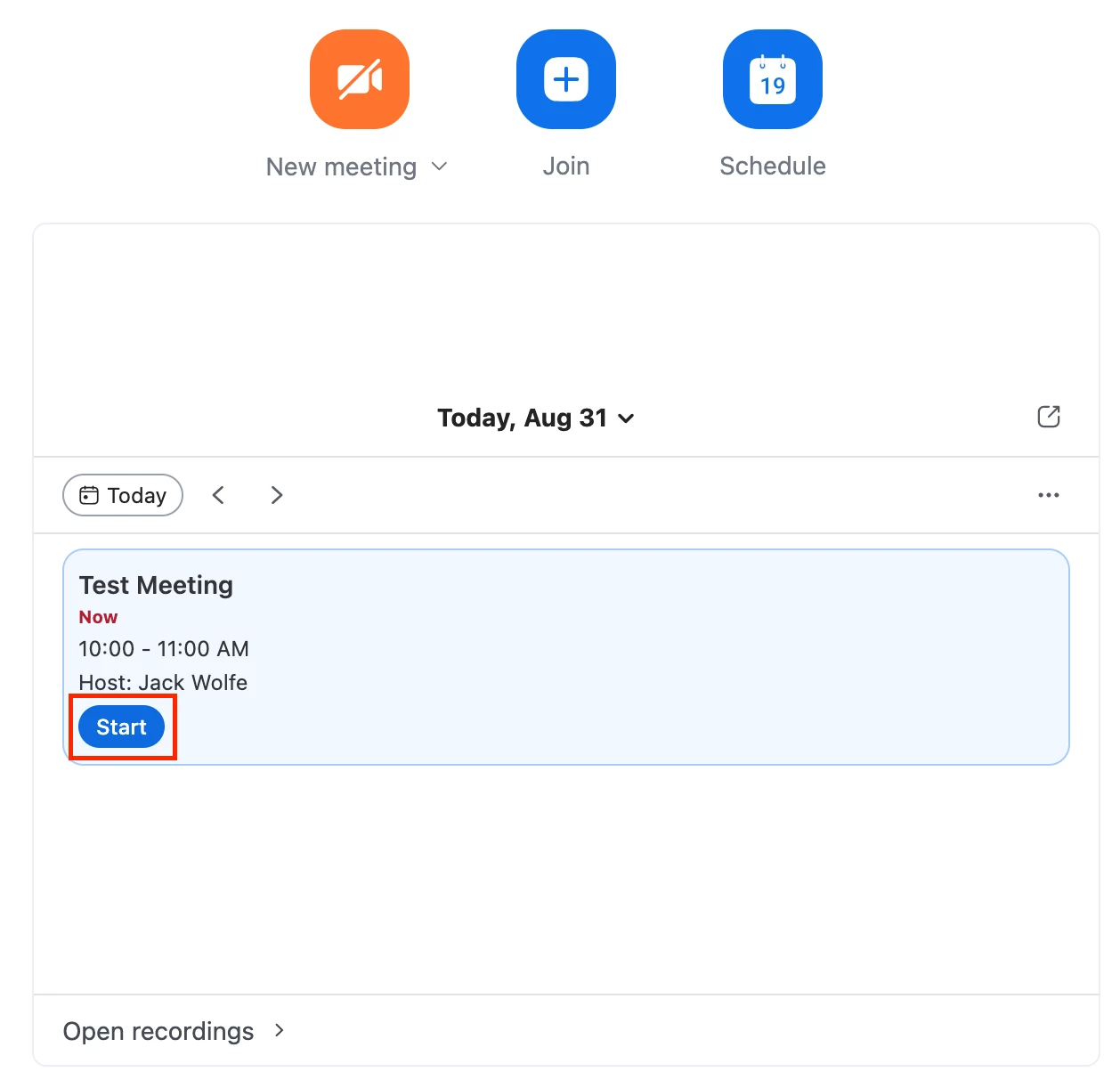
Add ability to launch Zoom Meetings with Desktop App from the New Web Experience Home Page
Our organization just updated to the New Zoom Web Experience. On the Web Home Page, when you click ‘Start’ on a scheduled Meeting on your Calendar, it opens the Meeting only using Zoom on the Web.
The Desktop Workplace App offers a more complete feature set, better user experience and, by Zoom’s own admission, the “best media quality” as compared to the Web version. Inconsistently, using the New Meeting or Join buttons on the Home Page both launch the Desktop App, as well as the Meetings Tab under the Waffle.
My suggestion: Create an Admin Center setting to select the default behavior when launching Meetings from the Home Page Calendar: either the Desktop App, the Web App or to prompt the user to select which one.