Question
Record Your OnZoom Event Locally!
We've heard your requests! And we think you'll enjoy this latest update.
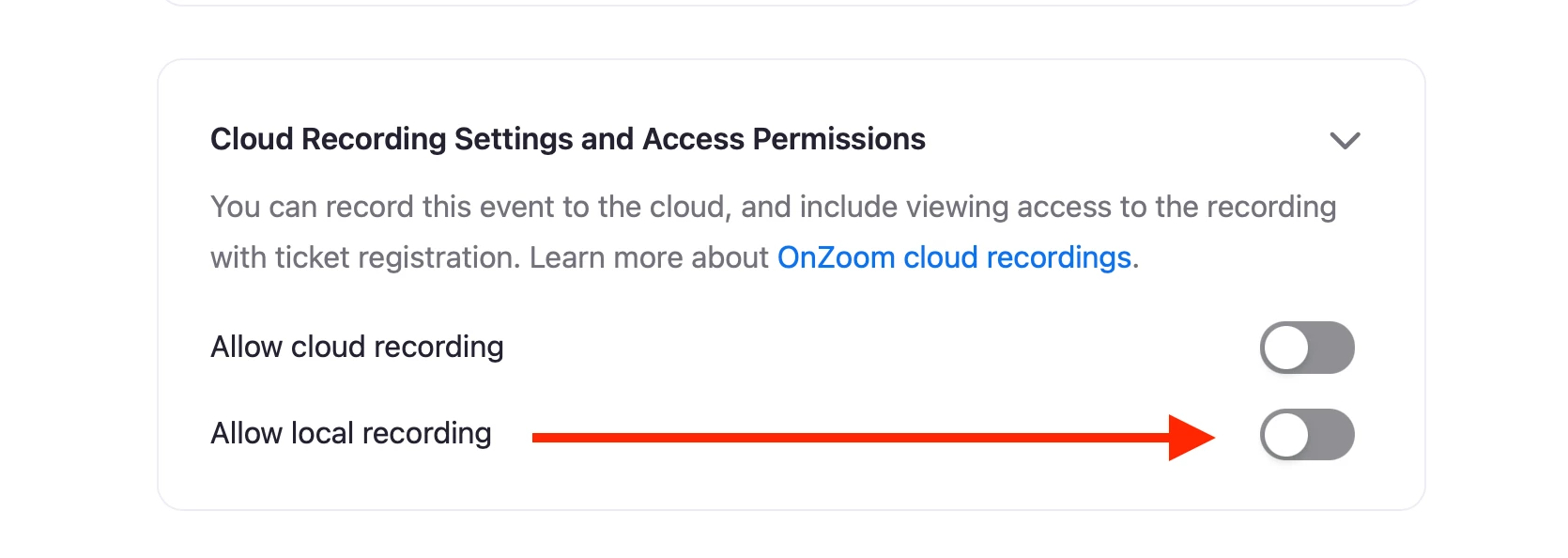
OnZoom Hosts can now record OnZoom events locally! Here's how:
1) Go to the 'Event Options' section of event setup
2) Click into the 'Cloud Recording' dropdown
3) Enable 'Allow local recording'
Pro Tip: Enable Local and Cloud recording if you want both! Also, be sure to adjust your desired recording settings here: https://zoom.us/profile/setting?tab=recording