
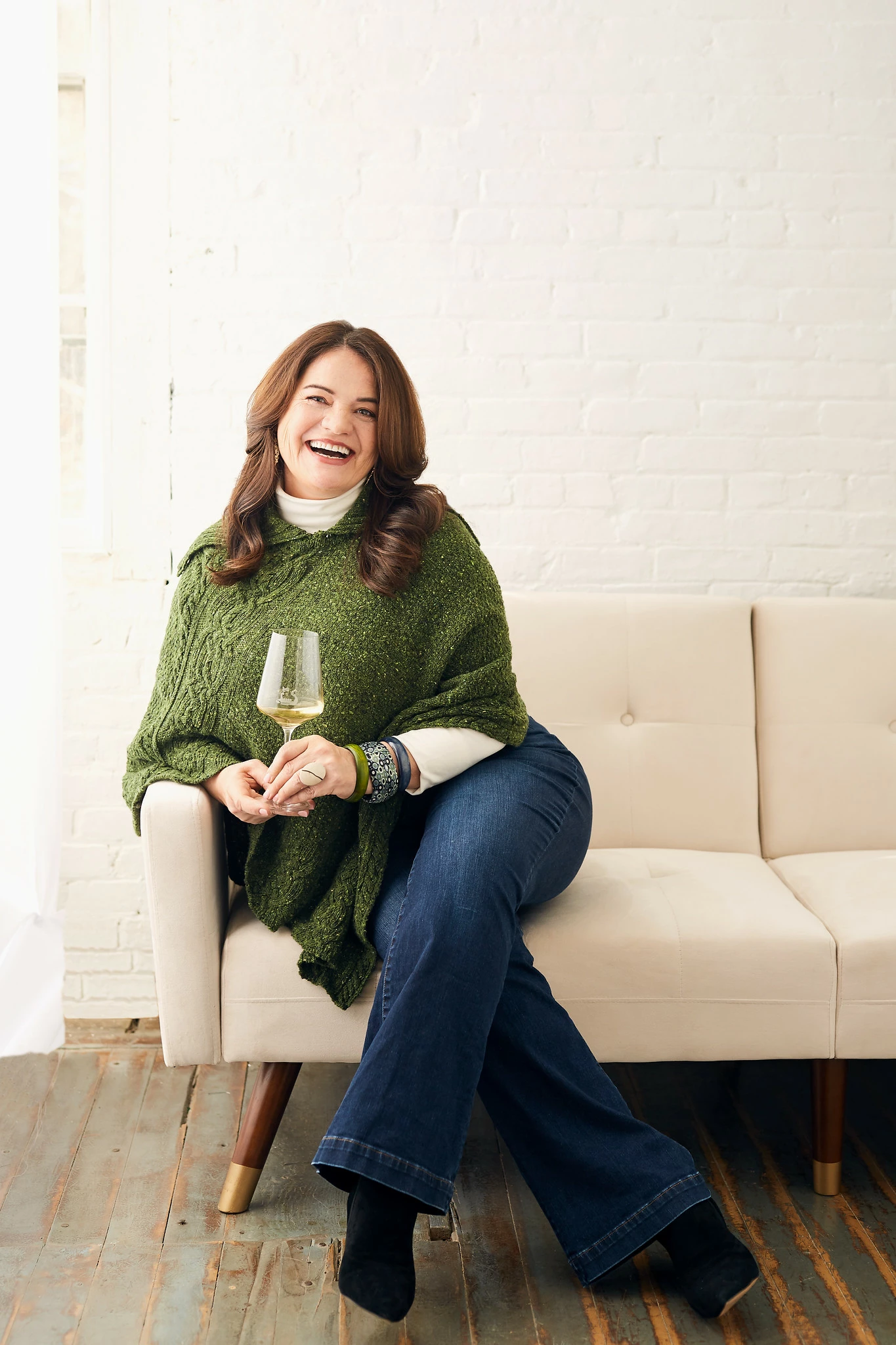

Introduction
Just joined the community. Thank you Zoom for saving my small business. When selling my wine door to door became impossible due to COVID, I started using Zoom platform for virtual wine tastings. Just educated 500 Pfizer employees on Balkan - Eastern Mefiterranean - Bosnian native varieties, had 100 NJ attorneys and judges taste my wines in their homes while learning from me via Zoom,…How do i see all attendees, while they see only me? Is there such setting? How do I select second monitor to be used for attendees to see while i use the monitor with power point presentation containing notes?
If anyone here is interested in doing Zoom Community building activity, we can organize it. Looking forward to learning from this group. Indira Bayer, The Founder Wines of Illyria