


Zoom Canvas: Elevate Documentation with AI-Powered Collaboration
Transform the Way You Create and Present Content
Zoom Canvas (formerly Zoom Docs) is an AI-first collaborative workspace designed to help teams create polished documents, dynamic presentations, project plans, and knowledge repositories—all within the Zoom ecosystem.
- Highlights
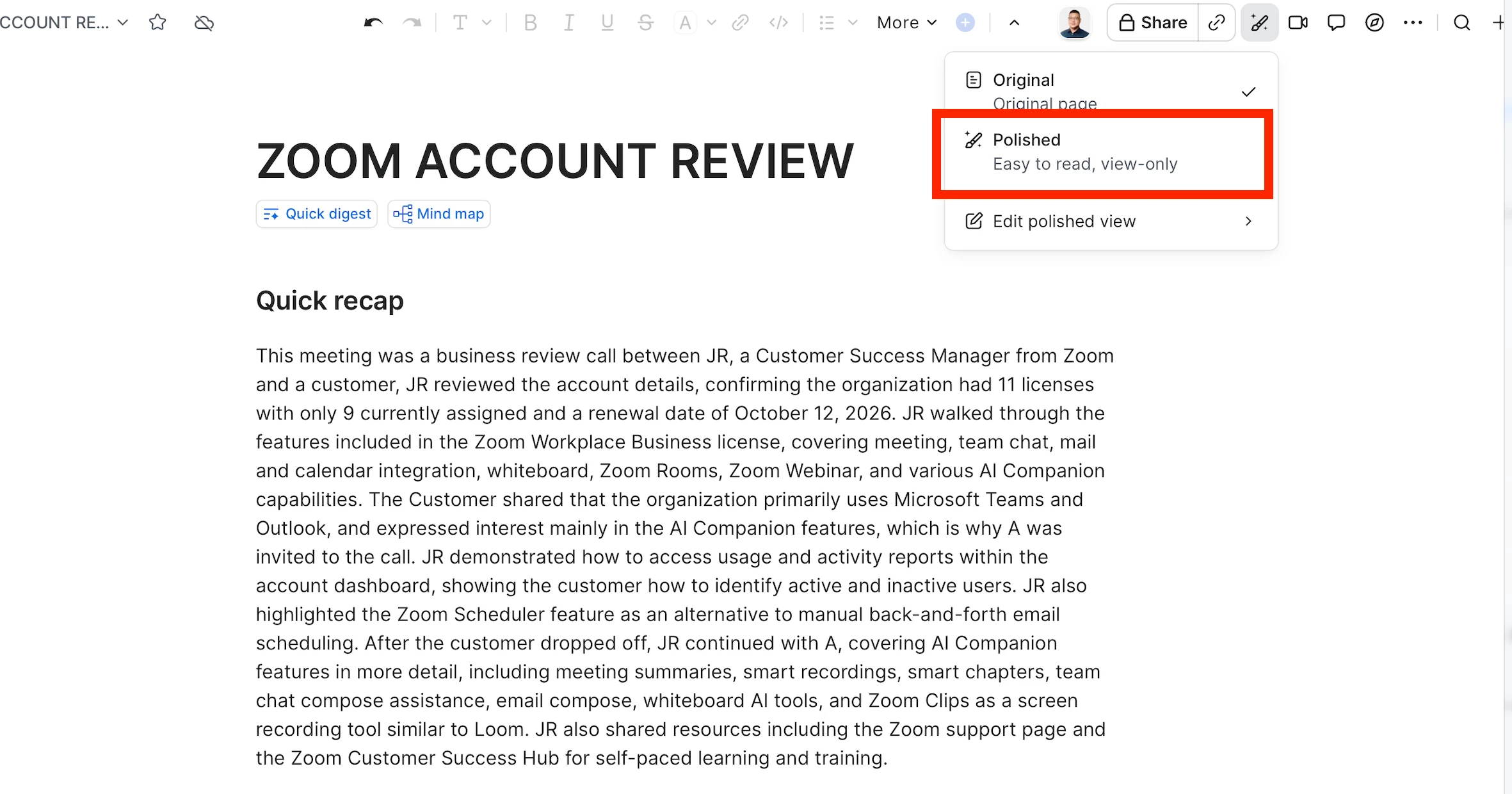
Polished View: Present with Confidence
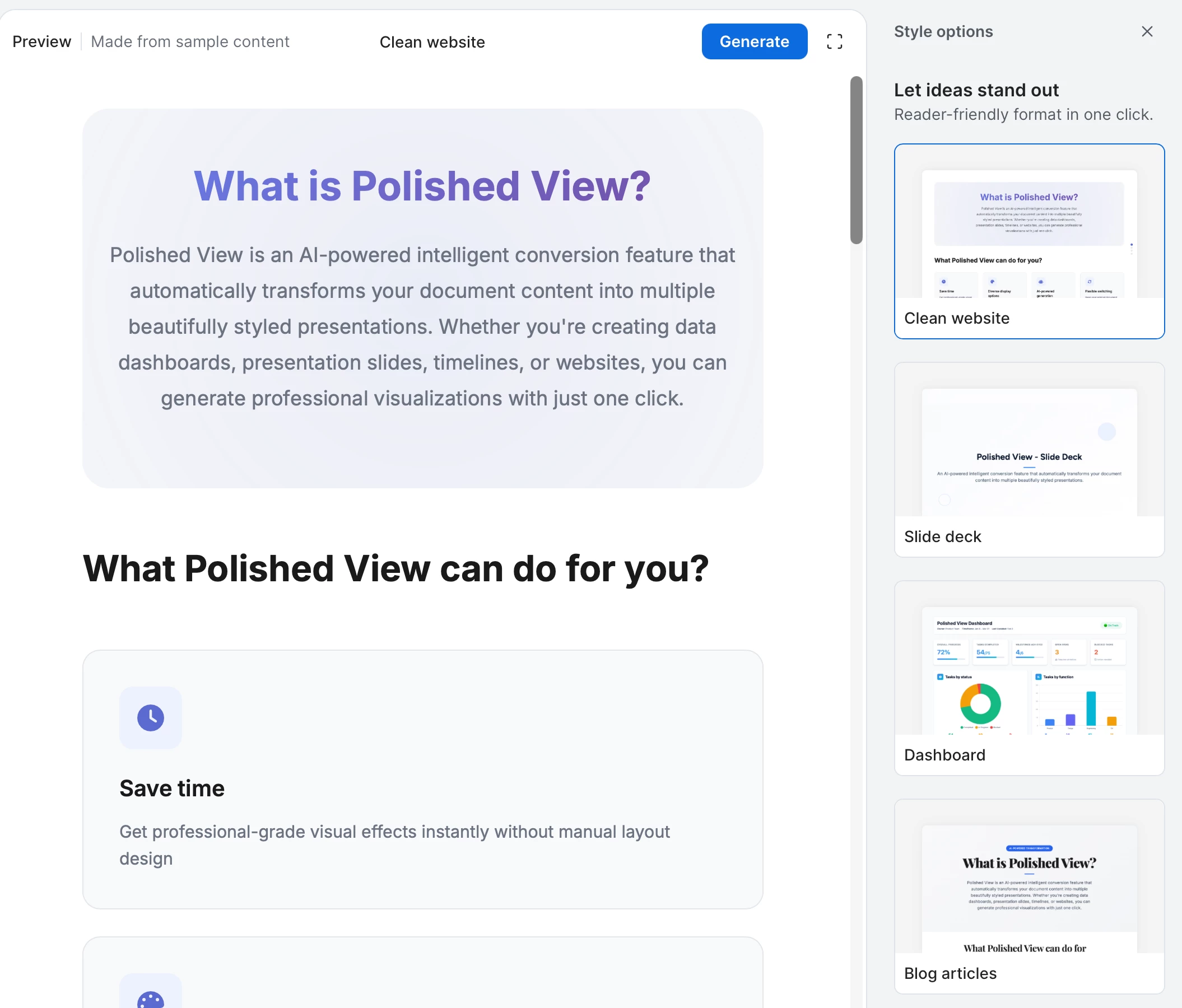
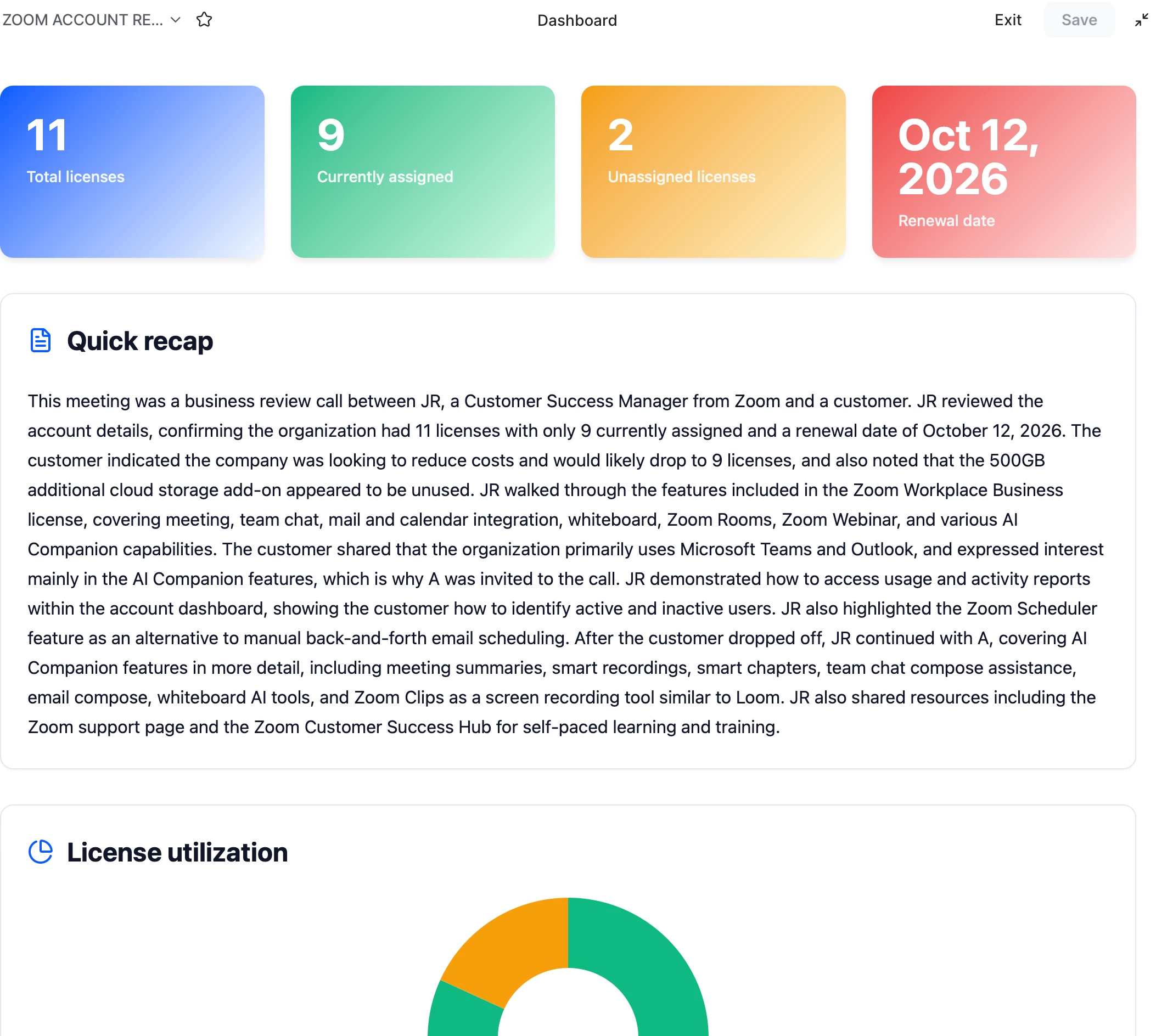
Turn documents into visually engaging presentations with a single click using Polished View.
Benefits:
- Convert documents into presentation-ready formats instantly.
- Display content in a clean, professional layout during meetings.
- Eliminate the need to recreate slides in separate presentation tools.
- Keep documents and presentations synchronized, ensuring everyone sees the latest version.
Zoom AI Powered Productivity
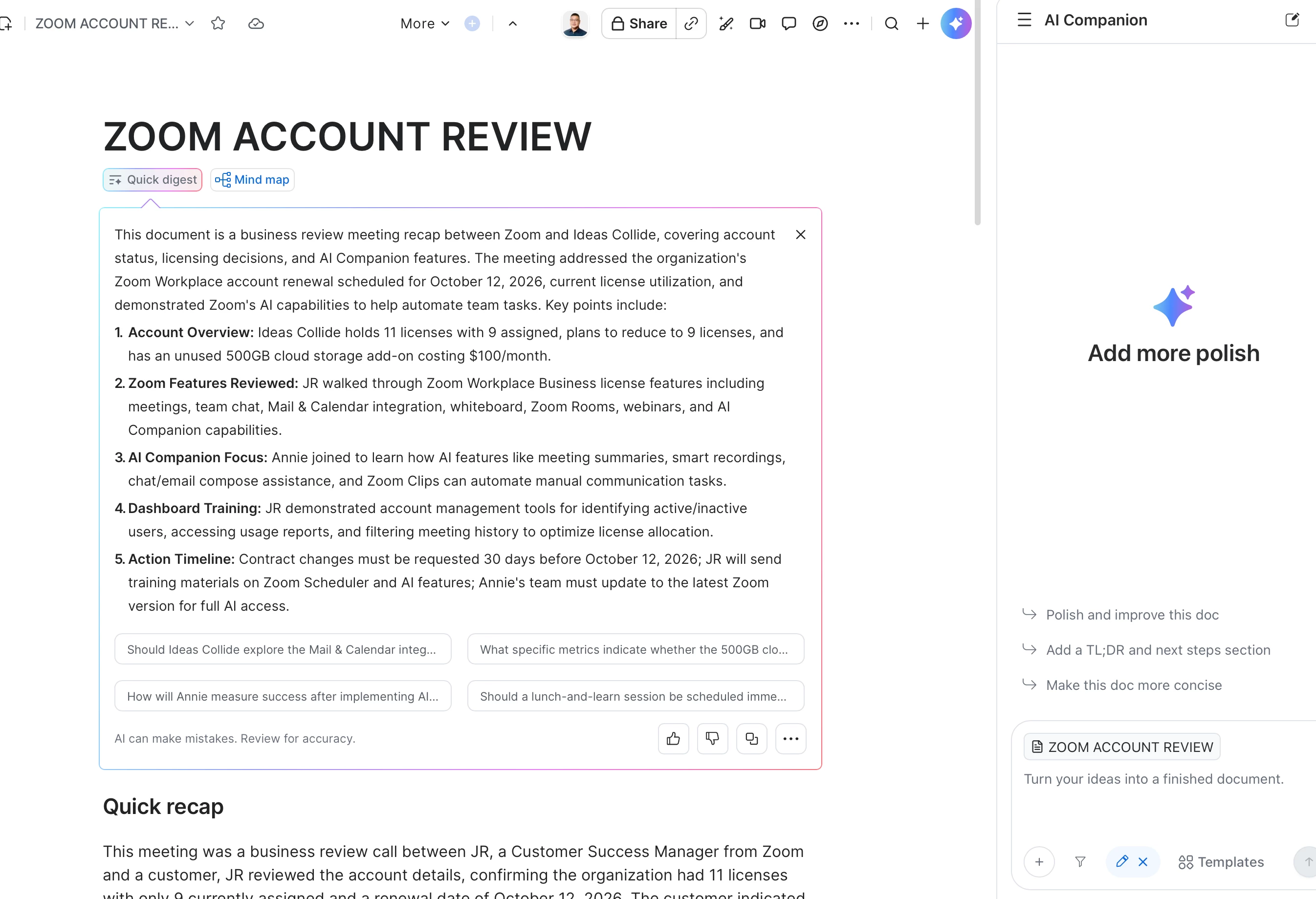
Leverage Zoom AI to accelerate content creation and improve collaboration.
Zoom AI Powered Capabilities:
- Generate first drafts, meeting summaries, and project updates.
- Rewrite, shorten, expand, or refine content for different audiences.
- Brainstorm ideas and create outlines in seconds.
- Summarize lengthy documents and highlight key takeaways.
- Transform meeting discussions into actionable plans and documentation.
Real-Time Collaboration
Collaborate seamlessly with team members regardless of location.
Features Include:
- Simultaneous editing by multiple contributors.
- Inline comments and feedback.
- Embedded media, tables, checklists, and interactive elements.
- Easy sharing before, during, and after meetings.
Centralized Knowledge Management
Create a single source of truth for projects, teams, and organizational knowledge.
Benefits:
- Maintain up-to-date documentation.
- Reduce information silos.
- Improve accessibility and discoverability of content.
- Support asynchronous collaboration across teams.
Why Zoom Canvas?
Zoom Canvas bridges the gap between documents, presentations, meetings, and AI-assisted work. Whether you're preparing executive reports, project plans, training materials, or customer presentations, Zoom Canvas enables teams to create content faster, collaborate smarter, and present more professionally—all within a unified workspace.
Create Smarter. Collaborate Better. Present Beautifully.