
Canvas Zoom Unauthorized | Community
Skip to main content
Newcomer
June 21, 2022
Solved

Canvas Zoom Unauthorized

  • June 21, 2022
  • 5 replies
  • 26 views

I have scheduled zoom meetings through canvas but when I try to start them I get this
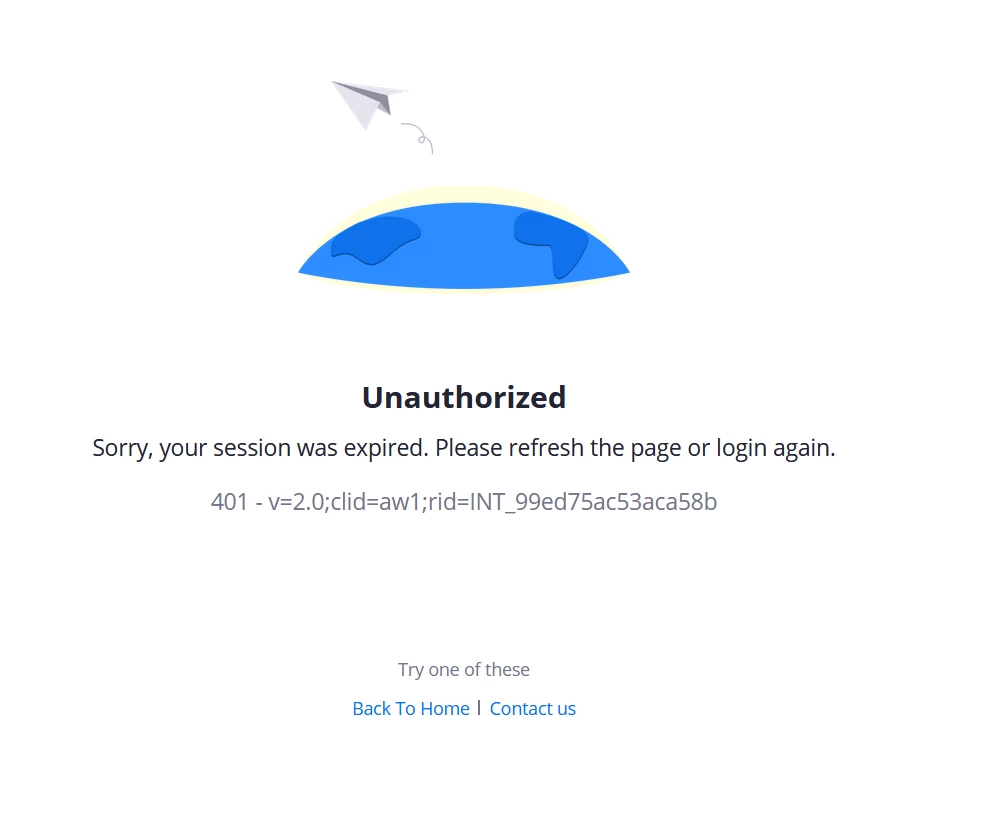
What's going on here? I have used Zoom in canvas for years and never had this issue until now.

    Best answer by hivelyr

    I found this that fixed the issue.


    https://community.zoom.com/t5/Meetings/Error-code-401/m-p/10629

    5 replies

    Community Champion | Employee
    June 21, 2022

    Hello, can you tell me 


    • What LTI version you are running
    • Which browser you are running
    • Are you able to access LTI Pro and view upcoming meetings page and the error occurs only when you click schedule or
    • Does it happen when access the LTI Pro tool?
    • As a start can you try clearing cache or using another browser or computer to test.
    • Are all instructors experiencing the same issue?
    Newcomer
    June 22, 2022

    I am using Firefox, and also began receiving this same error yesterday.  Yesterday, it worked just fine in my morning class, then, I received that error in my second class.  I am now continuing to receive that error.  I can log in if I go to the Zoom website. 


    I deleted all of my scheduled classes in Canvas, and rescheduled all of them.  That didn't work.  I deleted cookies.  That didn't work.

    A different browser DOES work, but, I really like Firefox...

    Community Champion | Employee
    June 23, 2022

    Hello, I am wondering if its related to a Firefox change that got implemented in Firefox 96, released on 1/11. Mozilla turned SameSite cookies (more information can be found at https://developer.mozilla.org/en-US/docs/Web/HTTP/Headers/Set-Cookie/SameSite could you take a look at this and update the setting to "  network.cookie.sameSite.noneRequiresSecure to true" as specified in the link here to test? https://hacks.mozilla.org/2020/08/changes-to-samesite-cookie-behavior/#:~:text=Test%20your%20site%20in%20Firefox

    Newcomer
    June 23, 2022

    I did that, and it is still not working.

    Newcomer
    June 23, 2022

    I have an end user with a similar issue. I believe it does prompt to approve for LTI before it happens.

    hivelyrAnswer
    Newcomer
    June 23, 2022
    KelliAAuthor
    Newcomer
    June 23, 2022

    Yes, this link fixed the issue for me. I finally decided to clear cookies and cache and I saw this enhanced tracking was turned on. Turning it off fixed the problem!

    Community Champion | Employee
    June 23, 2022

    @driveira can you confirm if the above solution solves your problems?


    Thank you for sharing @hivelyr !!!

    Newcomer
    June 23, 2022

    Yes!  That fixed the issue!

    Community Champion | Employee
    June 23, 2022

    Excellent! Glad to hear this!!