


How To Reply To A Post
How To Reply To A Post
We encourage you to show off your Zoom expertise and knowledge by providing helpful replies to discussions.
To reply to a post:
- Click the post you want to add a reply on.
- Scroll down until you see the text box labeled Leave a reply.

- Type your response.
- When you are done, click Send.
When community members answer your question, you can mark the most helpful reply as the best answer.
To mark a reply as the best answer:
- Navigate to the appropriate post
- Scroll to the reply you thought was most helpful
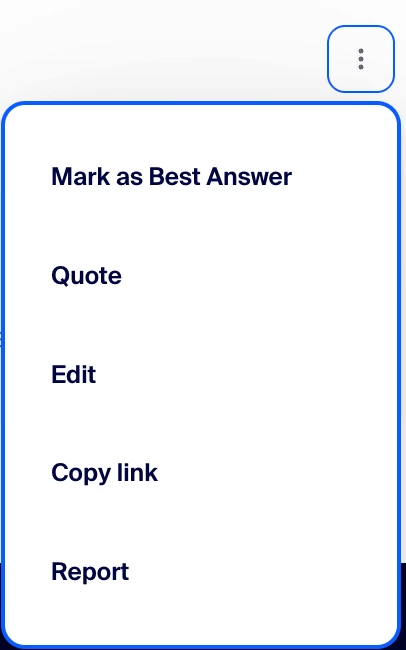
- Click the More actions menu
- Select Mark as Best Answer
To give someone a like:
- You can give likes to any posts in the community.
- To give a like to a message and its author, click the thumbs up icon on the post.
- If you change your mind about the quality of the message, you can revoke your like.
- To revoke likes you've given, click the thumbs up icon again.