


How to Mark a Best Answer
How to Mark a Best Answer
Have you received help from a community member? If so, don’t forget to mark their reply as the best answer ✅
By marking a reply as the best answer, you are helping fellow community members find an answer to a question that they may have, too. Accepting a reply as a best answer also provides confirmation to your fellow community members that their reply was helpful! 😎
Note: You can only select one reply as the best answer. Only the original poster can select a best answer.
To mark a reply as the best answer👇
- Navigate to the appropriate discussion post
- Scroll to the reply you thought was most helpful
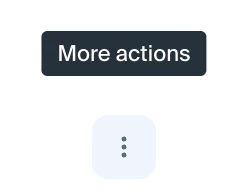
- Click the More actions menu
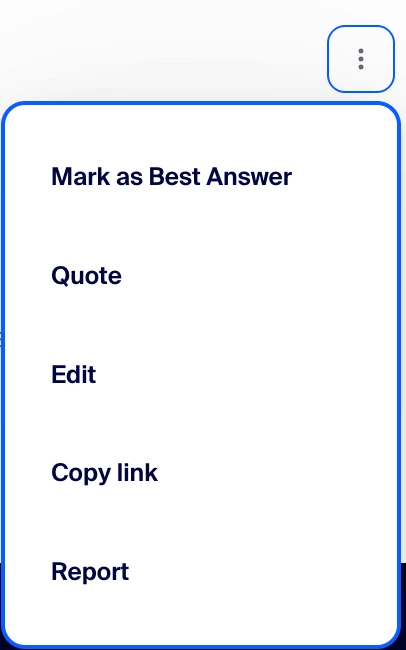
- Select Mark as Best Answer
Bonus: The more Best Answers a user has authored will increase their likelihood of appearing on our community leaderboard ⭐😎
Plus, if you are searching for a solution to a problem you are encountering, community posts that have already been solved will be highlighted with a blue bookmark.
Note: Please do not abuse our Rewards & Recognition program by performing activities that would inaccurately boost your points, the retrieval of badges, and/or your leaderboard ranking. We ask that you only mark a reply as the best answer if it has truly helped resolve your inquiry.