
Question
Enabling Zoom AI Companion for a few users to test
I am attempting to test the Zoom AI companion feature before rolling out the function to all users in my environment.
The issue is that I am using an admin account and I attempt to allow only a few users but it says Locked by Admin even though I unlocked the feature. Ultimately, my goal is to have a few users enabled to test the features. 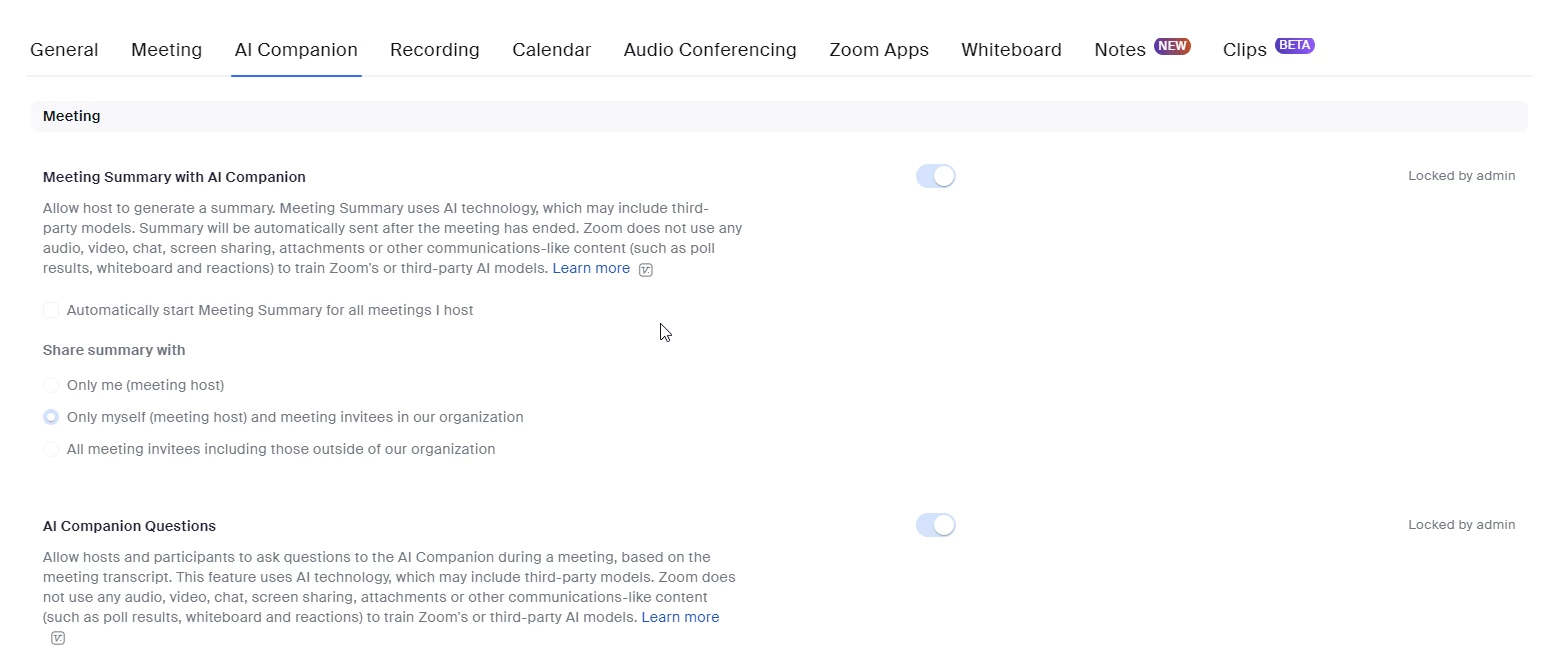
Here are the sequence of events that I have tried:
- Logged in as admin
- Toggled the Zoom AI Companion feature on
- Logged out
- Logged in as a regular user
- Go to Account Settings
Please assist as I have tried following the instructions on the Tiered settings page but none of that has helped.