Webinar Session Branding | Community
Skip to main content
Newcomer
January 13, 2022
Solved

Webinar Session Branding

  • January 13, 2022
  • 2 replies
  • 2 views

Hi everyone


I want to ask about function in Webinar Session Branding after shcedule meeting or webinar


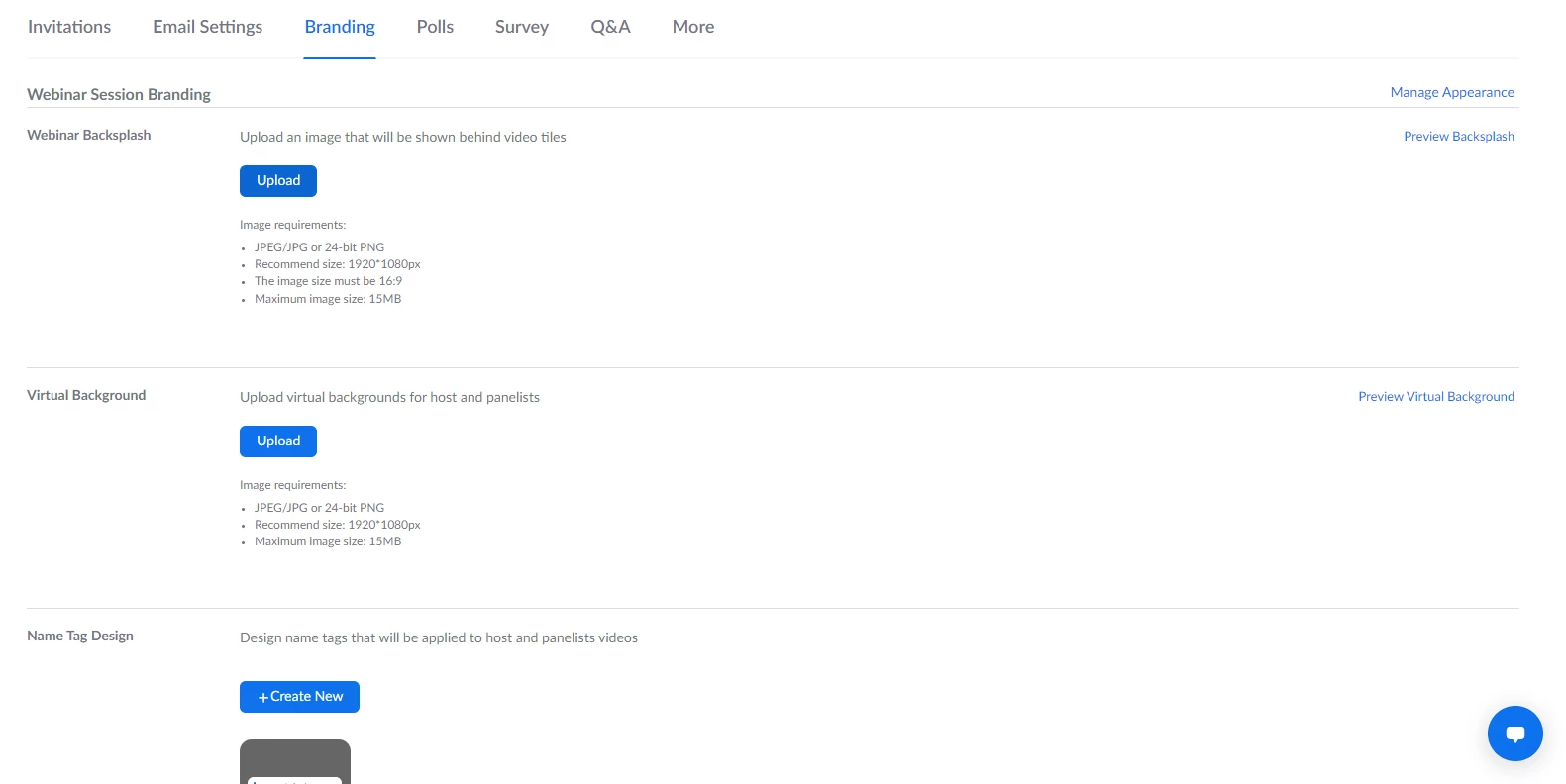
I tried serveral times to upload image in this but when i start meeting, those images i uploaded in Webinar Backsplash and Virtual Background not working


I search everything when meeting running but i could not found anything relevant with 


Any one know how those functions work please advice me. Thanks


    Best answer by Dan_ZoomSE

    @QuangAnh89 


    I have done some testing in my accounts and am able to replicate your issue.  I have it enabled on the Webinar setup, have completed branding and see my image previews in the portal, but once i start the Webinar nothing has been applied and there are no controls to edit, turn on/off, etc.


    I am reaching out to our product team on this one and will follow up with you in this thread soon.


    Thanks!
    Dan


    Hello @QuangAnh89 


    I have been checking with our Product and Release Teams and verified that this feature is not Generally Available yet.  It is currently in Beta.  


    I will share both your and my experience with the product team. 


    If ok with you, please "Accept as Solution" so we can close this thread out and I will follow up directly as soon as I have more information from Product about this feature.


    Thanks!

    2 replies

    Dan_ZoomSE
    Employee
    Employee
    January 13, 2022

    Hello @QuangAnh89 ,


    What is your current Zoom client version?  In the Zoom client click on your profile picture in the upper right to bring up a menu and then click on  Help and then About Zoom.


    Thanks!

    Newcomer
    January 13, 2022

    Hi Dan


    My license is enterprise, provide by my company

    Dan_ZoomSE
    Employee
    Employee
    January 13, 2022

    @QuangAnh89,


    I just got a response back from the Product Team....It looks like there is one more setting you need to enable...  I just tested this and it worked for me...


    In Account Settings search for "Webinar - Session Branding (BETA)".  It is in the Meeting (Advanced) section.  Turn this setting on and then you should be all set.


     If this has answered your question, please click the Accept as Solution button below so that others in the Community may benefit as well.

    Thanks!

    Newcomer
    January 18, 2022

    Hi Dan


    Thanks for your support


    I will check in the next meeting so i will accept this solution for now


    If it not work i will ask again


    Thanks