
Webinar attendee toolbar now has options under a Settings icon as if someone is attending a meeting | Community
Skip to main content
Librarycat
Community Champion | Customer
January 3, 2026
Solved

Webinar attendee toolbar now has options under a Settings icon as if someone is attending a meeting

  • January 3, 2026
  • 1 reply
  • 2 views

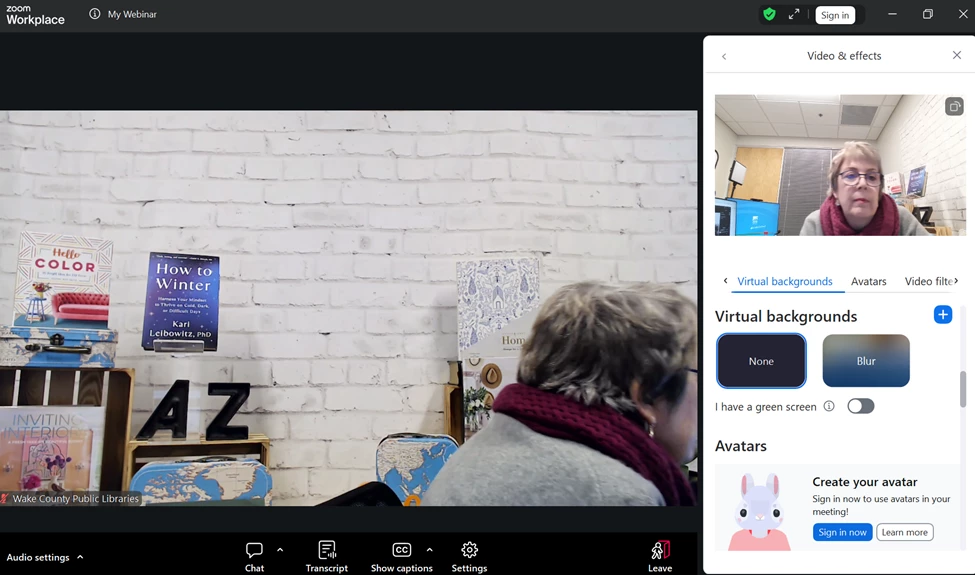
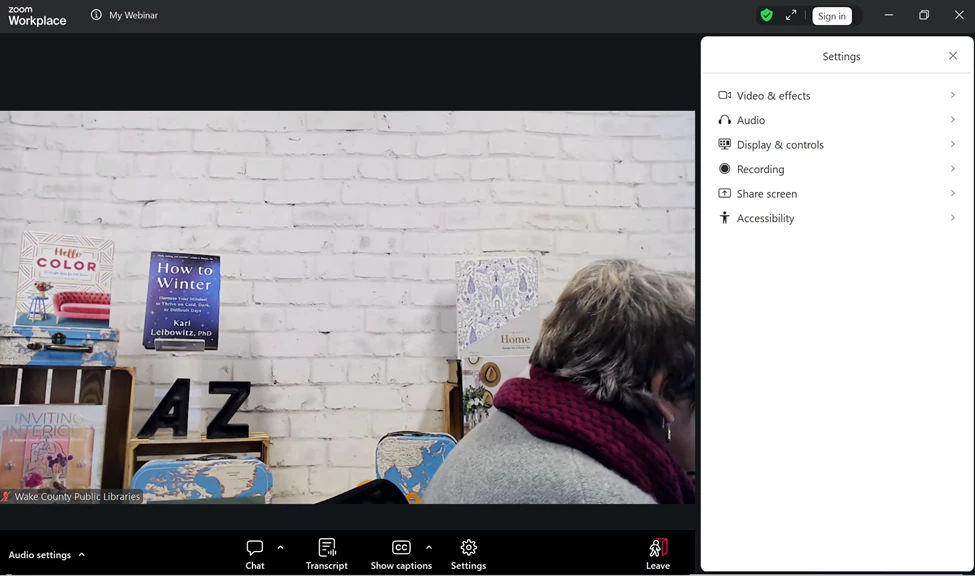
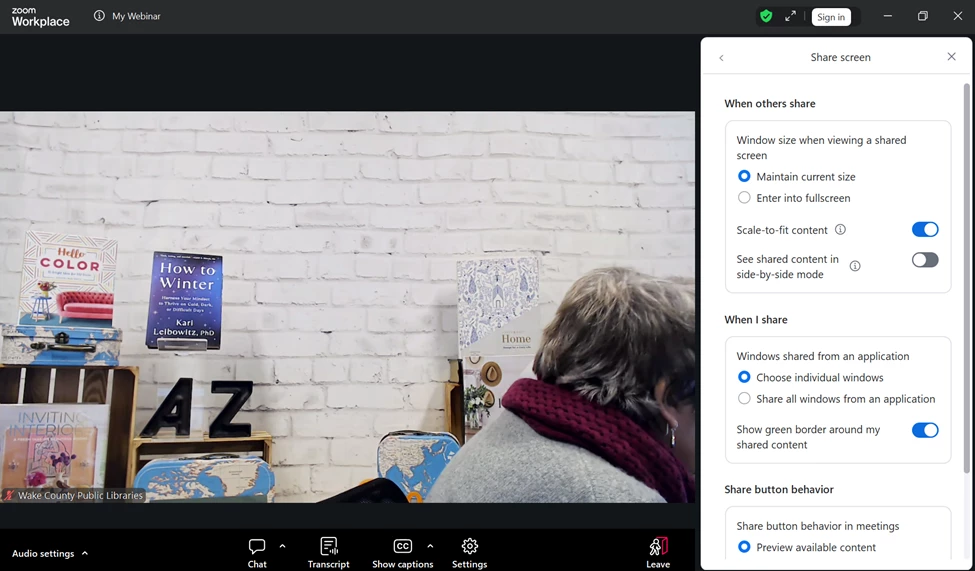
This is INSANELY confusing as a webinar attendee.  There is now an icon for SETTINGS on the attendee tool bar and it looks like the options one would have as a Meeting participant. As a host I do not see any way to turn these off. I hope to hades this is a bug that can be fixed because my attendees are going to be SO confused. As a webinar attendee they don't need to see these as options, even if it isn't really an option - for example, they cannot turn on their video yet they get a video preview as a webinar attendee as if it were an option.


Is there a new setting as a webinar host that I am missing to turn off these options from attendees even seeing them?


Best answer by Ray_Harwood

Hey, @Librarycat.


The redesign of the settings in general was a topic on a recent episode of a Zoom Test Kitchen I listened in on recently. I certainly would not have done it this way – but I don’t have the benefit of input from a large base of users.  


And while I see use cases where allowing Webinar attendees to check their audio and video before attending is a good thing (some hosts frequently invite attendees to speak or even join the panel “on stage”), I see a lot of merit to it defaulting to “off” unless a Host wants users to see it.


We get plenty of comments on issues here in the Community that are really split – half hate it, half love it – so chime in regularly!


Use the Feedback in the Workplace > Help section to make your voice heard. 

1 reply

Librarycat
Community Champion | Customer
January 3, 2026

@Ray_Harwood - any ideas? This is so odd.

Ray_Harwood
Community Super Champion | Customer
January 3, 2026

Hey, @Librarycat.


The redesign of the settings in general was a topic on a recent episode of a Zoom Test Kitchen I listened in on recently. I certainly would not have done it this way – but I don’t have the benefit of input from a large base of users.  


And while I see use cases where allowing Webinar attendees to check their audio and video before attending is a good thing (some hosts frequently invite attendees to speak or even join the panel “on stage”), I see a lot of merit to it defaulting to “off” unless a Host wants users to see it.


We get plenty of comments on issues here in the Community that are really split – half hate it, half love it – so chime in regularly!


Use the Feedback in the Workplace > Help section to make your voice heard. 

Librarycat
Community Champion | Customer
January 5, 2026

Ray, as always, thank you. I need to give feedback on this - this might be the thing that pushes away from Zoom after five years and 40K+ attendees. Some of our attendees can't even figure out how to silence chat previews - we need the interface to be as locked down as we can manage as hosts. Thanks for the test kitchen link, I keep meaning to tune in!