Adding Q&A to Webinar? | Community
Skip to main content
Newcomer
January 14, 2022
Solved

Adding Q&A to Webinar?

  • January 14, 2022
  • 1 reply
  • 1 view

I scheduled a Webinar, but neglected to include the Q&A option.  When I try to edit the settings, that option doesn't show up, even though the other options under the "Webinar Options" section (Practice Session, enable recording, etc.) do and can be modified.  Is there any way to add Q&A short of deleting the meeting and starting over?   

    Best answer by Dan_ZoomSE

    Hello @NicholeC53 ,


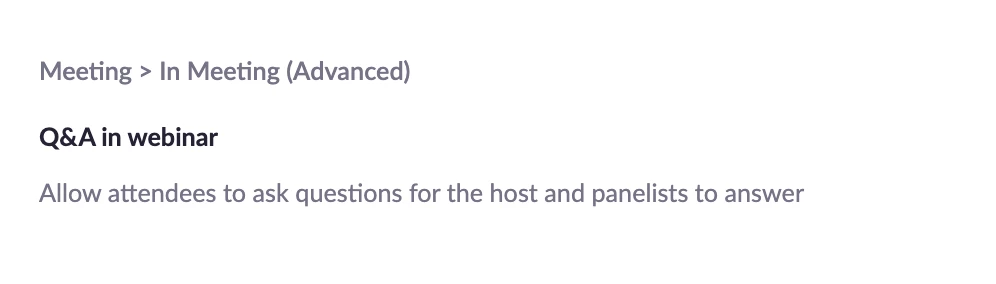
    You should be able to add Q&A to your webinar after initially scheduling it.  When you go to your Webinars list and click the edit button next to the webinar you should be able check the box for Q7A.  If you do not see the check box for Q&A, then go to your Meeting Settings, search for Q&A and make sure that you have this setting enabled:


    If this has answered your question, please click the Accept as Solution button below so that others in the Community may benefit as well.

    Thanks!

    1 reply

    Dan_ZoomSE
    Employee
    Employee
    January 14, 2022

    Hello @NicholeC53 ,


    You should be able to add Q&A to your webinar after initially scheduling it.  When you go to your Webinars list and click the edit button next to the webinar you should be able check the box for Q7A.  If you do not see the check box for Q&A, then go to your Meeting Settings, search for Q&A and make sure that you have this setting enabled:


    If this has answered your question, please click the Accept as Solution button below so that others in the Community may benefit as well.

    Thanks!