

The Whiteboard editing icons do not remain selected with user settings for next use. | Community
Skip to main content
Newcomer
October 22, 2024
Solved

The Whiteboard editing icons do not remain selected with user settings for next use.

  • October 22, 2024
  • 1 reply
  • 0 views

The Whiteboard editing icons do not remain selected for next use.
If I want to add text multiple times, I have to click the letter T every time, and change the color every time.
The same applies to lines and pen.
Why don't these settings remain as previously set?
Am I missing a configuration?
Best answer by BakerHe

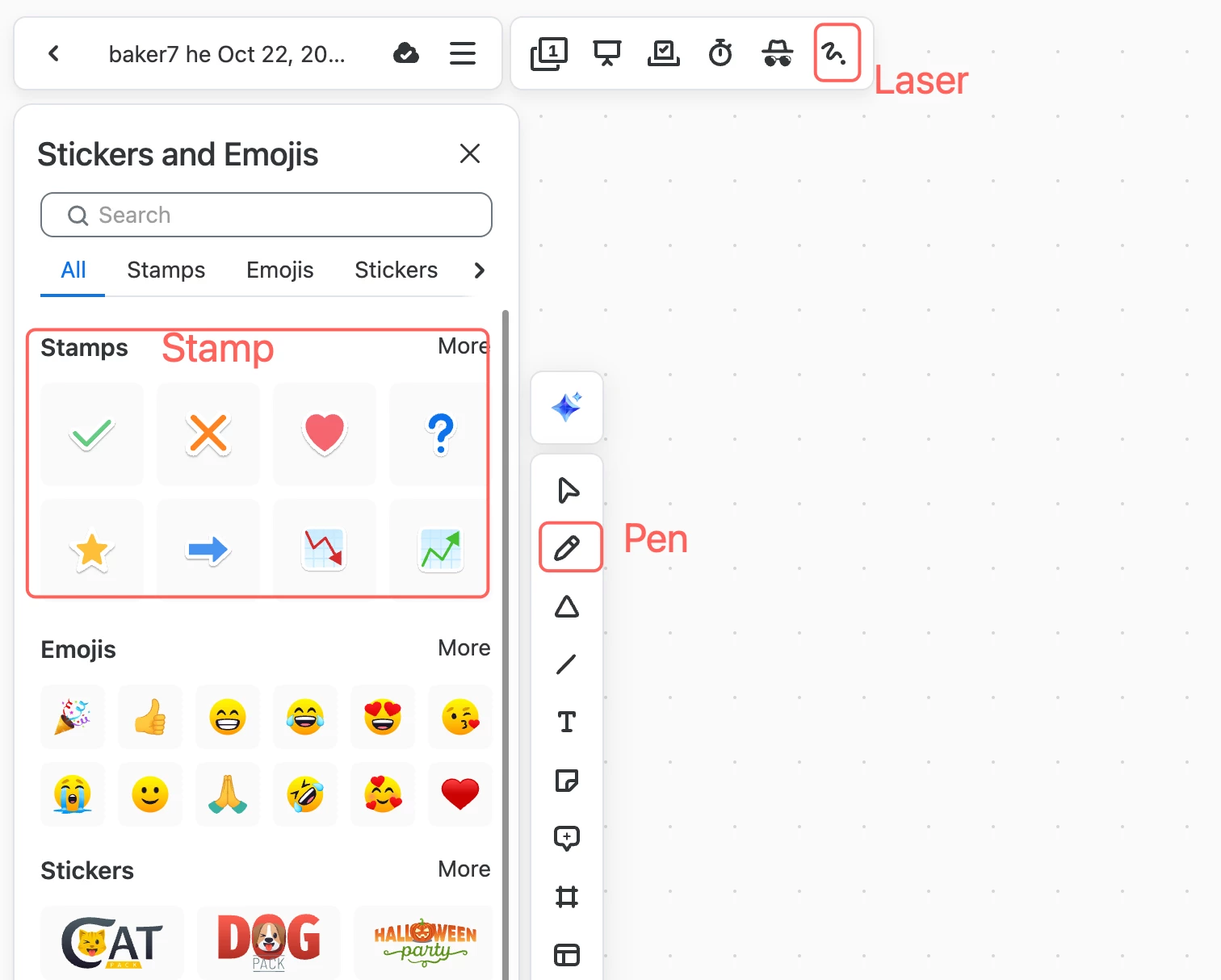
Hi @DonGordon , You don't miss any configurations. It's by design and this is an industry standard.


For pen/Laser/Stamp tool, it won't be changed after we operate on the canvas.

For other tools, it will return to Select tool after we operate.


1 reply

BakerHe
Community Champion | Employee
BakerHeAnswer
Community Champion | Employee
October 22, 2024

Hi @DonGordon , You don't miss any configurations. It's by design and this is an industry standard.


For pen/Laser/Stamp tool, it won't be changed after we operate on the canvas.

For other tools, it will return to Select tool after we operate.


CarlaA
Community Manager
Community Manager
October 28, 2024

Hi @DonGordon


@BakerHe provided a reply that should answer your question, so I've marked it as the accepted solution. If you have any further questions, please let us know! 

DonGordonAuthor
Newcomer
October 28, 2024

Hi all,
I've got to disagree with this being the industry standard.
For years I've used LumenPDF and Acrobat for online collaboration and both have the ability to toggle whether you want the tool to remain selected or not.
Don