


Launching Polls in a Zoom Webinar from Backstage
If you have a Zoom Events license, you have access to a fairly new feature called Backstage. For general information about this feature, see this Zoom Support article.
There was a question on the Zoom Events Pros Facebook group about launching Polls from Backstage:
In Zoom Events can you launch a poll from backstage and the attendees see it?.. or do you need to be in the webinar for the attendees to be able to view the poll?
I answered:
I haven’t tested this specifically, but I believe you can launch a poll from Backstage. There are things you can’t do from Backstage: Share Screen to attendees, speak to attendees, show your video to attendees.
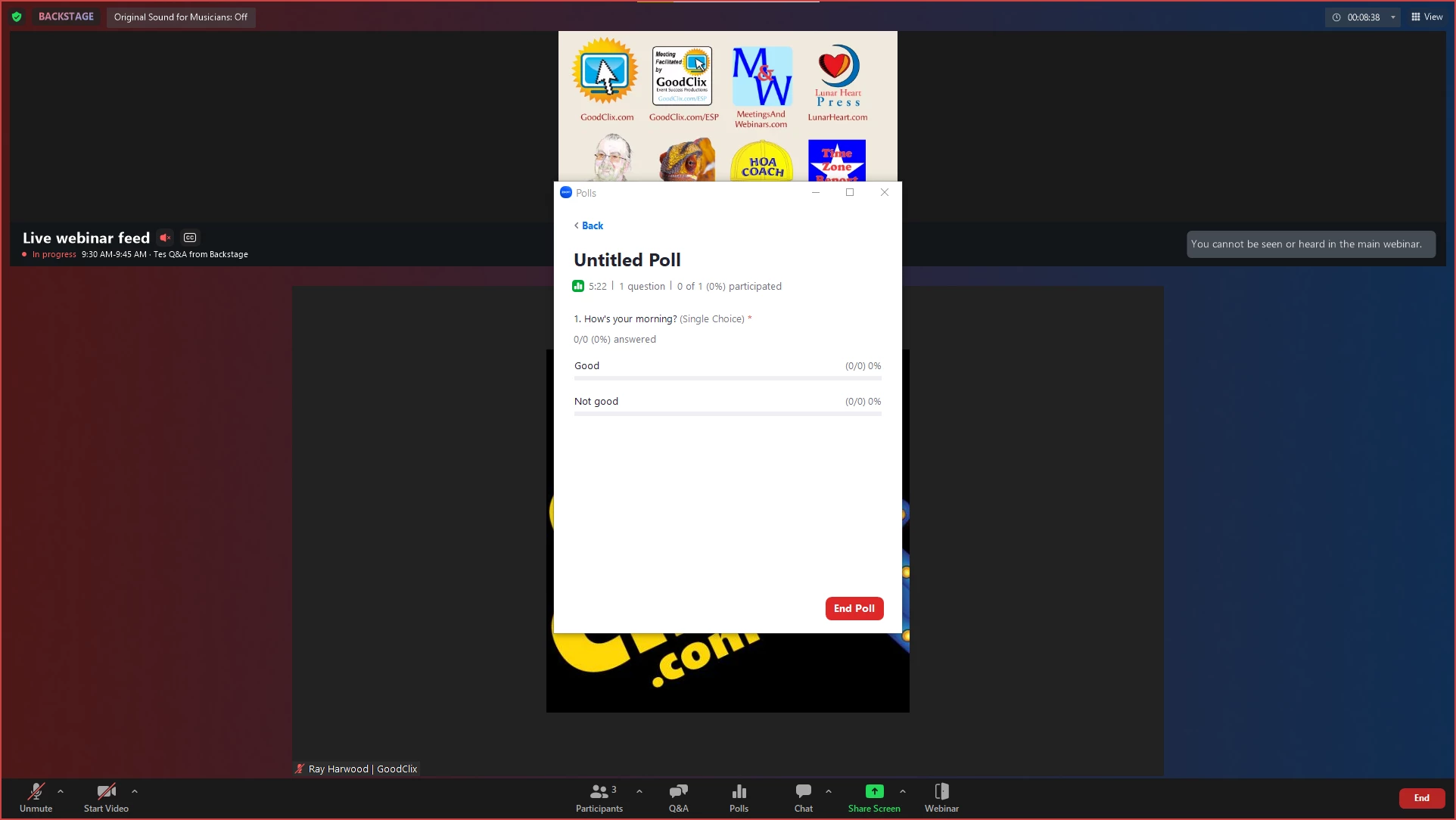
This morning, I ran a quick test just to confirm my answer. Here are a few screen shots, with the ultimate answer being, Yes, you can launch Polls from Backstage. It really works just like any other Poll.
The Host was Backstage, and this is the normal Poll
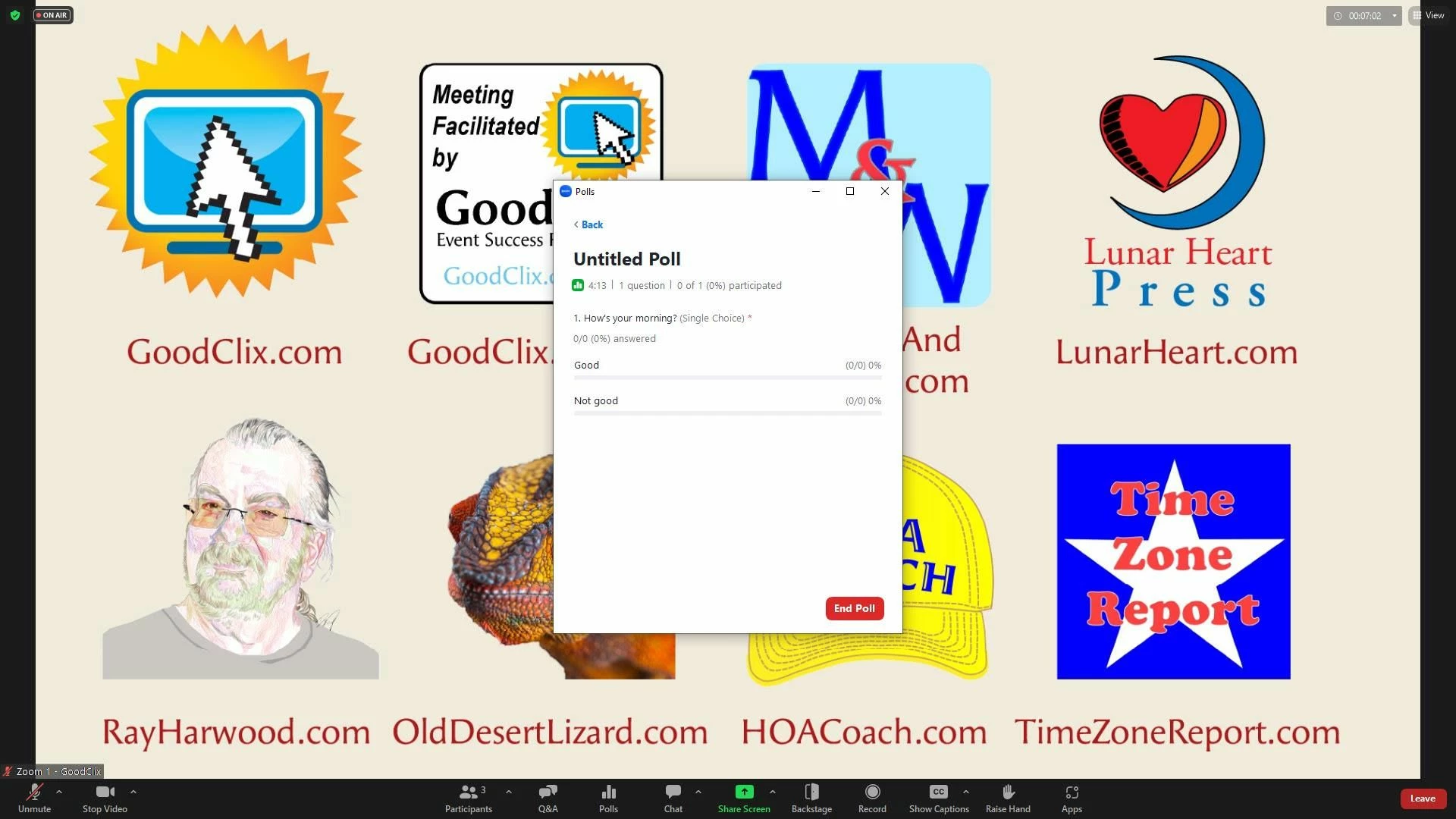
The Panelist "on stage" (Zoom's terminology is "in the Webinar" -- a term I dislike, since we're really all in the Webinar!) sees this:
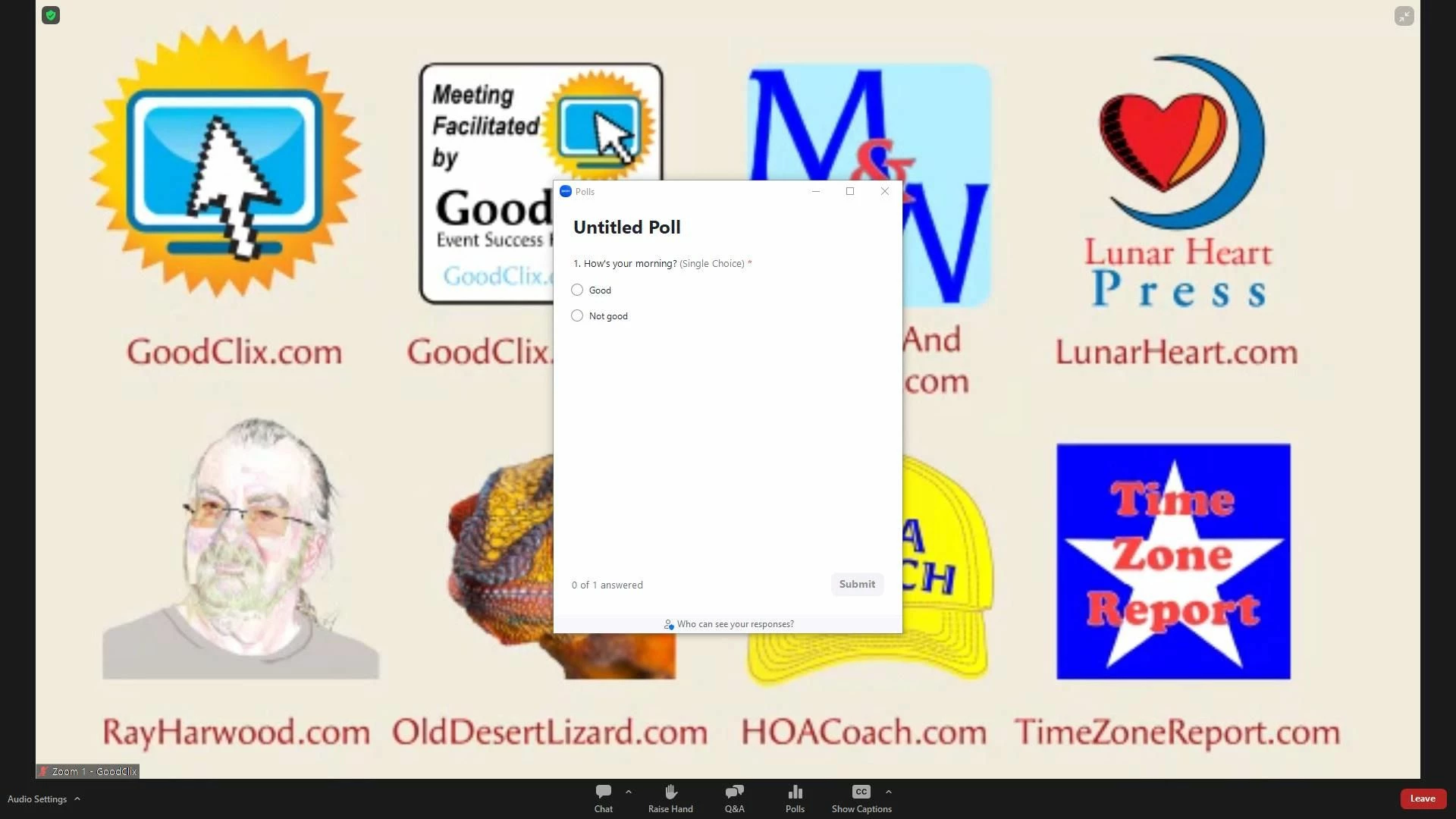
And the attendees see this:
After stopping the poll, only the Host sees the Poll window, and when Sharing Results, the Backstage Host, the Onstage Panelist, and the Attendee all see the results similar to a normal Webinar without Backstage.