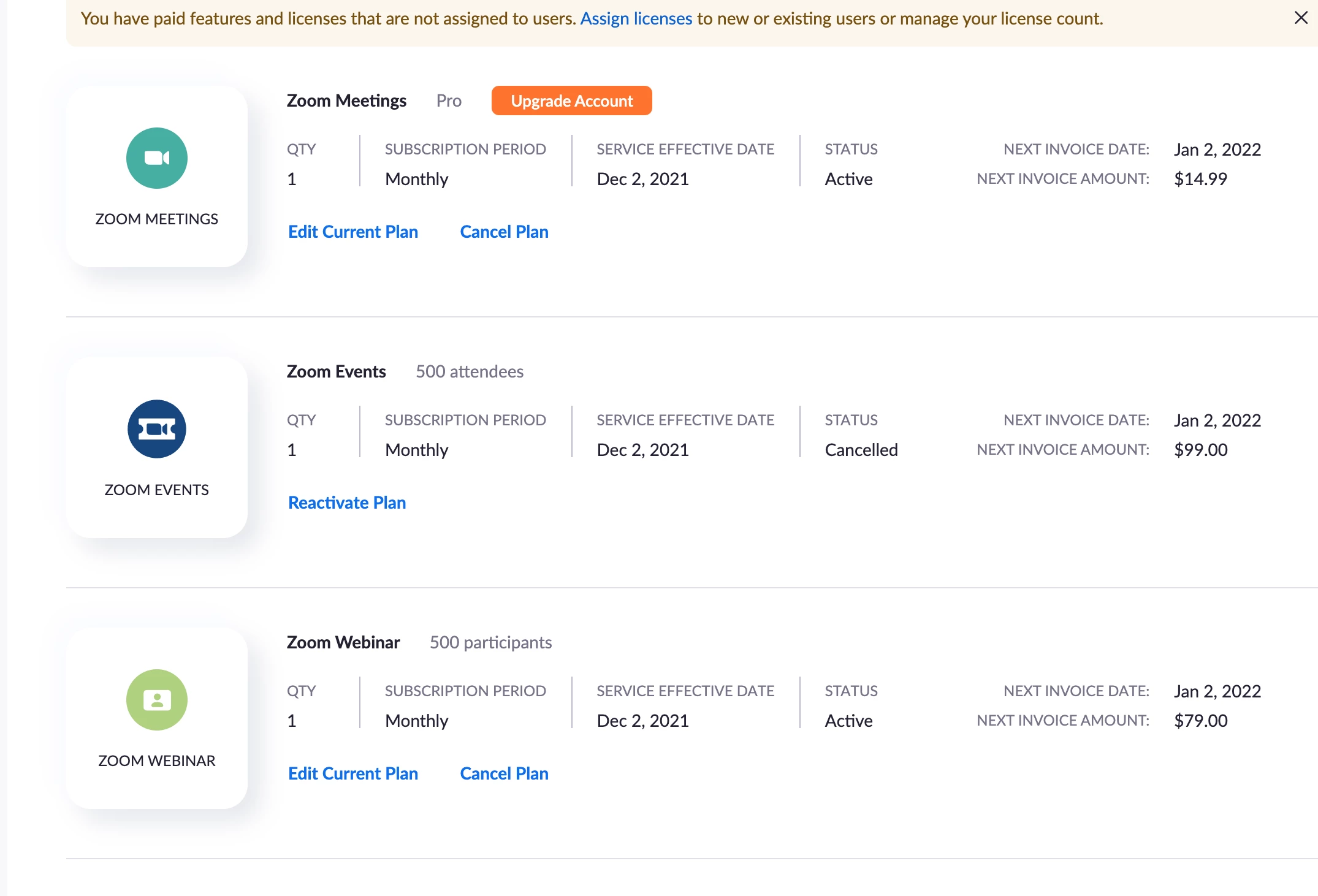
Now that the Webinar add-on is on your account, you will need to assign the Webinar license to the appropriate user. You can go to Admin > User Management > Users and find the user who needs the webinar license. Click the "Edit" button on the right hand side. Now you can check "Webinar 500" and then click "Save".