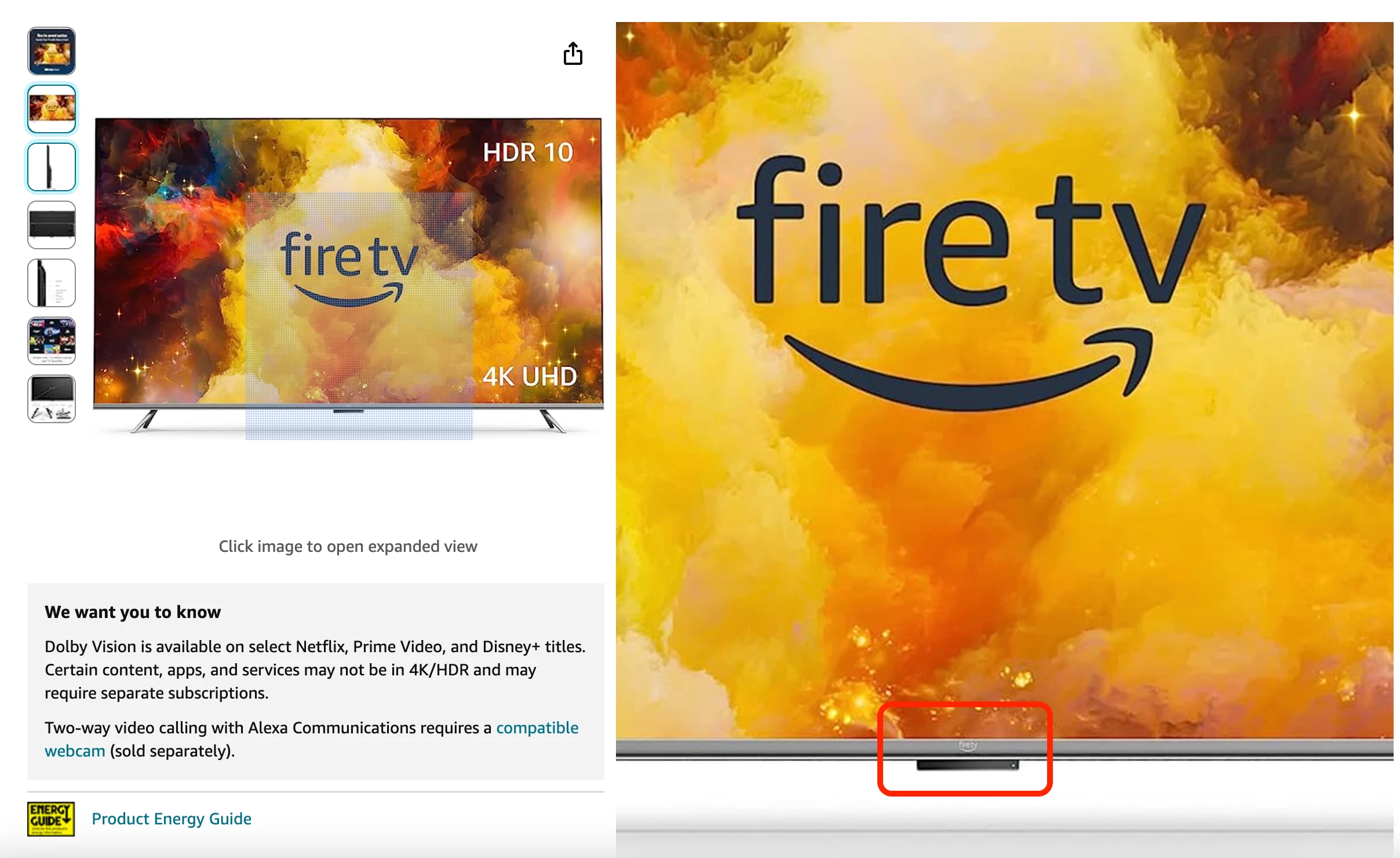
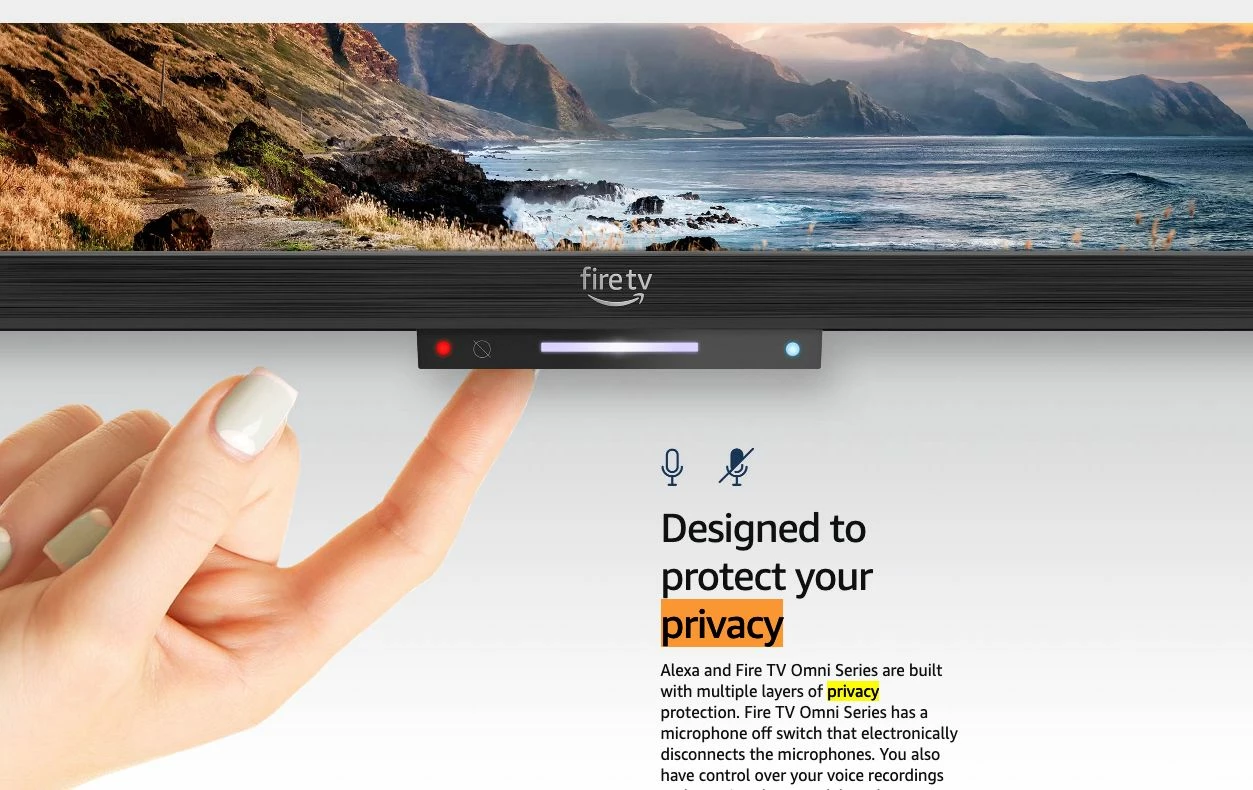
Fire TV Omni Cant connect to Video or Audio of the Webcam
Hello,
Recently we setup a new office that has Fire TV Omni's and Logitech C920 webcams (As per recommended by amazon for compatibility to the TV's).
We have the Zoom app on the TV's but when going into a meeting or test meeting, the camera or microphones are not picked up.
In the settings, it shows the camera seen as an external camera but there is no video feed and the camera itself does not have the light on as it normally would when the video is being seen.
We have tried mix and matching cameras, uninstalling and reinstalling the zoom app.
The camera and microphone works in other apps, just not zoom.
We allow all permissions that it prompts for. Went into the Application settings and allowed Zoom to view and use the camera and microphone, nothing has worked.
The turn camera on or off is grayed out.
Amazon states it is an issue with the Zoom app and to contact zoom support.
Any suggestions or modifications to the app I can make, so this works?
Thank you in advance!