

cancel
Showing results for 
Search instead for 
Did you mean: 
The Zoom Community will be placed in read-only mode January 9th, 2026 through January 22nd, 2026 to deliver you a new and improved community experience!

The community will still be accessible, however, the creation of any new discussions or replies will be temporarily unavailable. We appreciate your patience during this time.

iPhone iOS 17 Zoom Not opening

kimpeter
Newcomer
Newcomer

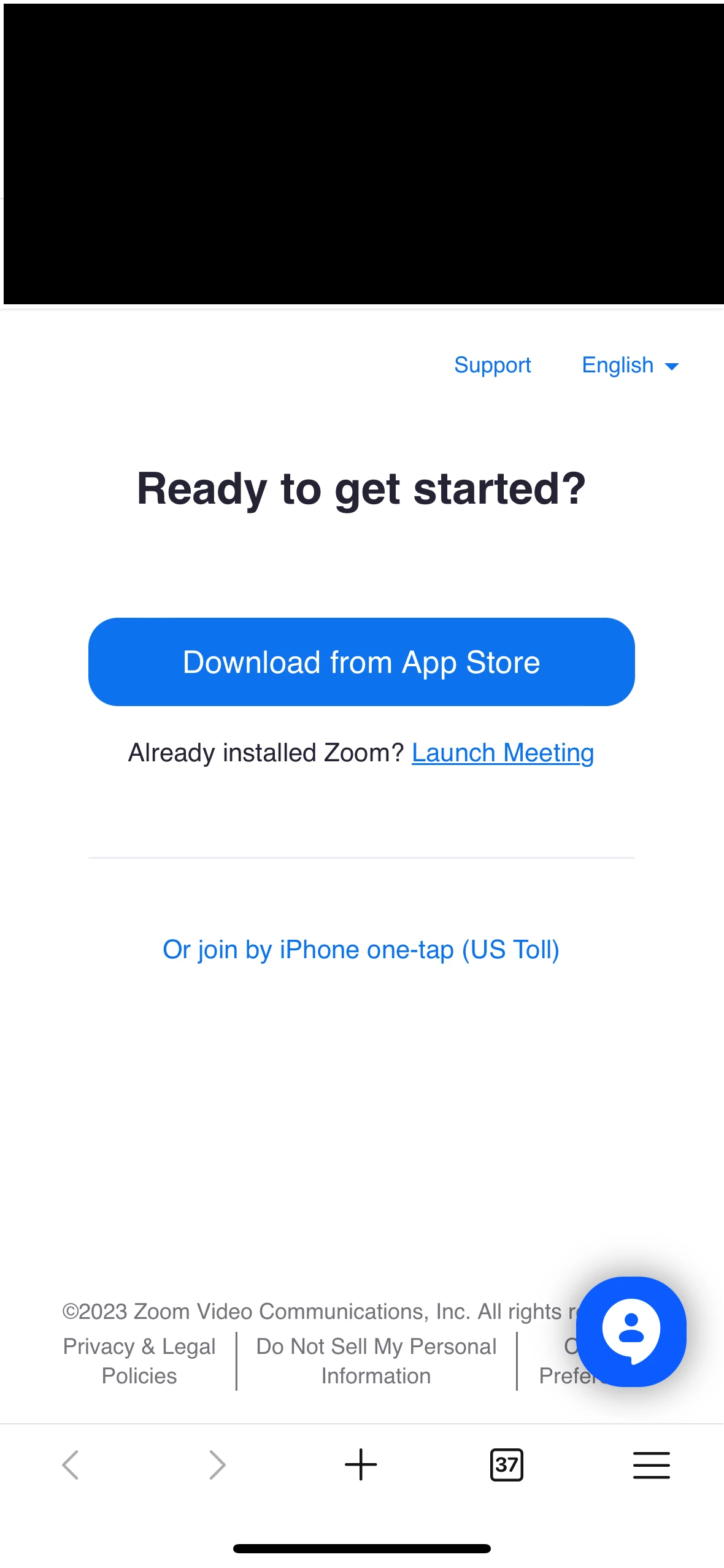
We have a colleague who has zoom installed and try to open zoom meeting from Outlook calendar gets this prompt but when click on Launch Meeting it does nothing.  Please advise on solution.  We have uninstalled zoom and re-installed but still same issue.   We also restarted the phone but still same issue.MicrosoftTeams-image.png
2 REPLIES 2

Eliot
Community Champion | Zoom Partner

hi kimpeter,


Zoom meetings on my iphone works great.  I have an iphone 14 pro max running 17.0.3 and zoom ios mobile app 5.16.2.


Try completely removing zoom ios mobile app and reinstalling ios mobile app.


iOS

Open the Settings app.

Tap General.

Tap iPhone Storage or iPad Storage.

Tap Zoom.

Tap Delete App.

When prompted with Deleting "Zoom" will also delete all of its documents and data. This action can't be undone, tap Delete App.

Once completed, reinstall Zoom on the iOS App Store.

https://support.zoom.us/hc/en-us/articles/201362983-Uninstalling-and-reinstalling-the-Zoom-applicati...


Did my response answer your question? If so, please don't forget to mark the reply as an accepted solution.


thanks,  eliot

Yott26
Newcomer
Newcomer

No. This process did not work