

Zoom phone - Call Screening is screening personal contacts
I have Call Screening enabled along with the option to "Exclude my contacts from call screening, calls from contacts will reach you as normal."
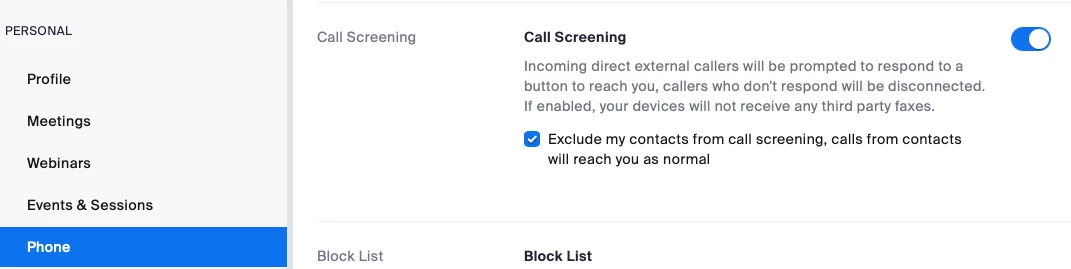
I added two numbers to my Personal Contact list, my own cell (for testing) and my wife's. Both numbers are still challenged by the call screening prompt when calling my Zoom number. I confirmed that the numbers appear in "Personal Contacts" on both the zoom.us website and in my Zoom Workplace desktop app.
To determine if setting changes had an activation lag, I temporarily disabled Call Screening and confirmed that the setting change was immediately effective on my line. Reenabling Call Screening was also immediate, however the numbers in my personal contacts are still screened.
Is anyone else experiencing this behavior?
Thanks!