

Zoom Meetings Closing Automatically vs Staying Open Forever
Hey All,
I recently started working at a new company that uses Zoom for their primary means of voice and video communication. We however use Slack as our primary means of text communication, so we use "/zoom" commands through Slack in order to conveniently create and use Zoom meetings.
I have noticed that when coworkers create Zoom meetings in Slack through the "/zoom" command, their meeting stays open seemingly forever. For instance, I am currently looking at a Zoom meeting that one of my coworkers created at 10:40 AM on October 15th. The "Join" button is still green, and I am able to join the meeting if I want to. Of course, because the meeting was created a week ago, when I join, no one is in the room but me.

When I create a Zoom meeting through the "/zoom" command, the "Join" button becomes greyed out shortly after everyone leaves the meeting, making it impossible for anyone to join that specific meeting again in the future.
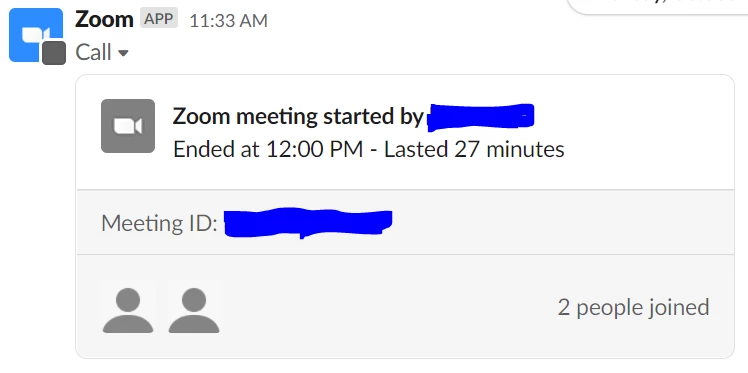
Out of a desire to understand Zoom better, I've spent a while trying to figure out what is causing this difference. As far as I can tell, there is no setting to automatically destroy meeting rooms after everyone leaves. What am I missing?
Thanks for your help