

Using ProPresenter Output in Zoom | Community
Skip to main content
Newcomer
November 11, 2021
Question

Using ProPresenter Output in Zoom

  • November 11, 2021
  • 1 reply
  • 49 views

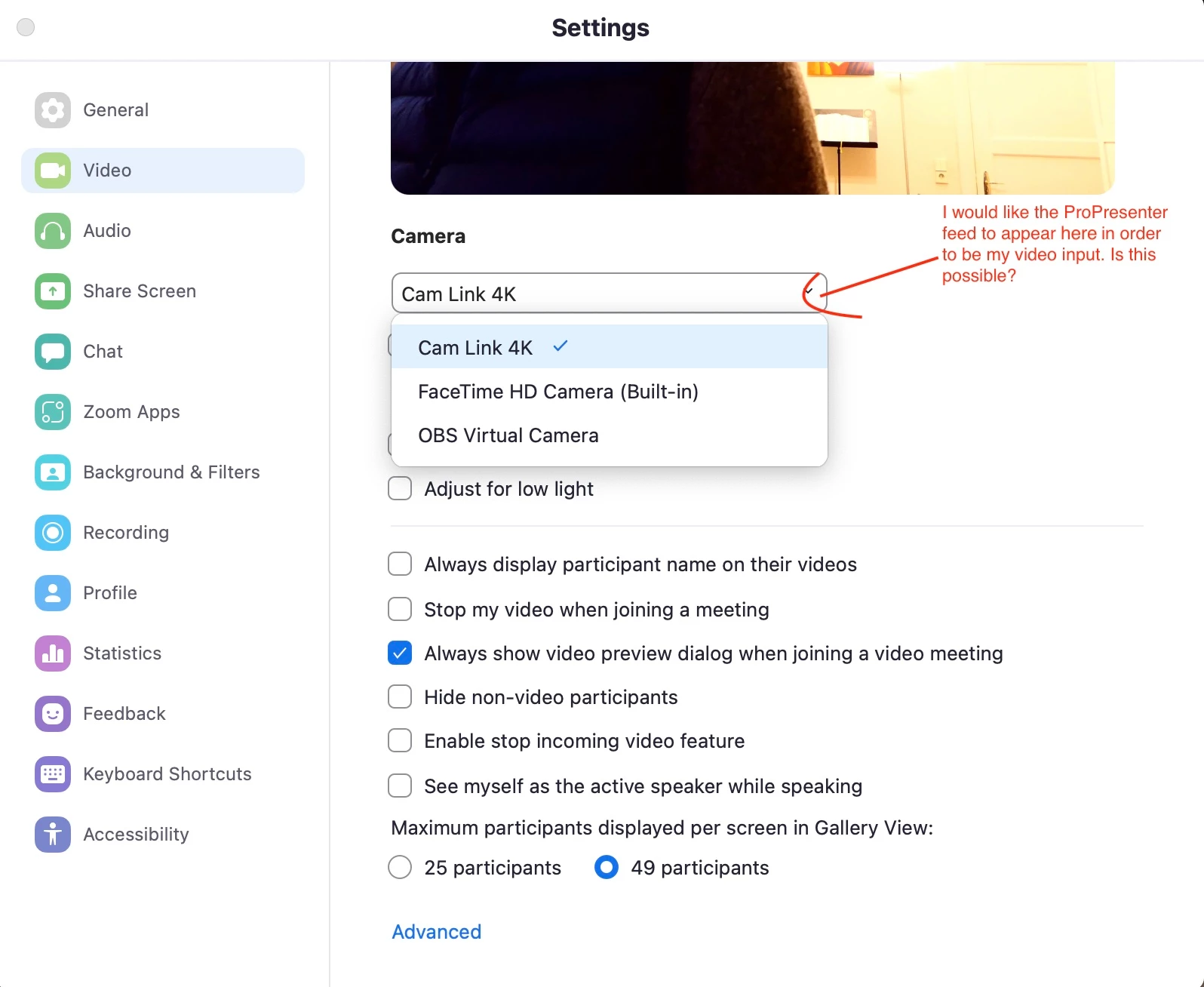
I am trying to find a way to use my ProPresenter output as input source in Zoom. Ideally I would like to use the output / feed of ProPresenter as my video source in Zoom (s. Screenshot). But I have not found any instructions / best practices on this.


All I found was this suggestion to just share my audience-screen in Zoom as discussed here: https://www.reddit.com/r/ProPresenter/comments/jxhbmy/pro_presenter_and_zoom/


But the problem is that this approach leads to a massive delay between audio and video. So this seems to be no reasonable option.


Does anyone have any experience on how to integrate the ProPresenter output into Zoom? I am happy for any advice!
    1 reply

    Arps
    Community Champion | Employee
    Community Champion | Employee
    January 6, 2022

    Hello!


    I'm not specifically familiar with ProPresenter, but it looks like it can't emulate a webcam.  I see you have OBS installed, which can emulate a webcam.  ProPresenter can do an NDI stream to OBS, which can then act as your virtual webcam.  

    https://twelvethirty.media/production/how-to-use-obs-and-pro-presenter-together-for-your-online-stream/


    Hope that helps and please make sure to mark the solution as accepted if this information is what you needed.

    Thanks! Rick