
Solved
Recording problem
Whenever I host a meeting it starts recording it automatically. My cousin turned auto recording on, but I do not know how to off that option. Please anyone tell how to.

Whenever I host a meeting it starts recording it automatically. My cousin turned auto recording on, but I do not know how to off that option. Please anyone tell how to.
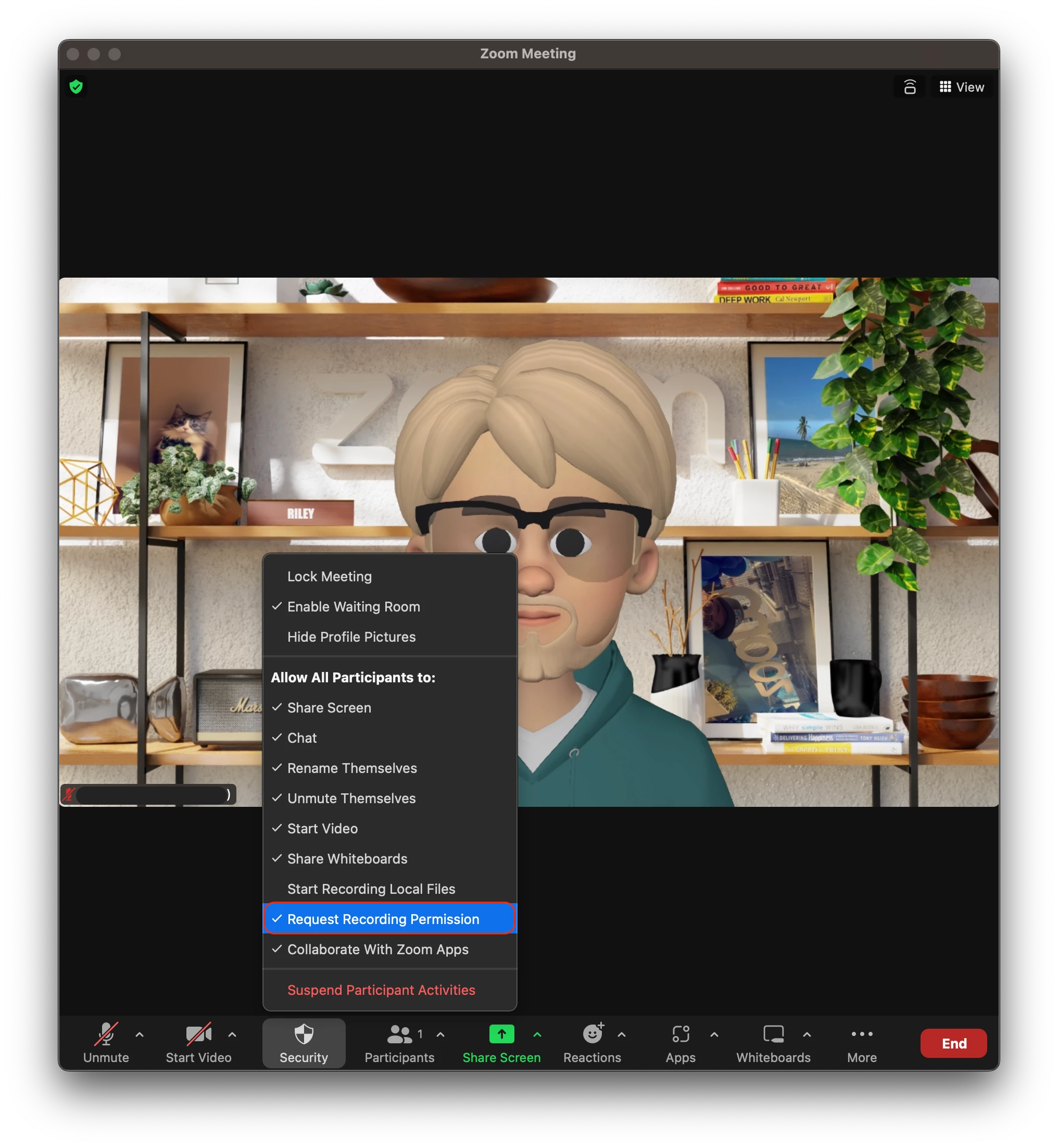
Hi @UltimateZoomie as the host, you can go into you 'security' settings within the meeting, and disable 'Request recording permission'
Enter your E-mail address. We'll send you an e-mail with instructions to reset your password.