

Question
Recorded using 1 meeting ID, should have used 2 IDs for posting to 2 different Canvas classes
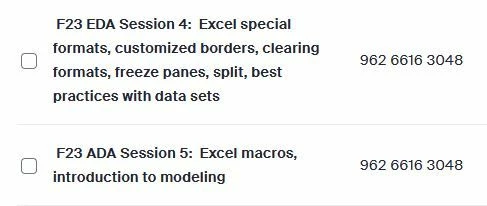
These are two classes I teach. I record to the cloud for each class, and then post in Canvas Zoom Recordings for each class. Unfortunately, somehow I managed to record them both during one meeting, instead of two -- you'll note the meeting id is the same. Now, both of these recordings show up in both of these classes when I publish them in Canvas. If I unpublish one, they both become unpublished. Help! I have no idea how to fix this. I feel like I need to somehow get one moved to a different meeting id? I don't think it's a Canvas thing, I think it's a Zoom thing?