

No speaker icon in zoom for Android | Community
Skip to main content
Newcomer
August 16, 2021
Question

No speaker icon in zoom for Android

  • August 16, 2021
  • 3 replies
  • 0 views

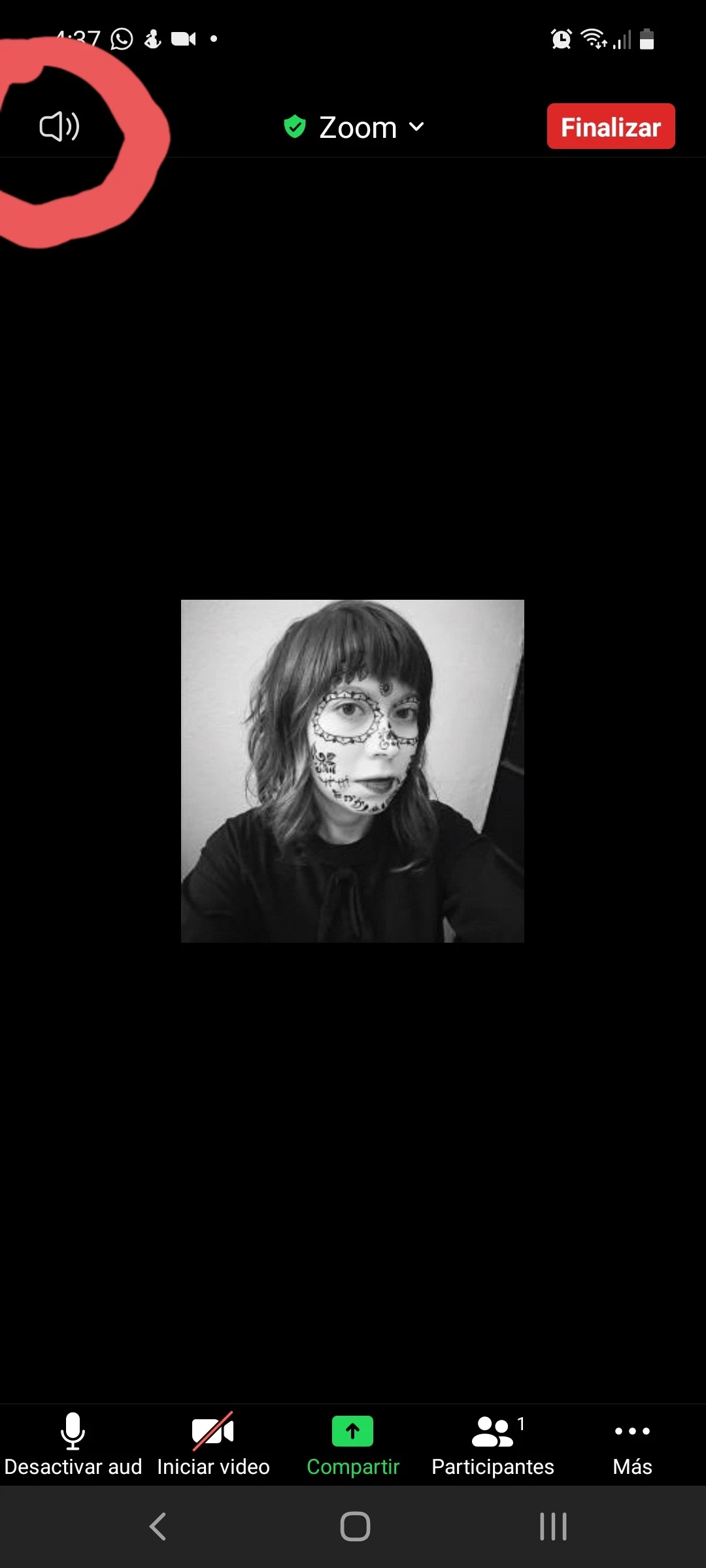
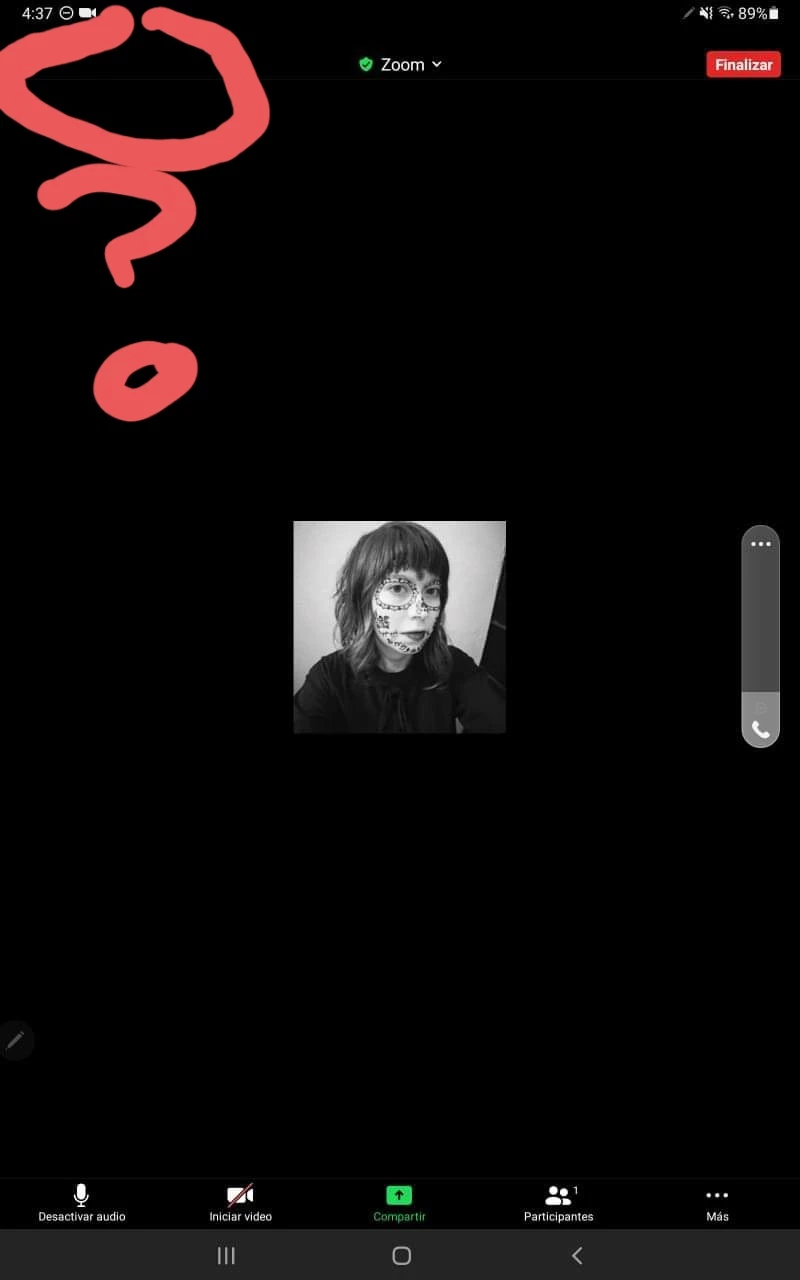
Hi! There is no a speaker icon in zoom for Android in my samnsung tablet. I give clases from my computer, but I use the tablet to share videos, so it's a mess when I want to share a video from my tablet and I can't mute the sound from the tablet. I have android 11 in my tablet and in my cellphone, but in my cellphone there is the icon but there isn't in my tablet. They both have the same version of Android and Zoom. They both are Samsung!
    3 replies

    RobertS
    Newcomer
    Newcomer
    August 21, 2021

    Not sure why that is. Have you tapped the screen in the black area on the tablet? That usually brings up all the icons.

    When all the icons are visible, you should also see the two dots at the botom (middle) of the screen to show which screen you are. Try swiping your screen left or right  and see if the speaker icon appears.

    Community Manager
    October 7, 2021

    Hey @Pholette! Have you tried @RobertS' suggestion of tapping on the screen to get your Speaker Icon? Because it's been some time, have you been able to resolve this? 🙂

    Newcomer
    December 9, 2022

    I am also having this same problem

    Using a galaxy a51


    When joining a meeting, I hear what's taking place

    If i minimize the app and try to open it again however, I get no sound even though I am still connected to audio

    The speaker icon also disappears

    Newcomer
    October 21, 2021

    I, too, have no speaker icon on my tablet.  I am running Android 7.1.2 on a Samsung Pro 10.1 tablet.  I tested a session with my PC, and they can hear me, but I hear nothing.  When I swipe the screen to the right I get a page titled "Safe Driving Mode".  My microphone is muted.