Having the exact same problem, since the update. Mic seems to be working. But there is no sound output to any device. Getting the "Failed to Detect Speaker error". Have tried all sorts of troubleshooting. Pretty sure the problem is in the app.
Audio works fine in Meet etc.
Haven't been able to use zoom in over a week on the laptop, which is an Omen 15! It's making things rather difficult since I do a lot of online trainings which are all scheduled on zoom. Please help.
EDIT:
I just checked the Release Notes for this version 5.7.4(804) and it seems there was to be another release on 2nd Aug to fix this problem, which has been delayed.
It specifically says it intended fix this Audio problem for a subset of users. It seems to have broken it for others....
Link is here: https://support.zoom.us/hc/en-us/articles/201361953-New-Updates-for-Windows
Putting it here incase it helps others....save you some time looking for a solution that does not currently exist. Its not your system that is at fault.
Hope we get the fixed update soon!
EDIT 2: SOLUTION
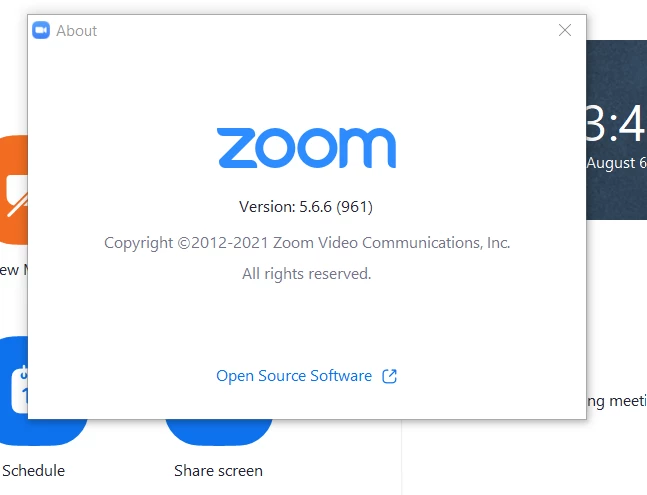
I found a temporary solution. I just installed the previous versions 5.6.6 and audio is now working again.
You can get it from here: https://zoom.us/client/5.6.6.961/ZoomInstaller.exe
(Link updated to official zoom source)
I installed it without uninstalling anything and it went back to the previous version.