

Music | Community
Skip to main content
Newcomer
March 5, 2023
Question

Music

  • March 5, 2023
  • 4 replies
  • 0 views

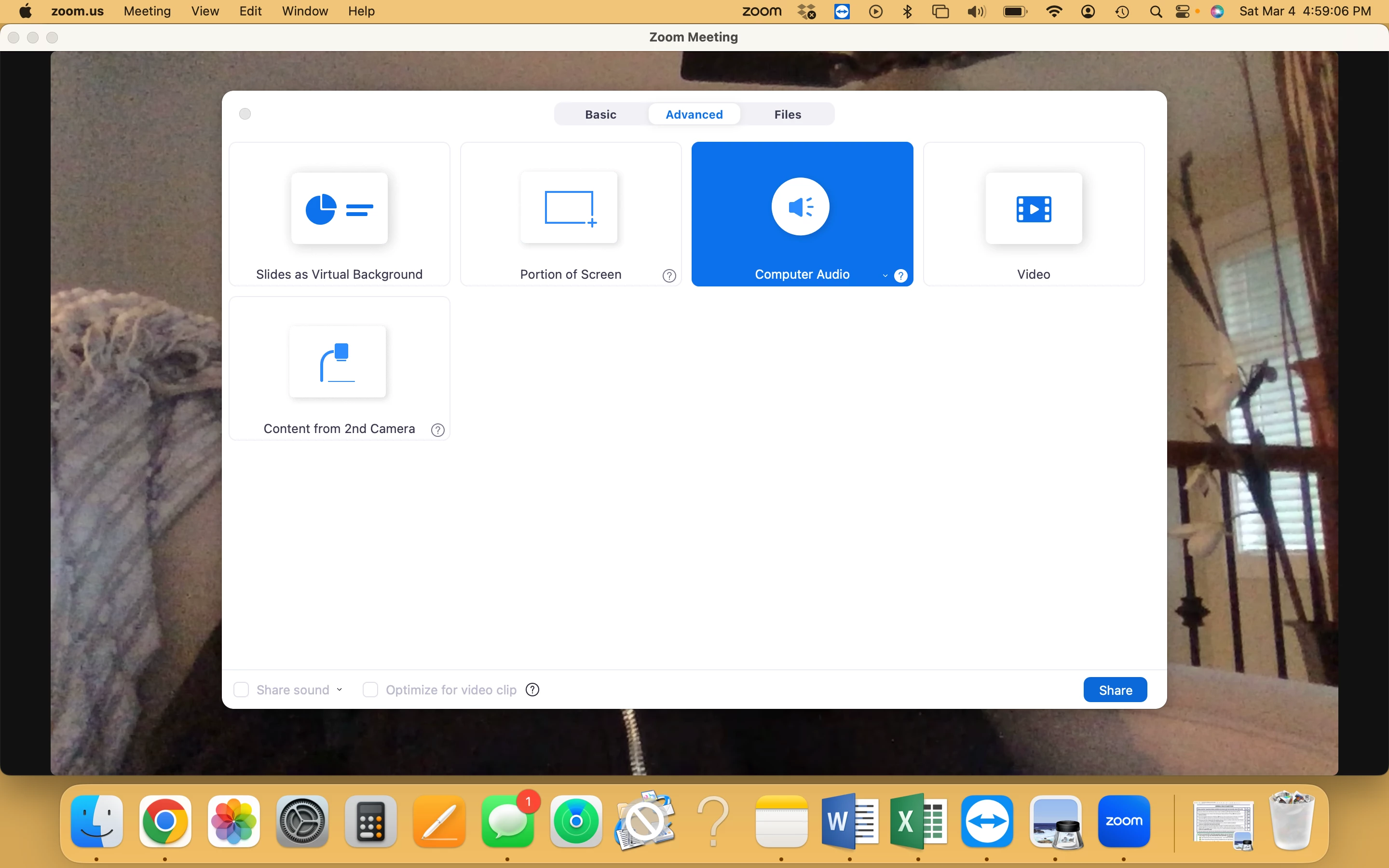
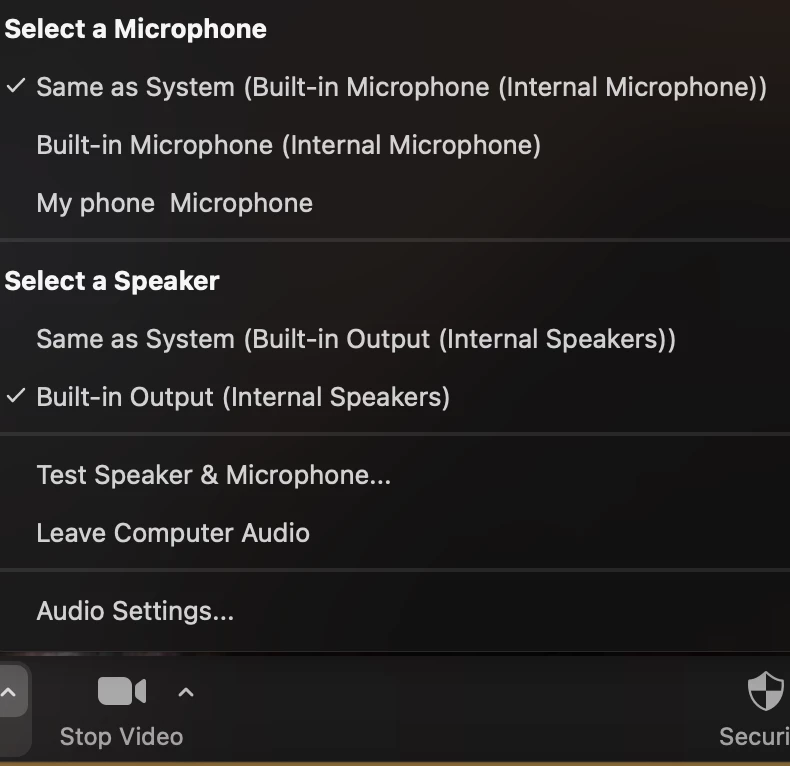
For the past 3 years I have been playing music in the background on a separate speaker from my phone.... while zooming a fitness class on my laptop. The members have been able to hear me, see me and hear the music. After recently doing an update, uninstalling and reinstall, they can no longer hear my music.  Below is how I am sharing. This is how I have set it up for the last 3 years. Please help, I have a class on Monday morning and don't know what else to do. No help from zoom chat : (
    4 replies

    Newcomer
    March 5, 2023

    Did you happen to get a solution?  This is happening to me as well. 😞

    McNeilAuthor
    Newcomer
    March 5, 2023

    No resolve yet. And you are the only response. I'm getting so frustrated. I've tried to chat with zoom which I've done several times. but now I keep getting the bot. 

    Newcomer
    May 16, 2023

    This happening to me too since the recent update... : ( I had the same set up and was working great since the pandemic.

    I teach zoom ballet classes and my students can't hear my music that I play through my speaker in the background. now I am using share my computer audio on zoom and play music on the same computer. my students can't hear me talking if the music is sharing. 


    Newcomer
    September 2, 2023

    I am getting the same problem. I teach zoom yoga & they can't hear my speaker playing.

    Newcomer
    January 11, 2024

    Are you all on Windows 11?  I got it working today. FYI


    Hiya,

    I figure it out.  Hopefully this works for you. In my case, I was almost sure it was a Windows 11 problem, as it worked fine on my old laptop which was Windows 10.

    • Go to start
    • Do a search for Realtek Audio Console
    • Click on the Recording Device that you use
    • Under Microphone Effects, toggle off AI Noise Reduction