

cancel
Showing results for 
Search instead for 
Did you mean: 
Effective January 9th, 2026 through January 22nd, 2026: The Zoom Community is currently in read-only mode with login disabled, to deliver you a new and improved community experience!

The site is still accessible to view, however, the ability to login, create content, or access your community account is temporarily unavailable. We appreciate your patience during this time. If seeking support, please browse existing community content or ask our Zoom Virtual Agent.

Logo Removal

RandomResearch
Newcomer
Newcomer

We an invitee to a meeting click on the invite to attend


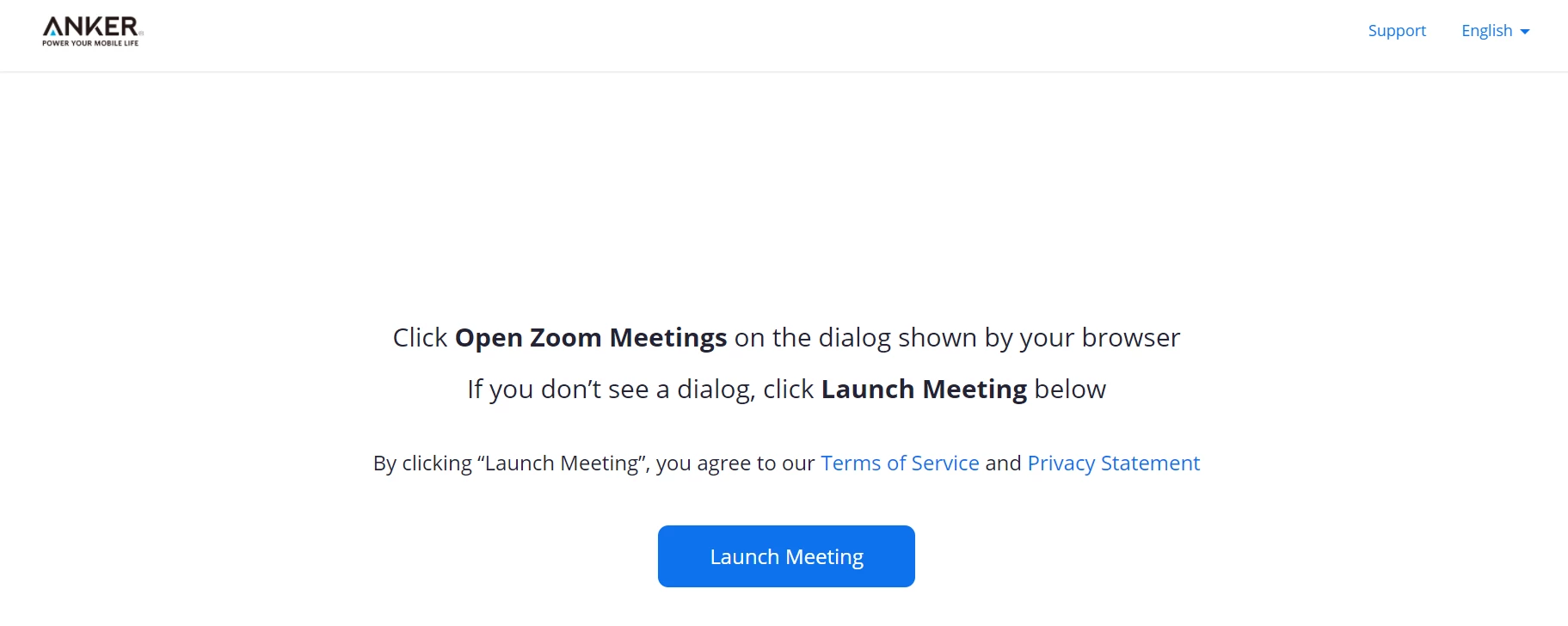
This page shows up:
 

RandomResearch_0-1629603667994.png

And a company logo shows up in the top left corner.  I need to keep this research anonymous and do not want them to know the company conducting the research.  The people I chat with are recruited using a panel who agree to participate in market research studies.  But I need to maintain anonymity


Any suggestions or tutors?

1 REPLY 1

Ohkawa
Community Champion | Customer

Hi, RandomResearch

I think your account manager gets a vanity URL and create a branding page.

Maybe your account manager can create a sub-account and assign a license to that one to take the survey?


If your account manager is unable to create a sub-account for your account,

your account manager can request to Zoom support so that your account manager can create sub-accounts.