

Disable Social Share button as default on meeting registration page? | Community
Skip to main content
Newcomer
February 2, 2022
Solved

Disable Social Share button as default on meeting registration page?

  • February 2, 2022
  • 2 replies
  • 0 views

Hi

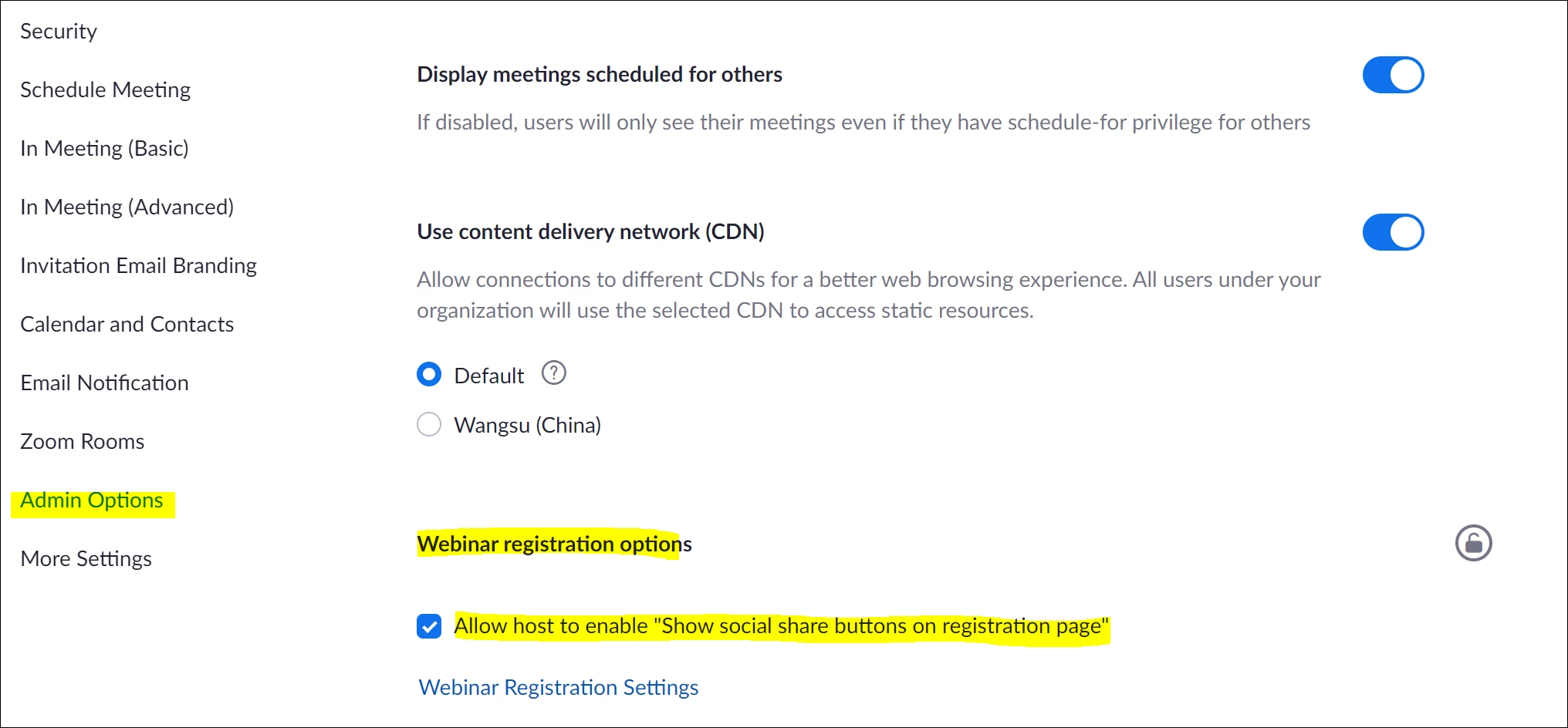
How can I set the default meetings settings to disable the "Show Social Share buttons on registration page".


I have disabled it on the Group Management and the Account Settings (Admin options), under Webinar Registration Settings, but it still appears when scheduling a meeting.


Thank you in advance..... 


BR Lasse


    Best answer by Alex_PFT

    I just found out that you can simply disable this from the web portal, but it's for webinars only ...


    2 replies

    Alex_PFT
    Partner
    Partner
    February 2, 2022

    On the web portal, in the settings of the webinar/meeting you would like to modify, at the bottom in the invitations tab, registration settings:


    LasseHAuthor
    Newcomer
    February 2, 2022

    Thank you Alex, but this has to be done on every webinar/meeting scheduled.

    Alex_PFT
    Partner
    Partner
    February 2, 2022

    If you want to disable it by default I'm not sure you can do it. You can always create a template meeting where it is disabled, and use that template when you create a new meeting. 

    LasseHAuthor
    Newcomer
    February 2, 2022

    Thank you. I will try if it's possible to make a template.