
Cloud recording showing no permission | Community
Skip to main content
Newcomer
July 9, 2023
Question

Cloud recording showing no permission

  • July 9, 2023
  • 4 replies
  • 1 view

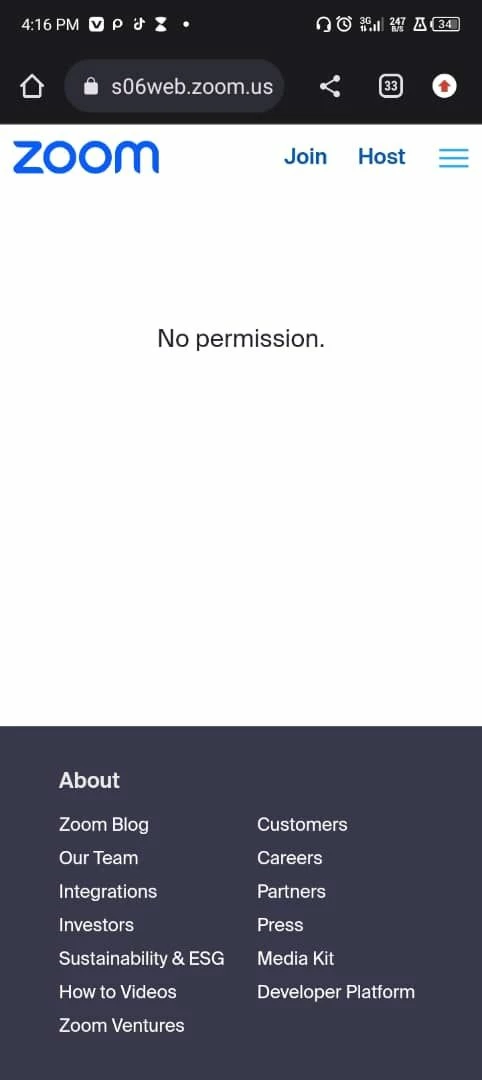
My cloud recording kept showing "no permission".

I have adjusted all the settings to the best of my knowledge and it's still showing no permission from everyone with the link.

4 replies

Community Manager
July 14, 2023

Hi @AdekolaOgundare welcome to the community! Are you able to access your Recording Management as an Owner or Admin at https://zoom.us/recording/management?


If you're not able to access this, I would suggest checking the following account settings within your Zoom Account as the Owner, go to https://zoom.us/account/setting --> Recording Tab --> disable "Prevent hosts from accessing their cloud recordings"


Let me know if that setting was enabled? And if disabling helps you access the recording! 🙂

Newcomer
July 17, 2023

I am having the same problem sharing cloud recordings.  This setting was not enabled.  The attached screenshots are messages from two different individuals regarding two different recordings.  I have shared the link to the recording with one.  The other was invited through giving their email access.  Please help!

Community Manager
July 17, 2023

Hi @jodicarlton welcome to the community! May I ask, were you the host of the recording? I see you mentioning you're sharing a share link with your participants after the meeting? 


Are you sharing the recording by going to https://zoom.us/recording clicking into your recording topic and clicking 'share'?

Newcomer
July 17, 2023

Yes, I am the host.

I have shared through clicking the link as you mentioned above, but also through inviting a specific email.  Neither worked.

Newcomer
July 17, 2023

Thanks to everyone who has responded so far.


I am the host.

I've followed through on the settings.

Still not working. 

Very frustrating.