Solved
CANNOT EDIT PERSONAL MEETING ID SETTINGS (EDIT TAB IS GRAYED OUT)
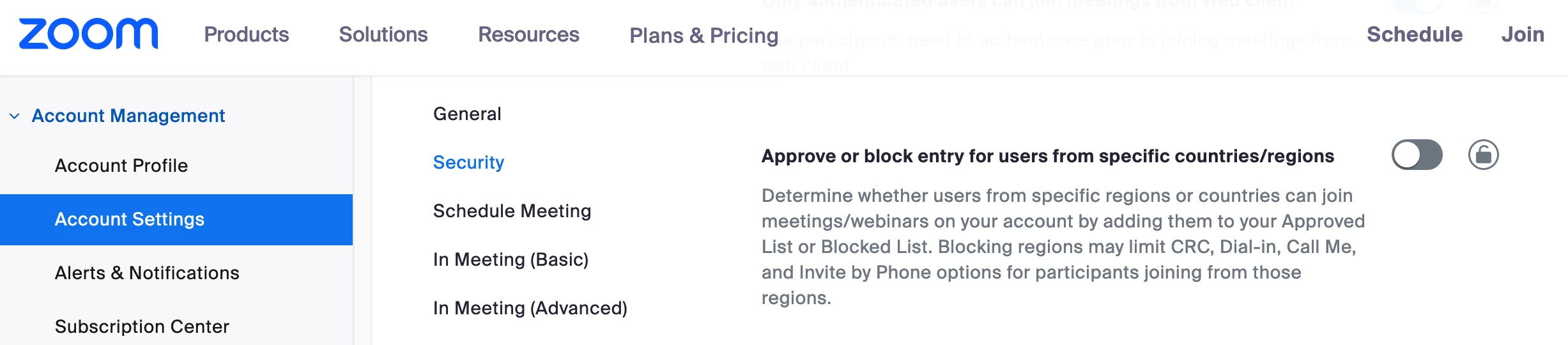
I am trying to edit the "countries approved" setting in my personal meeting ID settings and the "edit" tab is grayed out.
I get a message stating that my account is blocked and I must contact the admin.
I am the only one using this account. I am the admin? Please help.
- Under Schedule Meeting, click the Enable Personal Meeting ID toggle to enable or disable it.
Note: If the option is grayed out, it has been locked at either the group or account level. You need to contact your Zoom admin.