

Black rectangles when sharing screen | Community
Skip to main content
Newcomer
August 17, 2023
Solved

Black rectangles when sharing screen

  • August 17, 2023
  • 2 replies
  • 21 views

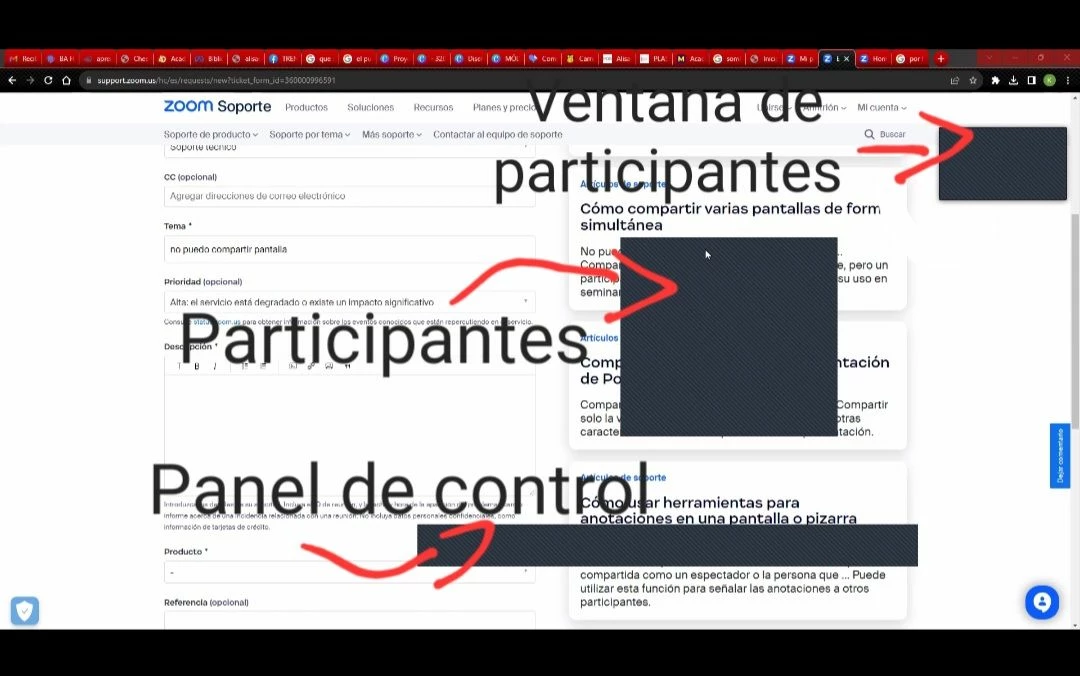
Hello, group, first time that I write here. I'm having trouble sharing a screen in a zoom meeting. Participants see obstructing black rectangles on the screen. I honestly don't know what to do anymore. Here I attach an image.
Best answer by HOST_A1

While you are at the meeting, switch between these options until the problem disappears.


What you called as problem, was my ‘goal’.

so, i suppose that clicking at legacy operating systems would not be he solution for you. 


2 replies

Community Manager
August 17, 2023

Hi @key12de welcome to the community! I believe the setting 'capture with window filtering' is what is showing these. 


On the desktop client go to Settings > Share Screen > Advanced > Screen Capture Mode and select 'Auto' to see if that helps? 

Newcomer
February 14, 2024

What if  it didn't work..?! What next step I can try to solve the black screen problem then..?!


Thanks for your help in advance one again ..

Newcomer
February 20, 2024

Hey @haesoljohn, Im a little stumped as to how we could possibly resolve this and how similar cases have been resolved in the past. This may need to be investigated by our Zoom Support team. I have created a ticket for you and will be monitoring it to ensure you receive the resolution you require. Please let me know if there is anything else I can do to help within the Zoom Community.


Cheers @RN52_2 for what you’ve done for me and others who have a similar problem. I owed you one ..


Best,


haesoljohn ..

Newcomer
August 17, 2023

After 3 or 4 August, THE SAME PROBLEM HAPPENED TO ME.


I had it set as the gentleman above (i wanted it that way), but suddently, MY PARTICIPANTS could see everything I had over the shared screen content. is this a bug? I now changed it to "Legacy operating systems' and it works.


SO SO SO FRUSTRATING. If anything like that happens again I'm going away from Zoom.


charge me 5-10 dollar more/month, but give me customer support........!!! Not everyone has the time to learn evreything about zoom meetings................

key12deAuthor
Newcomer
August 17, 2023

Could you solve it? I changed it to "Legacy Operating Systems" do you mean this option attached below?

HOST_A1Answer
Newcomer
August 17, 2023

While you are at the meeting, switch between these options until the problem disappears.


What you called as problem, was my ‘goal’.

so, i suppose that clicking at legacy operating systems would not be he solution for you.