cancel
Showing results for 
Search instead for 
Did you mean: 
Effective January 9th, 2026 through January 22nd, 2026: The Zoom Community is currently in read-only mode with login disabled, to deliver you a new and improved community experience!

The site is still accessible to view, however, the ability to login, create content, or access your community account is temporarily unavailable. We appreciate your patience during this time. If seeking support, please browse existing community content or ask our Zoom Virtual Agent.

Audio level adjust

DaveRook
Explorer
Explorer

Periodically, I am informed that my microphone is a little quiet. 


I have unchecked "Automatically adjust microphone volume." (And this has been unchecked for the last year, and yet this issue has occurred multiple times during this period) 


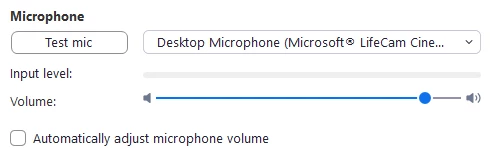
This is where I want my microphone level to be
DaveRook_0-1737112708374.png

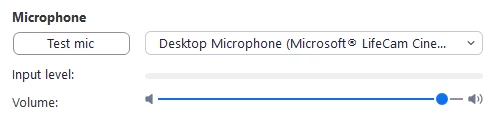
This is where it is being to 

DaveRook_1-1737112739321.png

As you can see, it's really a minor change but it does happen


I do have the Audio profile set to Medium
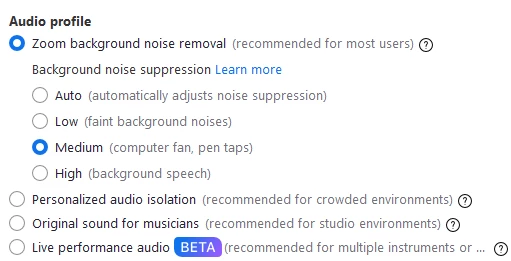
 

DaveRook_2-1737112818258.png


Is there anything outside of Zoom that might impact the level? 


2 REPLIES 2

storyhub
Community Champion | Customer

The number one external condition is how close you are to the mic. This camera has a noise cancelling mic built in. If you are to far from the mic your voice will be perceived as noise and attenuated. You may want to turn off Zoom's noise cancelling (select low or try original sound). Remove any unwanted audio sources (make the space quieter).

I have no doubt you're right about the noise cancellation. But as per my post, I see a change in the GUI that shows a different level