
Converting meeting to webinar | Community
Skip to main content
Newcomer
September 29, 2022
Solved

Converting meeting to webinar

  • September 29, 2022
  • 2 replies
  • 0 views

I mistakenly set up a meeting (and have 136 registrants so far) and want to convert it to a webinar.  I have the plan that gives me Webinar 500.  How can I convert the meeting to a webinar?

Thanks!

    Best answer by melissachimera

    Hi there,


    I'm Melissa Chimera at *********** and at 808-280-2669. (Please don't email me at ***********)


    I just purchased a Webinar monthly plan for *********** and I need to convert the meeting to webinar, but I am getting this
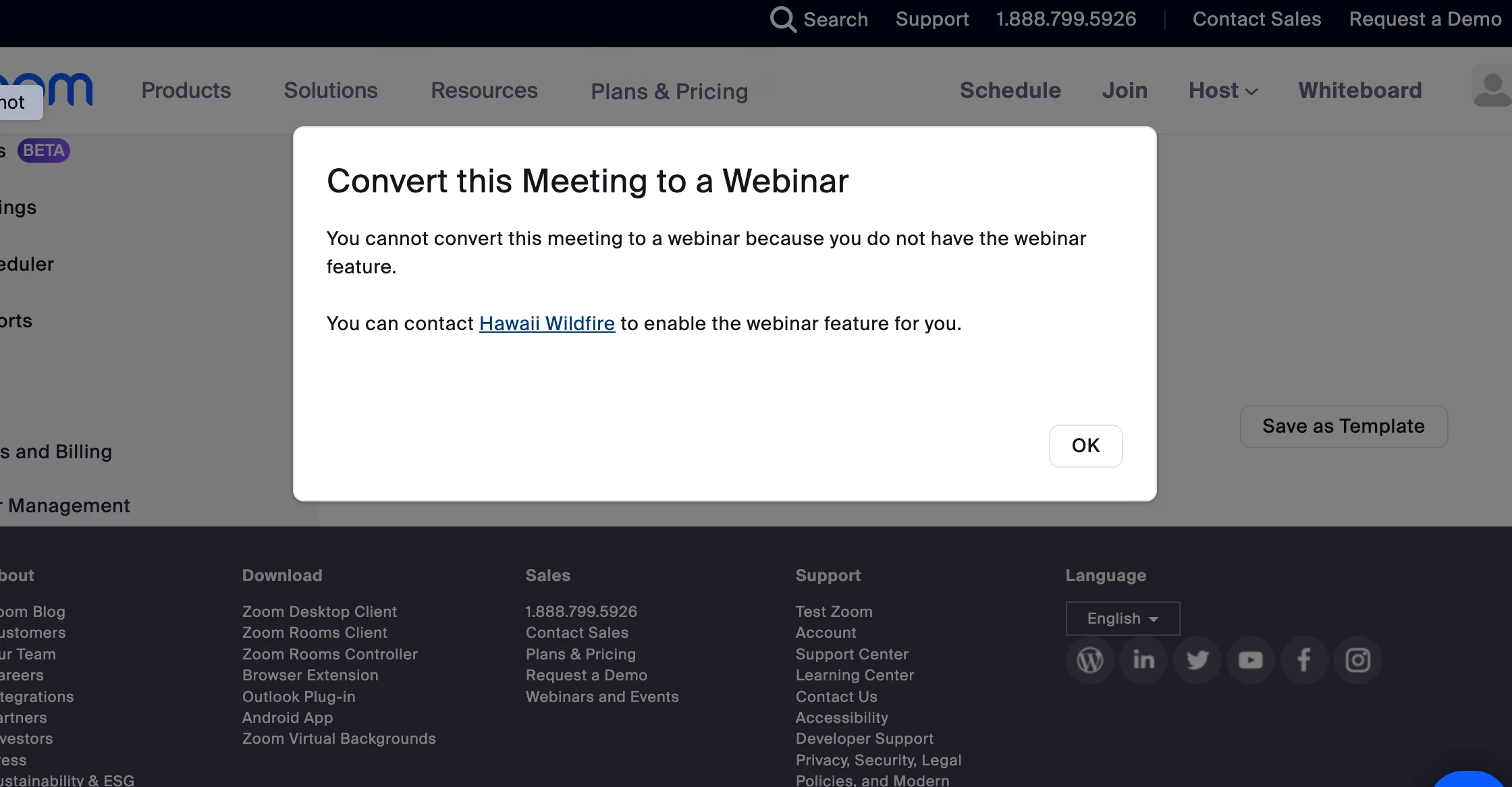
    but when I try to add registered user under WEBINAR plan settings (I already tried exiting and re-logging in as ***********) it says this
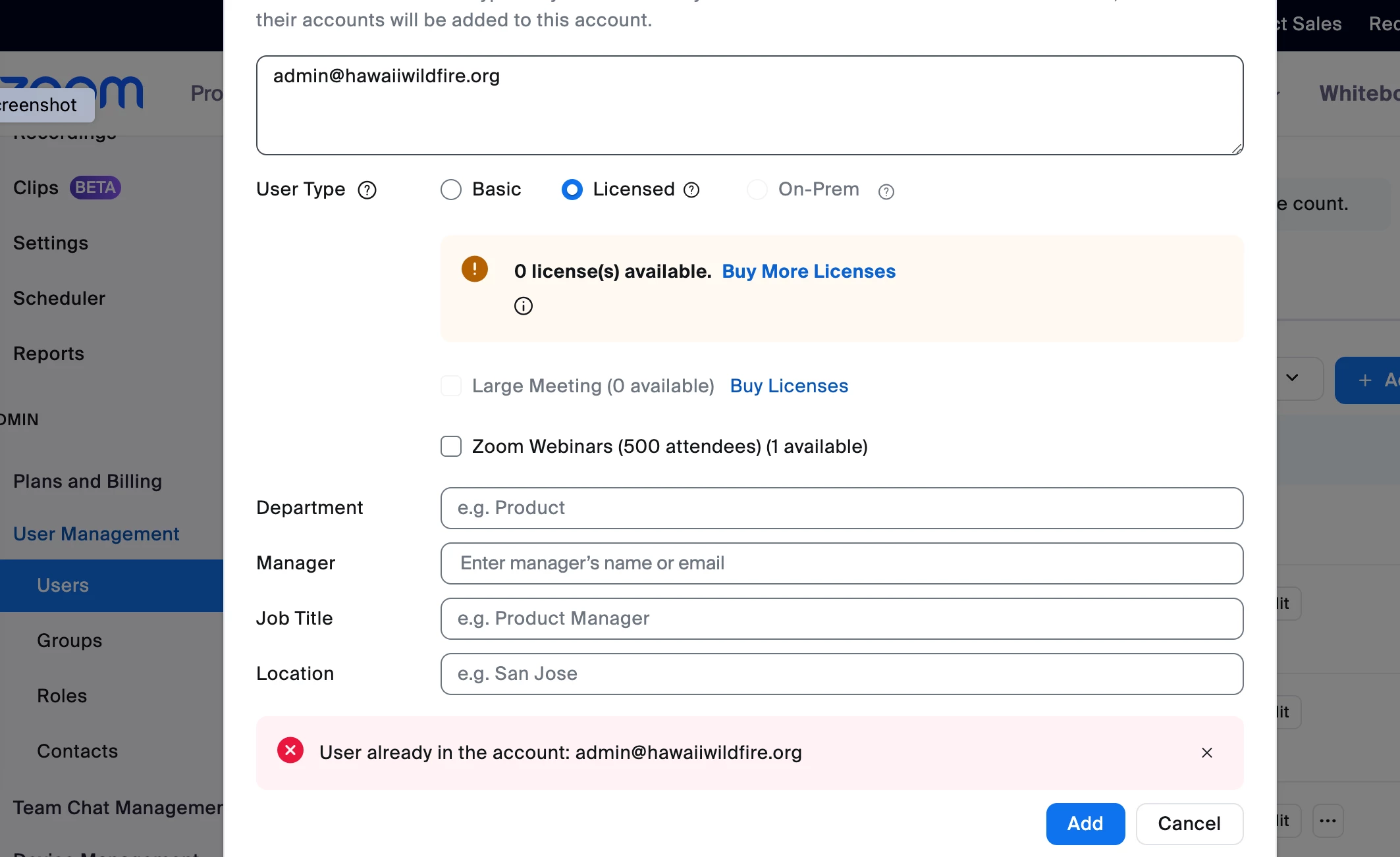
    2 replies

    ccameron
    Community Champion | Employee
    Community Champion | Employee
    September 29, 2022

    @bcoimbra,


    Step by step directions for the conversion from meeting to webinar is below:
    https://support.zoom.us/hc/en-us/articles/360042761551-Converting-meetings-and-webinars


    If this answers your question, please accept as solution.

    bcoimbraAuthor
    Newcomer
    September 29, 2022

    @ccameron,

    Thanks for your response.  I did follow those instructions but I did not see the option to 'convert to webinar' next to the start/end time area.

    Any further suggestions would be much appreciated.

    ccameron
    Community Champion | Employee
    Community Champion | Employee
    September 29, 2022

    @bcoimbra,


    Do you have a screenshot you can share? Have you confirmed this meeting is not tied to your PMI (personal meeting ID)? Have you confirmed you have a webinar license assigned to you?


    I have attached a screenshot of where you should see this option in the web portal.


    If this answers your question, please accept as solution.

    Newcomer
    August 28, 2023

     omg THANK YOU!!!