

Serious Issue. Phone Calls Dropping for Last 3 Weeks | Community
Skip to main content
Newcomer
April 24, 2023
Question

Serious Issue. Phone Calls Dropping for Last 3 Weeks

  • April 24, 2023
  • 1 reply
  • 15 views

We have had several reports of inbound calls dropping after 5-10 seconds. This has happened in different parts of the US and for employees in the Philippines.


Employees have updated their apps, restarted their devices, and uninstalled/reinstalled the app. They have switched between Wifi and Data, and since these are happening in all areas of the globe, we do not believe it is a service issue. 


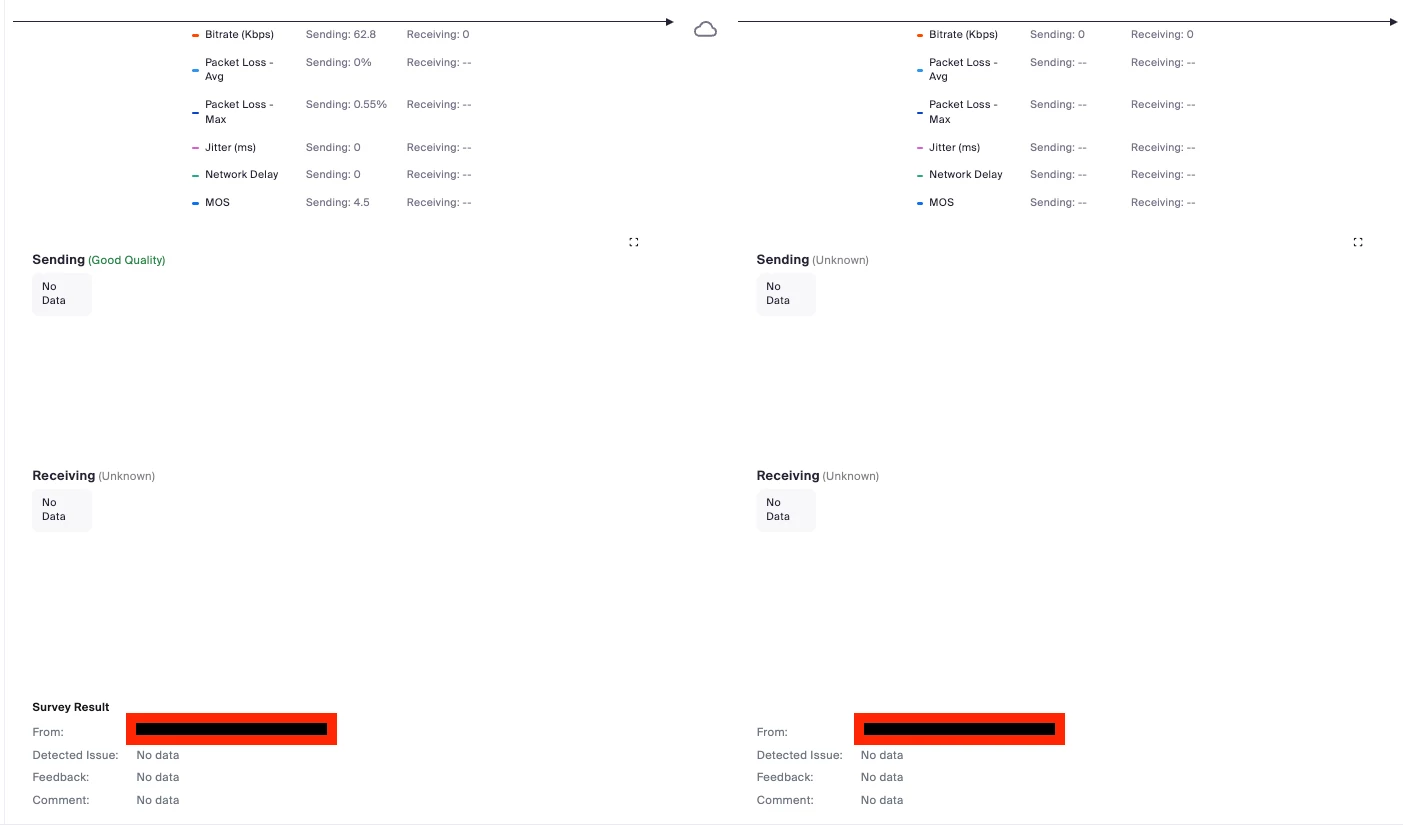
The Dashboard data reports good quality MOS >4, but there is no data for sending/receiving. I have sent tickets to Zoom support, and they took days to get back to me. I have emailed our sales rep and am waiting to hear back. Our customers are starting to think we are hanging up on them. This is ridiculous that it hasn't been resolved yet. This is what we are paying for. I'm completely flabbergasted that this isn't being treated as a priority. 


This has been going on/off for the last 7 days. We need Zoom to look into this asap. 
 

    1 reply

    Community Champion | Employee
    April 24, 2023

    Hello @maddietodd 


    Thanks for the screenshots. To me, this looks like firewall issues. Have you ensured all firewall ports are open ?


    https://support.zoom.us/hc/en-us/articles/201362683-Zoom-network-firewall-or-proxy-server-settings#h_01EEBSGCKBYVB20MCVPR78T0NN

    Newcomer
    October 18, 2023

    how can you tell it is a firewall issue? where does it tell you a port is being blocked? And, what is the port that is being blocked? Please explain because it doesn't explain how other calls come through fine and other calls, even internal calls, drop as soon as it connects. 


    We are experiencing the same issue. 

    Community Champion | Employee
    October 20, 2023

    Hello @calldrop @DavisTCA @maddietodd 


    Now there is a new connectivity tool from Zoom, you can use for troubleshooting to see if there are any issues with the network. Please try it here and see if that helps determine the issue:


    https://support.zoom.us/hc/en-us/articles/12997935825293-Zoom-Network-Connectivity-Tool#h_01H41TQ1JR9GS9HTKKJKBD0P5W


    If this response helps, please accept the answer as an accepted solution, so others can benefit as well.