
Solved
Video not working
During a video conference the light of my camera stays ON but there is no video. I checked the app camera and it is working, but not in a zoom conference. Can anybody help me?

During a video conference the light of my camera stays ON but there is no video. I checked the app camera and it is working, but not in a zoom conference. Can anybody help me?
Hi @jmf thank you for your post here on the Zoom Community! I have seen this issue before and wanted to offer some thoughts
- occasionally you may have another app open that is using the camera and tying up the camera in such a way that it can't be shared with other apps. Microsoft Skype for example is one I have seen do this. If you can completely exit out of any apps that might be using the camera and try Zoom again that would be great.
Also, you can go into your Zoom client settings
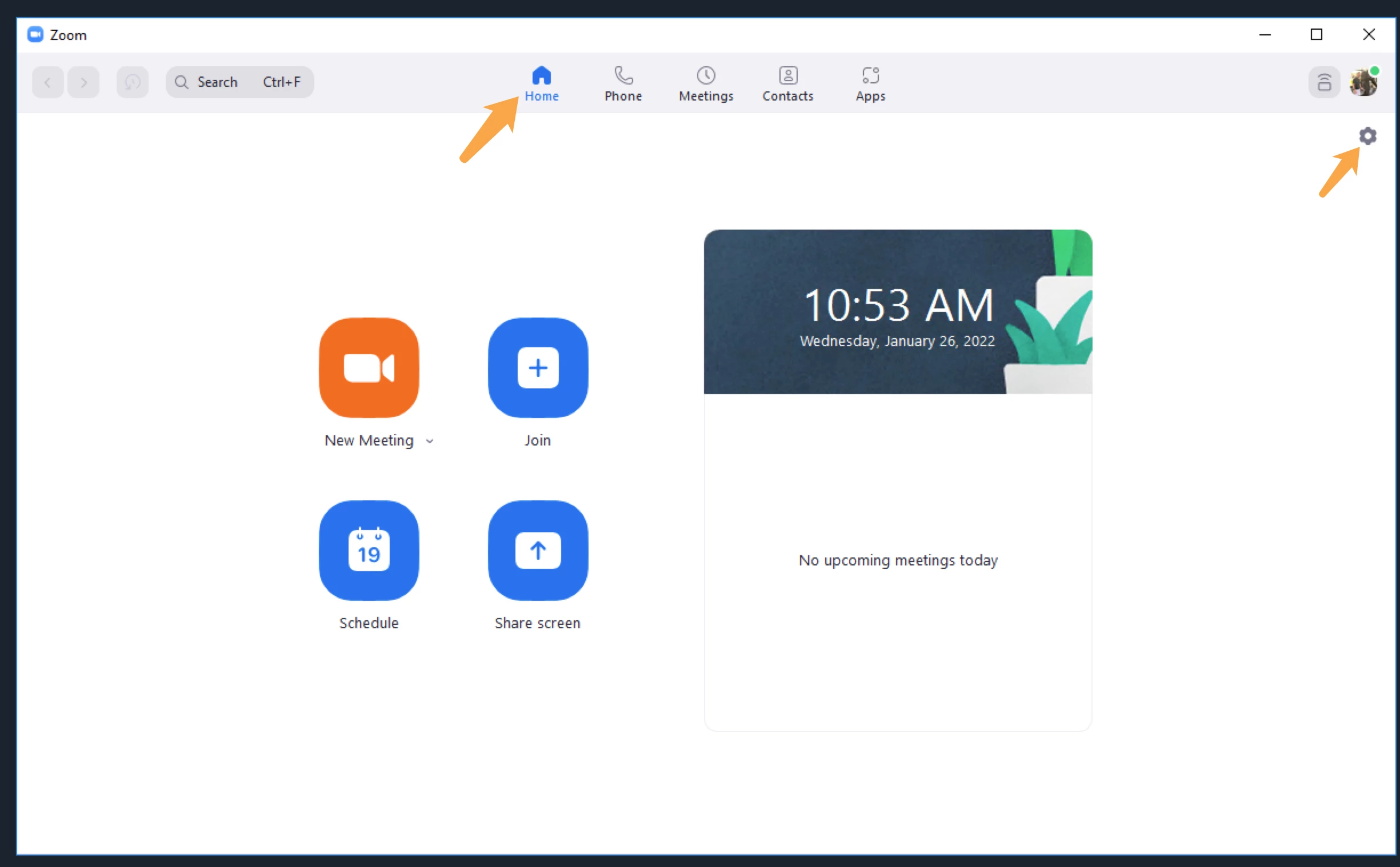
You can even do this when you are not in a meeting. Click on Video, and you will see some camera choice options there. If your camera is recognized by Zoom you will see a small picture of yourself in camera.
If this has answered your question to your satisfaction, please click the "Accept as Solution" button below but if not please reply and we can continue the discussion. Thank you!
Enter your E-mail address. We'll send you an e-mail with instructions to reset your password.