

Failure to Open the newly installed Zoom - PLEASE HELP! | Community
Skip to main content
Newcomer
March 11, 2022
Question

Failure to Open the newly installed Zoom - PLEASE HELP!
  • March 11, 2022
  • 2 replies
  • 0 views

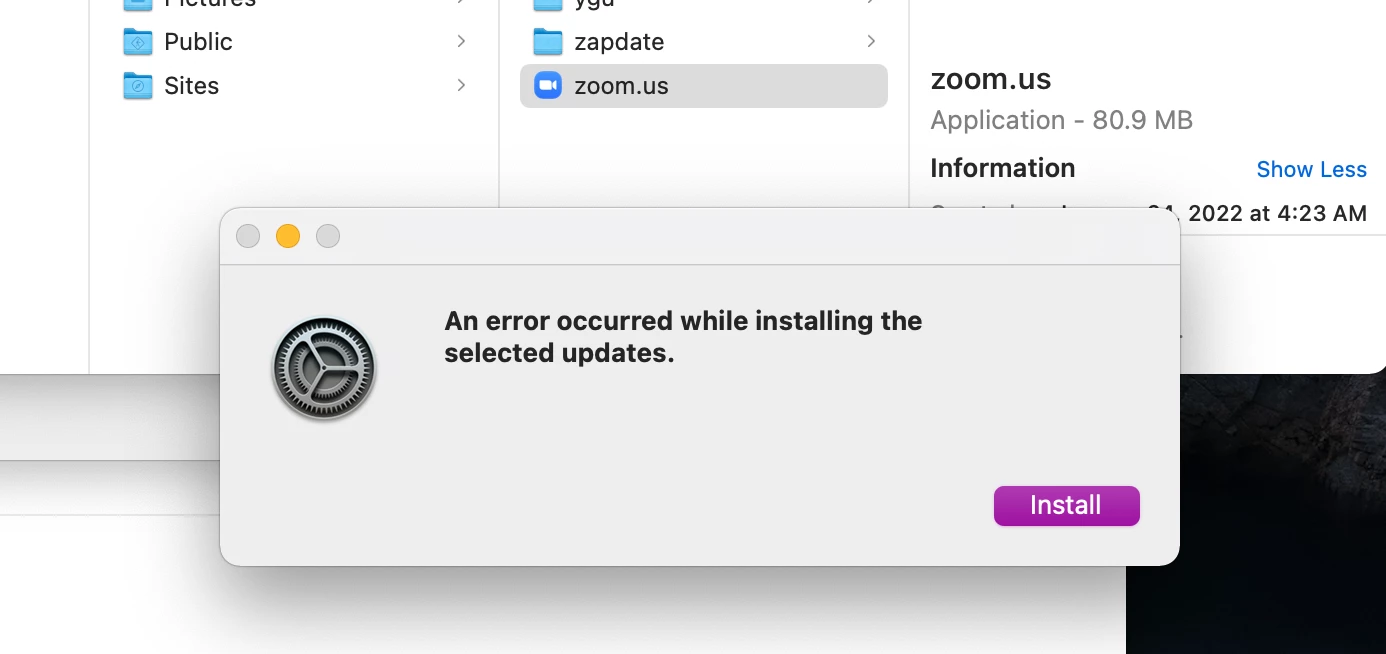
I have a brand new Mac OS 12.2.1 - I've downloaded and installed zoom.  When I try to open the app I get an error message that says "an error occurred while installing the selected updates".  There are not any selected updates and the only option is to click "install" - nothing happens.  I've uninstalled and reinstalled 4 times.  I continue to get the same loop see attached.

PLEASE HELP!!!!! The WHOLE POINT of a new computer was to be able to use Zoom with my students!!!


    2 replies

    Newcomer
    May 4, 2022

    I got the same thing with my brand new MacBook.  I restarted the computer and then tried opening the zoom app again; this time it showed a different message, something about needing to install "Rosetta" so that the zoom app would work with the new type of processor in the MacBook.  Once I'd installed that, Zoom started working for me.  

    Hope this helps.

    Newcomer
    May 4, 2022

    Thank you for the reply!