Question
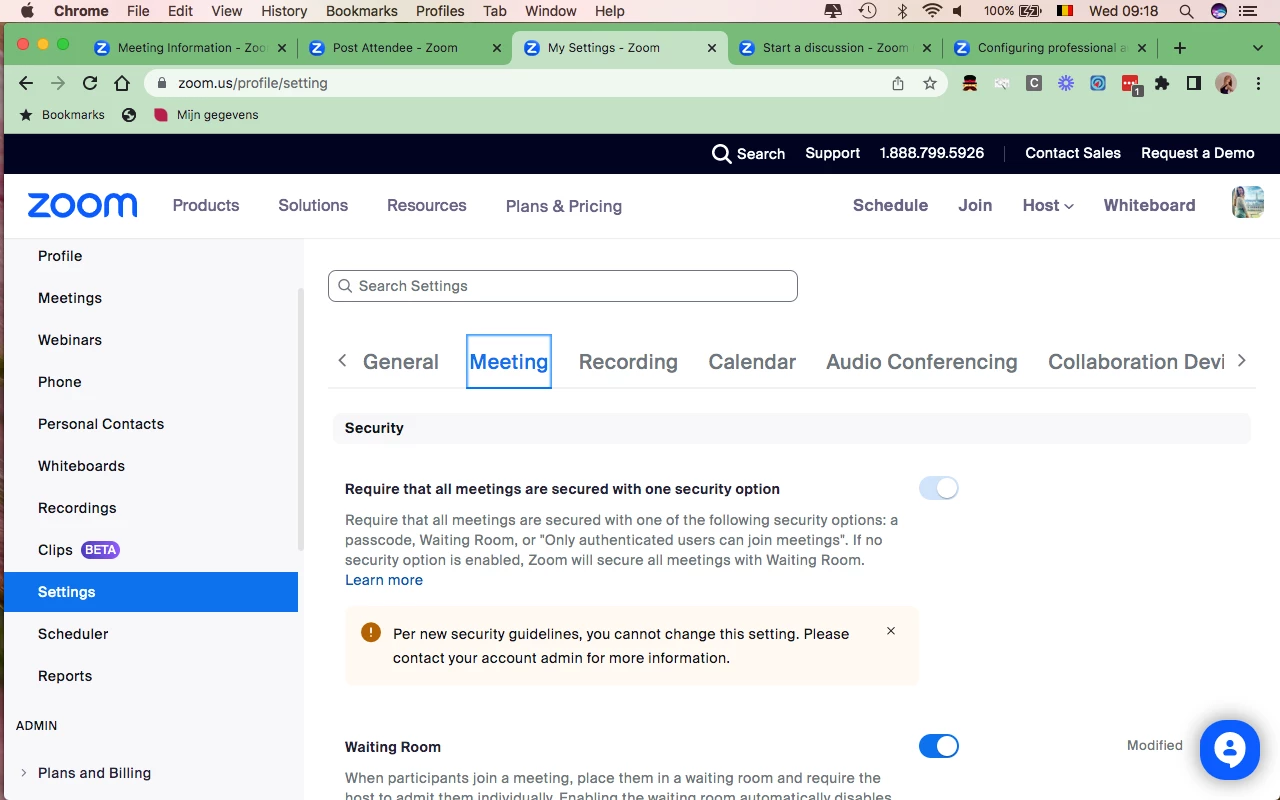
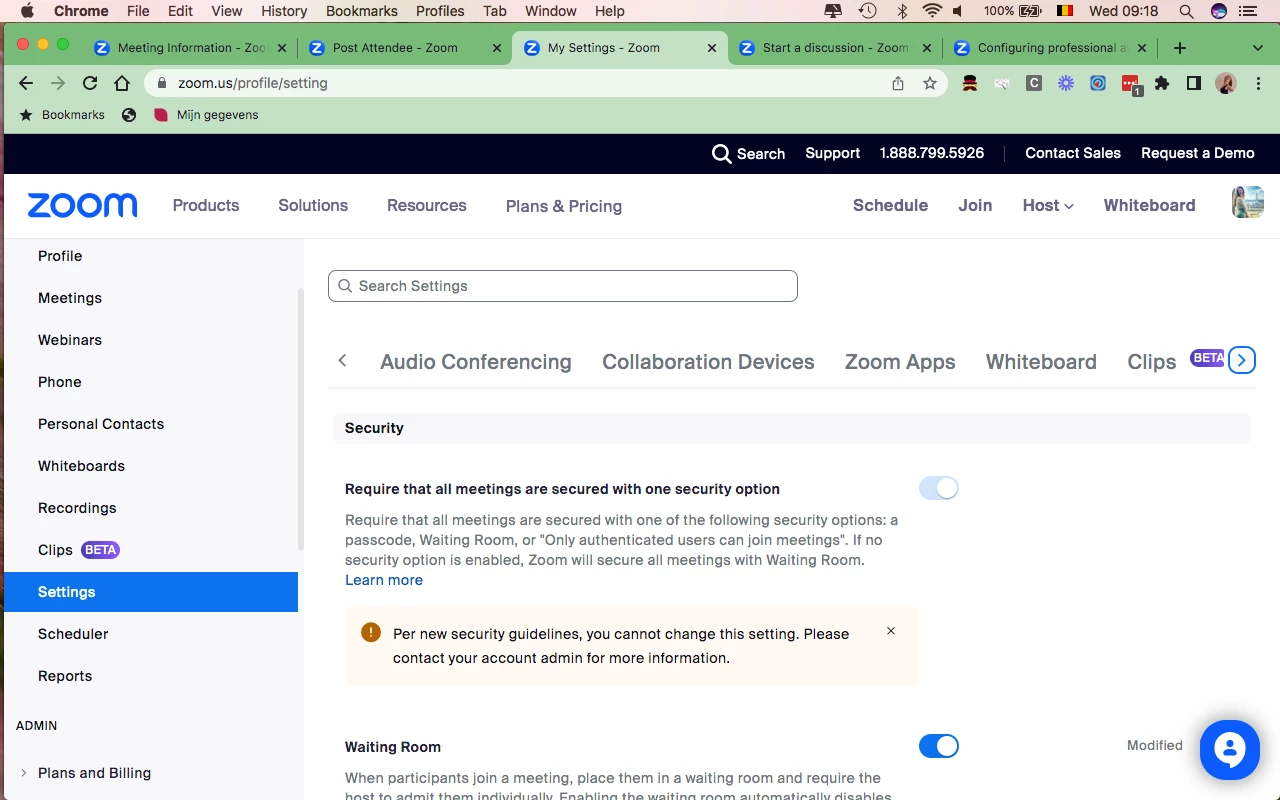
Audio / video doesn't show in my settings
I want to activate de-noise / background noise suppression. When I look online these are the instructions:
To enable Optimize video quality with de-noise:
- Sign in to the Zoom Desktop Client.
- Click your profile picture then click Settings.
- Click Video
- Click Advanced.
- Select the Optimize video quality with de-noise check box.
But when I click settings I have NO option to click on 'Video' or 'Audio' and nowhere can I find a tap that says 'Advanced'. (See screenshot below)
Can you help me?