


Immersive View in meetings and webinars
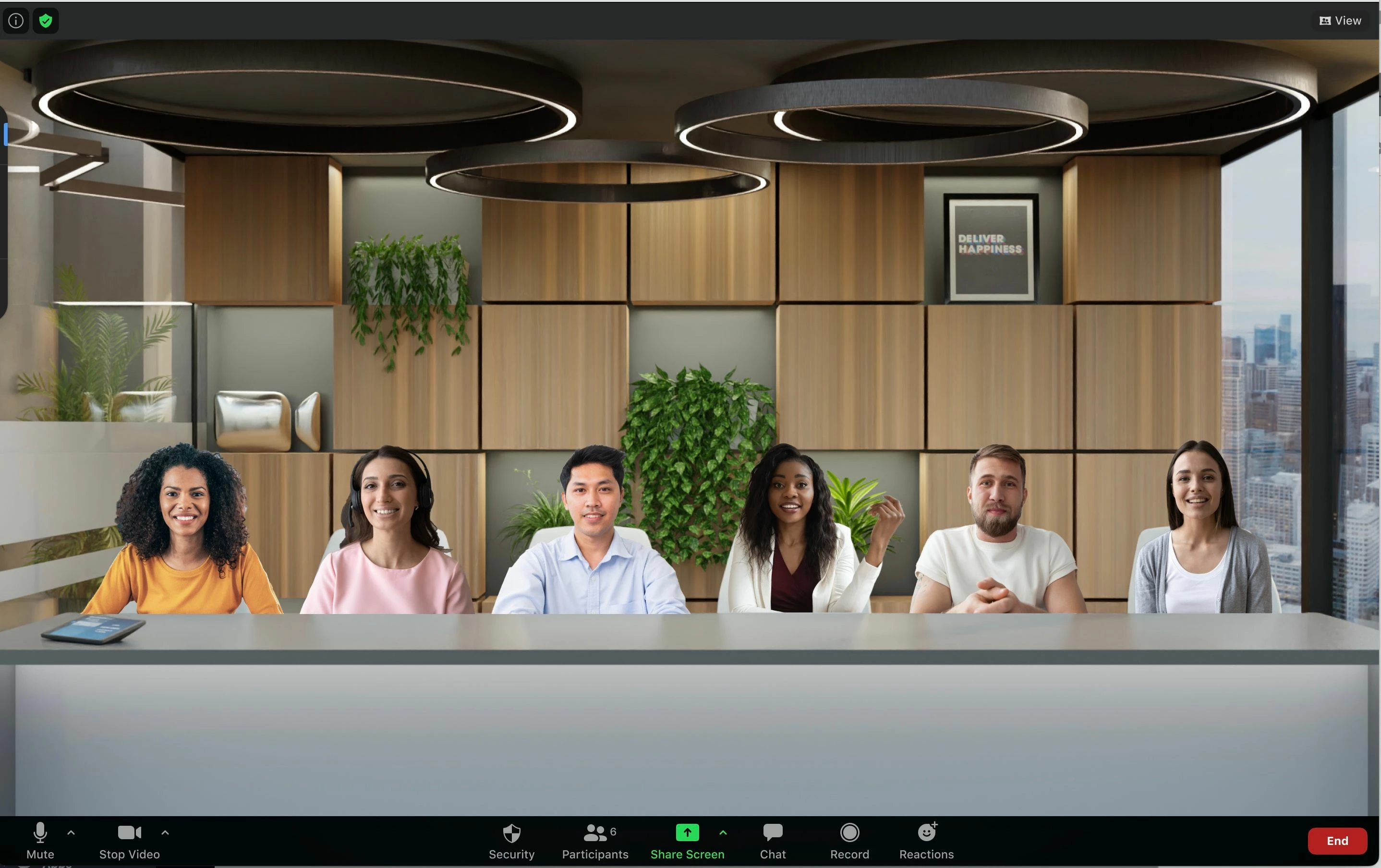
Recreate the feel of your class or conference room by placing up to 25 video participants onto a single virtual background with Immersive View.
Participants are automatically placed onto provided scenes and the host can adjust the arrangements as needed. The host can also use their own custom background for a unique scene. While this does not require use of the Virtual Background feature, it does work best when everyone has this functionality.
When used in a webinar, the host and panelists will be placed together onto the virtual background, while attendees view the scene.
More Information on this link article:
https://support.zoom.com/hc/en/article?id=zm_kb&sysparm_article=KB0063946
https://support.zoom.com/hc/en/article?id=zm_kb&sysparm_article=KB0063946