

Zoomtopia is here. Unlock the transformative power of generative AI, helping you connect, collaborate, and Work Happy with AI Companion.
Register nowEmpowering you to increase productivity, improve team effectiveness, and enhance skills.
Learn moreKeep your Zoom app up to date to access the latest features.
Download Center Download the Zoom appDownload hi-res images and animations to elevate your next Zoom meeting.
Browse Backgrounds Zoom Virtual BackgroundsEmpowering you to increase productivity, improve team effectiveness, and enhance skills.
Zoom AI CompanionUser groups are unique spaces where community members can collaborate, network, and exchange knowledge on similar interests and expertise.
Help & Resources is your place to discover helpful Zoom support resources, browse Zoom Community how-to documentation, and stay updated on community announcements.
The Events page is your destination for upcoming webinars, platform training sessions, targeted user events, and more. Stay updated on opportunities to enhance your skills and connect with fellow Zoom users.
2025-10-22
06:48 PM
- last edited on
2025-10-23
08:16 AM
by
MGSR
Hello,
My other account is currently inaccessible, so I’m posting from a different one to reach the team.
Google Sign-In was disabled, and now I’m completely locked out — I never created a separate Zoom password, so I can’t log in using any other method.
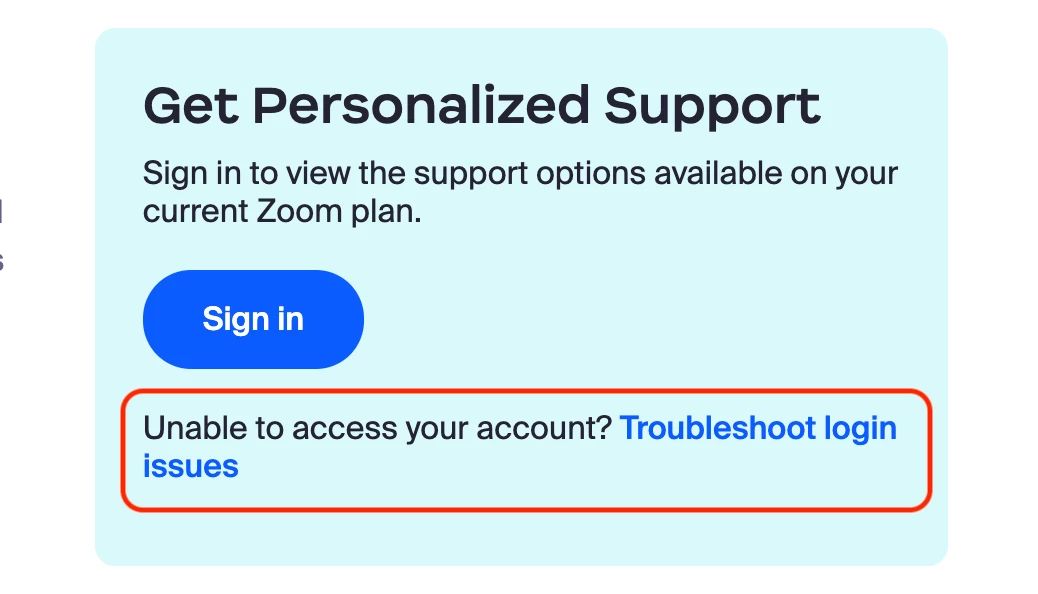
Every help article or chatbot response tells me to “log in” to fix the issue, but that’s exactly what I'm unable to do. I’m now stuck in an endless loop where all recovery or reset options lead back to the same login screen. "You cannot log into your Zoom account using this method. Contact your IT administrator for instructions. (2,025)"
I have already paid for the account and urgently need access restored. Please help. How can I re-enable Google Sign-In or connect me with someone from Zoom Support who can manually unlock my account?
Thank you very much for any assistance — I’d really appreciate help from a moderator or support representative.
Solved! Go to Solution.
2025-10-27 07:57 AM
Hi @hello_pdd
2025-10-27 07:57 AM
Hi @hello_pdd