
How to change date range in scheduler | Community
Skip to main content
Newcomer
August 21, 2026
Question

How to change date range in scheduler

  • August 21, 2026
  • 5 replies
  • 87 views

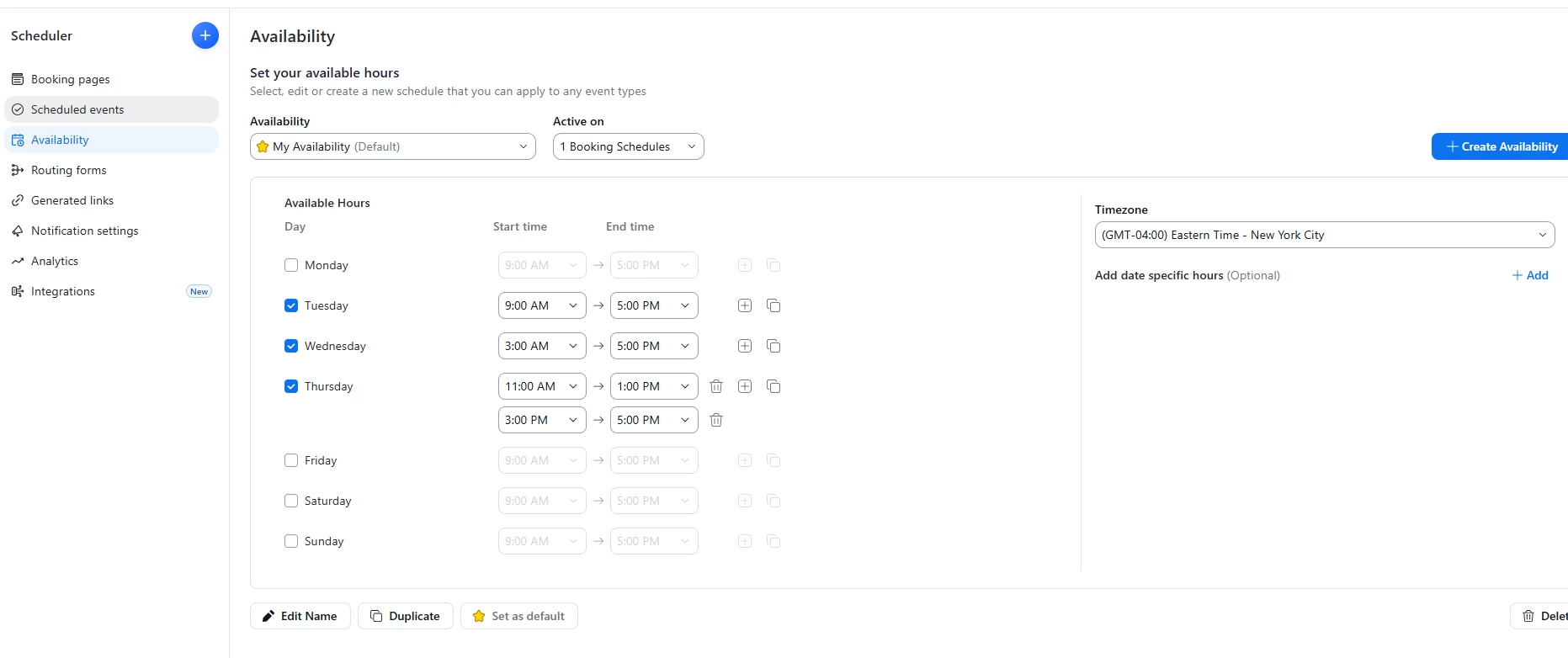
Nothing on the scheduler page allows you to change the date range of your meeting. I only want bookings for the following week, instead it defaults to December 2026.



5 replies

Bri
Community Manager
Community Manager
August 21, 2026

Hi ​@Horacio Carpio! Can you review the attached screenshot and let me know if this is what you’re looking for? 


Newcomer
August 21, 2026

I am trying to change the date range for this existing booking.

Newcomer
August 21, 2026
I need to modify my date range on this existing booking. But there is literally no way to do it.


Employee
August 24, 2026


hi ​@Horacio Carpio the time range of a booking page is under “Booking Page Settings”, here is a “Booking window” under “Availability” Tab


Newcomer
August 26, 2026

wow! this did it…. thank you so much!!