

Zoom PWA | Community
Skip to main content
Newcomer
March 30, 2022
Solved

Zoom PWA

  • March 30, 2022
  • 2 replies
  • 4 views

To get ahead of the curve, we went ahead and distributed the PWA app to our Student's Chromebooks.


The issue is, each time a student tries to join a meeting VIA a link, they are prompted to install the Zoom app instead of using the PWA app which is already installed. 


Any ideas on how to force PWA as the default and to stop Zoom from asking to install the Chromebook app?

    Best answer by YaBoiB

    Hello @MrDodge 


    We have opened ticket number 13979024 for you to troubleshoot this issue. 


    Hello @MrDodge


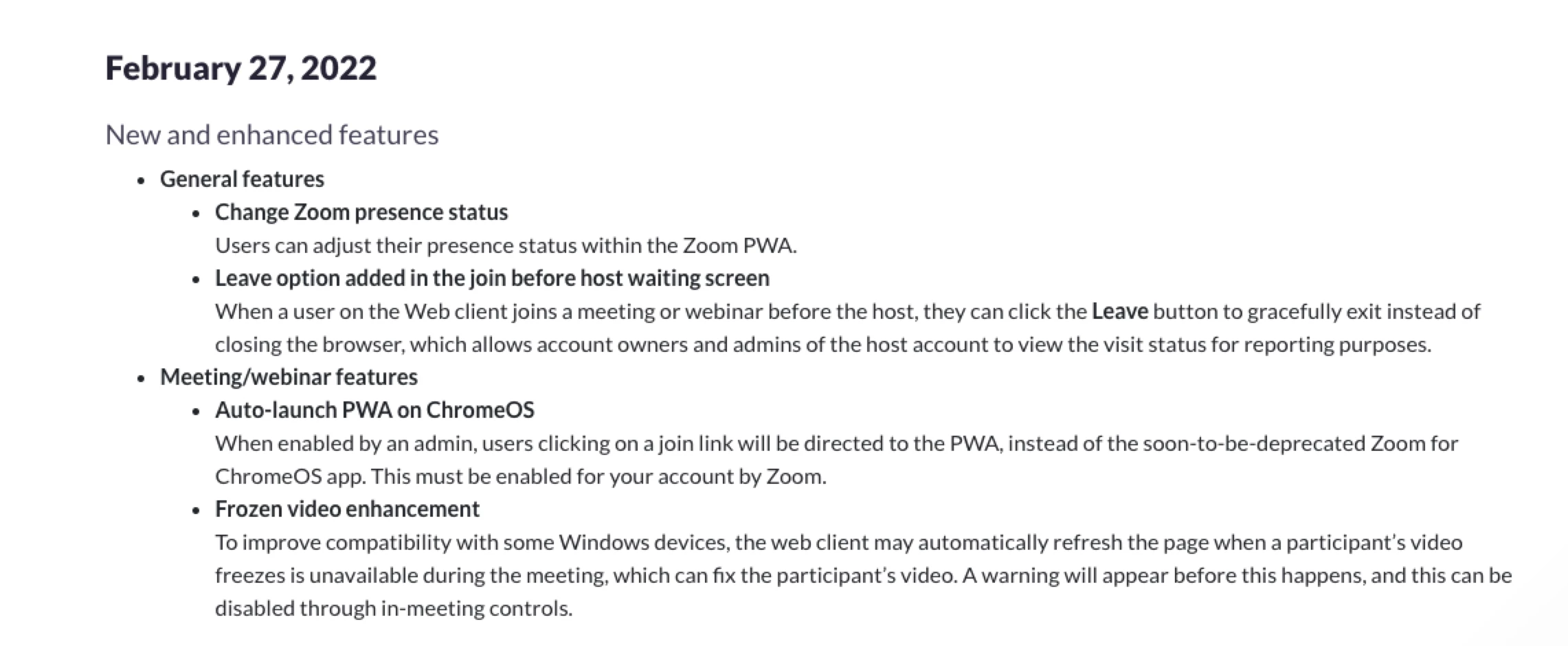
     I will post this in the ticket as well, but a colleague mentioned to me this morning that this enhancement may be beneficial to you in this situation. 


    2 replies

    YaBoiB
    Community Champion | Employee
    Community Champion | Employee
    March 30, 2022

    Hello,
    My name is Brandon. Thanks for joining the Zoom Community! Do you have the correct parameters instituted for your users per the Zoom Support Documentation for Zoom PWA?

    MrDodgeAuthor
    Newcomer
    March 30, 2022

    Looks to be set up correctly.


    Students can manually launch the PWA application, authenticate with google, and join a meeting by manually entering the ID number.


    But if they try to join a meeting VIA a link that was shared by email or posted in their classroom, it directs them to install the app instead of automatically launching the meeting through the PWA app.

    YaBoiB
    Community Champion | Employee
    Community Champion | Employee
    March 30, 2022

    Are all of these students internal to your Zoom account? How are you pushing out the parameters to the user database? {Intune, MSI?}

    MrDodgeAuthor
    Newcomer
    March 31, 2022

    Yes, these students are apart of our Zooms domain accounts.


    Students are on ChromeOS and deployed VIA Admin console using force install with a JSON file to prevent other forms of login.


    Teachers are using Windows and the client was deployed with the MSI installer with default values and are not restricted.