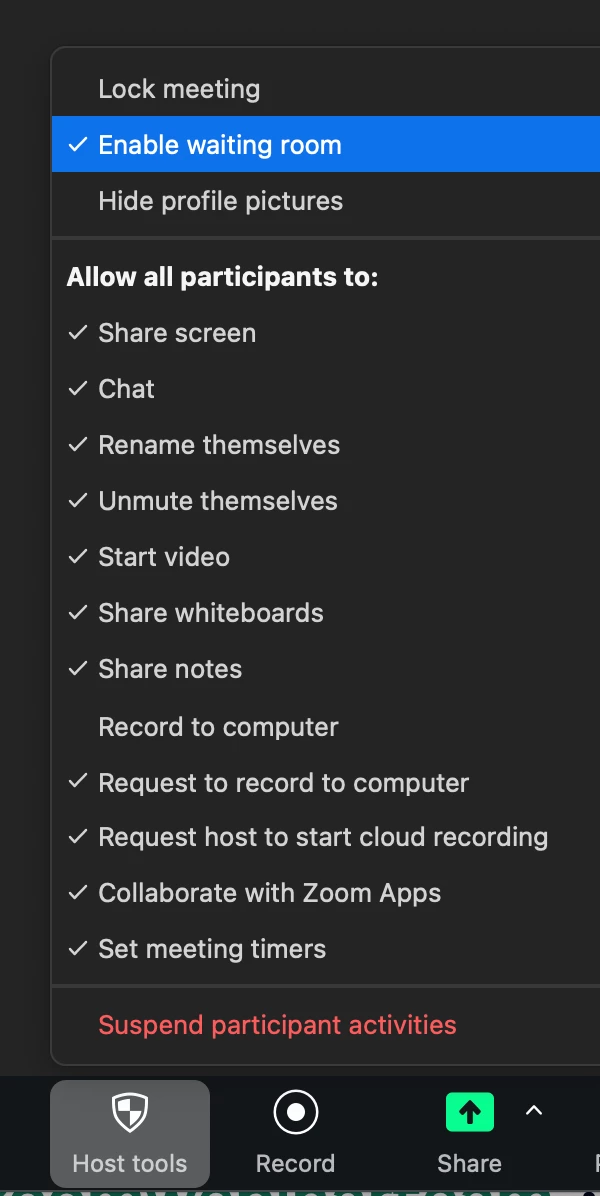
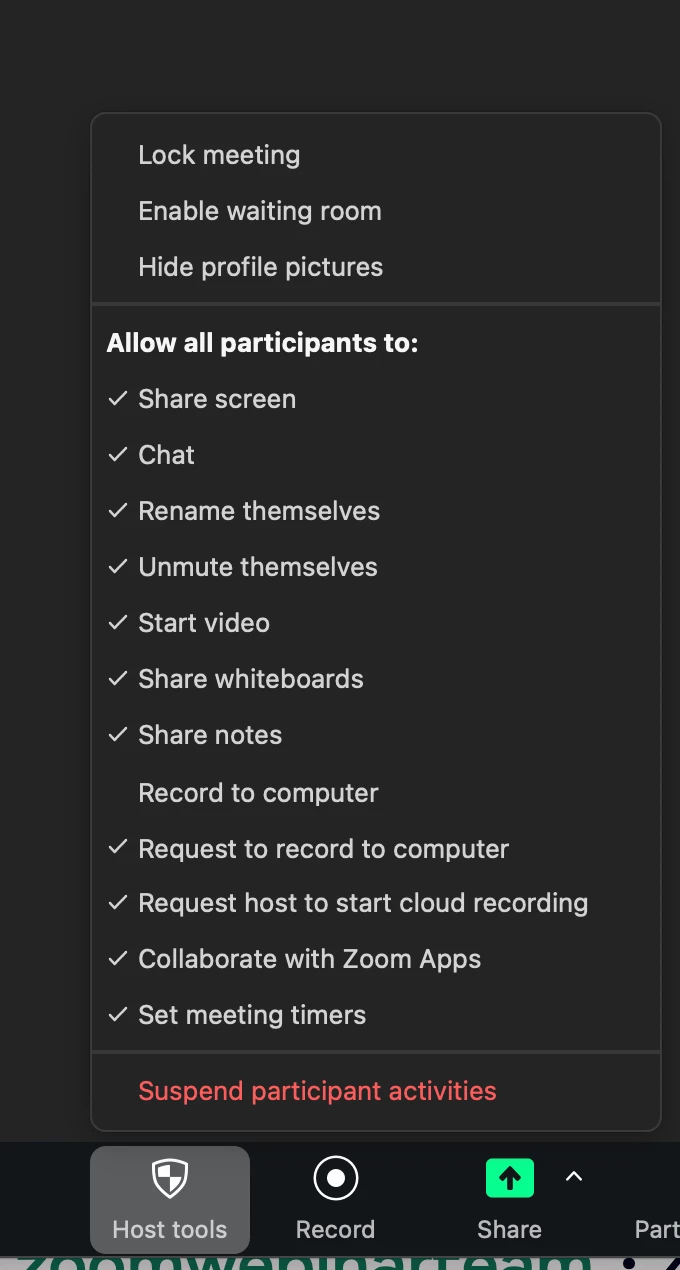
Update Waiting room during an active meeting without restarting meeting?
I have a large meeting that needs to have the waiting room feature turned off at a certain point to let many attendees in. I am unable to get this to work during an active meeting without ending the meeting and restarting after the settings have been updated.
I have found this statement in some automated zoom documentation:
"Yes, you can update the waiting room feature during a meeting. As the meeting host, you have the ability to enable or disable the waiting room feature while the meeting is in progress. You can also customize the waiting room title, logo, and description at an account, group, or user level. To update the waiting room feature during a meeting, you can access the waiting room settings and make the necessary changes based on your preferences."
Has anyone made this work?
I am aware there are settings for the waiting room in both Profile and Admin. Both of these are turned off in my current testing, but my meeting has been set to have a waiting room for the scheduled meeting.
In the Zoom workplace dashboard it is possible to update the settings and save them, but this does not work in my case. It only works if I end the meeting and start it again which will not work for my current use case.
Thanks for any tips.