

How to disable the “Do you want to continue without audio?” nag? | Community
Skip to main content
Newcomer
February 7, 2026
Question

How to disable the “Do you want to continue without audio?” nag?

  • February 7, 2026
  • 1 reply
  • 54 views

I would like Zoom to not automatically join computer audio and give me a choice. This way, if I am joining a meeting at the office, I can opt out of computer audio and use the conference room's audio and hear people in person. I still need to join from Zoom, even if I attend in person, so I can access the chat and other features.

Zoom does provide this option, in Settings > Meetings & webinars > Automatically connect to computer audio, which I have turned off.

It does correctly ask me if I want to join the computer/phone audio. As I have said, sometimes I deliberately want no audio. In these cases, I dismiss the prompt. However, Zoom nags me like so:
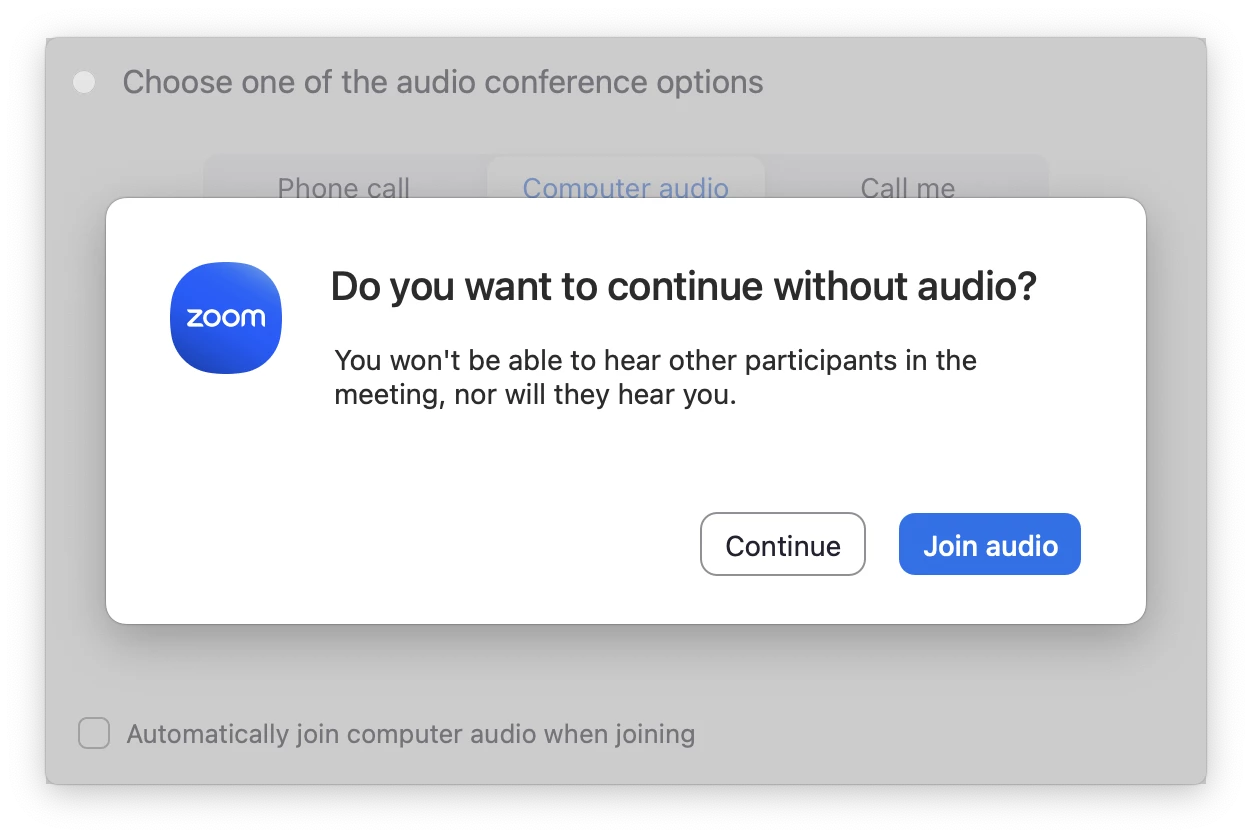
The "Join audio" is blue, which may mean I may accidentally click that button when I mean to click "Continue". This will cause echo and feedback noise to all the meeting attendees.

Every time I dismiss it, I am sure. So is there a way that I don't have to be asked if I am sure or not? I will be sure. The caption is not even true, as I will be able to hear other participants and they will hear me because I will be joining from the in-person meeting room.

https://community.zoom.com/meetings-2/disable-do-you-want-to-continue-without-audio-prompt-14284?tid=14284&fid=2 got no response...

1 reply

storyhub
Community Super Champion | Customer
February 8, 2026

It appears that the language is slightly confusing to you. You will have no audio on that device from your selected source even when you change the source until you “join audio”. The source can be any audio device you are allowed to connect to your device. So when you are “joining” from the in-person meeting room are you “joining” this device or are you just listening to the meeting room audio which is provided by a different device.

If the meeting is programmed to mute participants upon entry then your audio will be off when you join and the “naging” windows will not appear and you can select “leave computer audio” without ever encountering feedback.

Newcomer
February 8, 2026

Thank you for your response.

Yes, I am listening to the meeting room audio which is provided by a different device, which is the device of the meeting room.

I don't need audio when I'm in the meeting room because the audio comes from the meeting room. That's why I thought the option to not automatically join computer audio is useful, since this way there will be no feedback but I always have to click through the “are you really sure” screen, which is what I would like to disable.

Disabling microphones upon joining is unrelated. If I did join computer audio, even if I am muted, the microphone from the meeting room would still pick up the audio from my speakers, which would get played by my speakers, which would be picked up by the microphone from the meeting room, and so on, until I left the computer audio.

storyhub
Community Super Champion | Customer
February 8, 2026

If your speakers are feeding the mic in the room then all you have to do then is turn down or turn off the device audio before starting Zoom.